Curved vs Flat Monitors for Gaming: Which One Wins?
31 May 2026
When it comes to PC gaming, immersiveness, clarity, and responsiveness matter. But there's one debate that's been heating up lately: curved vs flat monitors for gaming. Which one should you choose? If you've found yourself staring down a wide array of monitor options, scratching your head, wondering if the curve is really worth the cash — don't worry. You’re not alone.
Let’s break this down in a way that makes sense, without a bunch of confusing jargon or tech speak. Whether you're a casual gamer, a competitive esports warrior, or someone who just wants the sickest setup on the block, this guide is here to help you decide.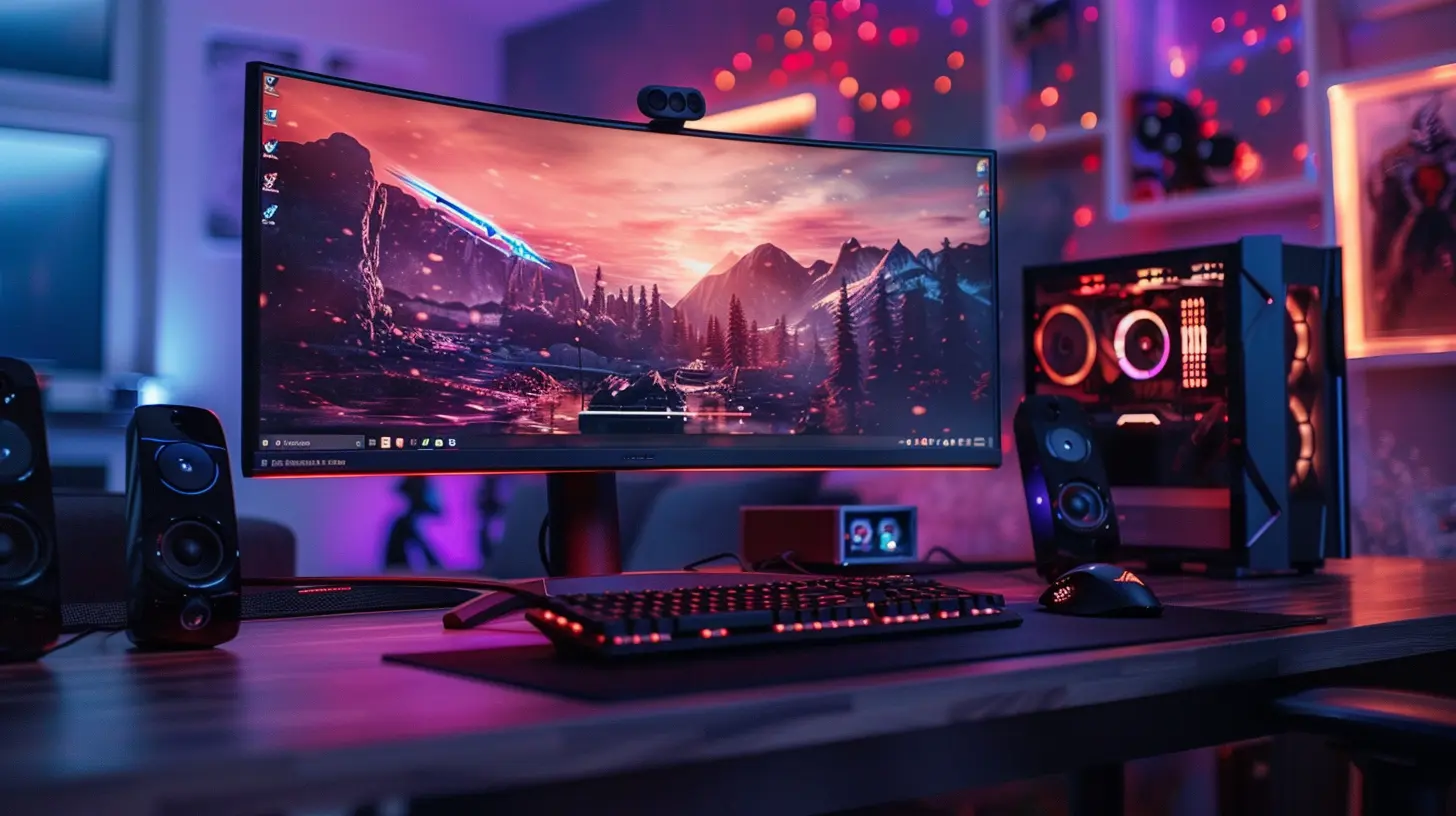
The Basics: What’s the Real Difference?
Before we start swinging sides, let’s get the simple stuff out of the way.- Flat Monitors are exactly what they sound like — traditional screens with no curve. You’ve probably used them for years.
- Curved Monitors have a gentle bend, typically measured in “R” values (like 1000R, 1800R). The lower the number, the deeper the curve.
This curve is supposed to mimic the natural field of view of the human eye. In theory, that makes your screen feel more immersive and easier on your vision.
But does it actually work like that for gaming? Let’s dig deeper.
Immersion: Feeling Like You're Inside the Game
Here’s where curved monitors start flexing their muscles.Imagine you're playing a racing game. You’re tearing down a highway at 200 mph, gripping the wheel and leaning into every turn. A curved monitor wraps around your vision just enough to make it feel like you’re behind the wheel — not just watching it happen on-screen. That’s immersion.
Flat monitors? Still great, but they don’t give you that same wraparound effect. Everything feels just a little more… distant. Like you're watching, not participating.
Verdict on Immersion:
- Curved Monitors: Win for immersive single-player and cinematic-style games.- Flat Monitors: Not bad, but don’t expect that “in the world” feeling.
Field of View: Seeing More, Doing More
Here’s an interesting stat — curved monitors can actually expand your perceived field of view. They bend toward your eyes, which pulls edges closer and reduces distortion. This is especially noticeable on ultrawide monitors (think 21:9 or even 32:9 ratios).In fast-paced genres like first-person shooters or racing sims, curved screens help you spot sneaky enemies or make split-second decisions. It gives you a slight edge — especially in games where awareness is everything.
Flat monitors? You’ll still see everything, but the corners might feel a little more stretched or distant on ultra-wide models.
Verdict on Field of View:
- Curved Monitors: Better for ultrawide setups and enhanced peripheral vision.- Flat Monitors: Still solid, but with less peripheral “wow” factor.
Competitive Edge: Does the Shape Really Matter?
Now here’s where the debate turns spicy.If you're into fast reflex games like CS:GO, Valorant, or Fortnite, response time, refresh rate, and input lag matter WAY more than screen curvature. Most pro gamers still prefer flat monitors — and for one solid reason: simplicity and precision.
Curved monitors sometimes warp crosshairs or create subtle distortions, especially if you're sitting off-center. That can be annoying (even game-breaking) in competitive play.
Flat monitors give you clean, straight visuals — exactly what you need for twitch-precision shots.
Verdict on Competitive Play:
- Flat Monitors: Take the win for esports and twitch games.- Curved Monitors: Cool for immersive titles, but maybe too “extra” for fast, high-pressure combat.
Multi-Monitor Setups: Which One's Easier?
If you're rocking a multi-monitor setup (hello, productivity and gaming split!), flat monitors usually play nice with each other.Curved monitors in a dual or triple-monitor setup can look amazing, but they require careful positioning. If not aligned correctly, the curves can clash, creating awkward viewing angles or inconsistent distortion.
Flat monitors line up easily, making them more versatile for dual-screen gaming, streaming, or multitasking.
Verdict on Multi-Screen Setups:
- Flat Monitors: Win for flexibility and easy alignment.- Curved Monitors: Great in ultrawide single setups, trickier with multiples.
Space and Ergonomics: Will It Fit on My Desk?
Let’s be real. Some of us are gaming on massive desks — others are crammed into a tiny corner of a bedroom.Curved monitors, especially ultrawide ones, are chunky and deep. They take up more space due to their arc, and might not fit nicely on smaller desks. Positioning them flat against a wall can also be a pain.
Flat monitors? Way easier to mount, adjust, and fit into tight spaces.
Verdict on Space:
- Flat Monitors: W for compact setups or wall mounting.- Curved Monitors: Better for large desks with plenty of room to breathe.
Eye Strain and Comfort: Save Those Retinas
Here's where curved monitors get extra points. Because of their bend, the screen keeps a more consistent distance from your eyes, reducing focus shifts. That means less eye strain during long sessions.Plus, curved monitors reduce glare (thanks to the shape) — so if you're gaming near a window or under lights, that’s a bonus.
Flat monitors can still be comfy, especially at smaller sizes. But once you go up to 32 inches and beyond? That curve starts to make a noticeable difference in comfort.
Verdict on Eye Comfort:
- Curved Monitors: Win for long sessions and reduced strain.- Flat Monitors: Fine for casual play, but can tire your eyes on bigger screens.
Price Tag Showdown: Do You Get What You Pay For?
Let’s talk dollars.On average, curved monitors cost more than their flat counterparts — even when specs are similar. You're paying for design, immersion, and that fancy bend. But the difference isn’t always outrageous.
If you’re already planning to drop decent cash on a gaming monitor and you want the premium “wow” factor, curved might be worth the splurge.
Flat monitors are more budget-friendly and still deliver awesome performance for most gamers.
Verdict on Price:
- Flat Monitors: More affordable, better value at mid-range.- Curved Monitors: Pricier, but you’re paying for the immersive experience.
Gaming Genres: When One Outshines the Other
Let’s match the monitor to the game type. Because not all games were created equal — and some just shine more on certain displays.| Game Genre | Best Monitor Type |
|--------------------|------------------|
| FPS (Call of Duty, Valorant) | Flat Monitor |
| Racing Sims (Forza, F1) | Curved Monitor |
| RPGs (Elden Ring, Skyrim) | Curved Monitor |
| MOBAs (LoL, Dota 2) | Flat Monitor |
| MMOs (WoW, Final Fantasy XIV) | Curved Monitor |
| Strategy (Civilization, Total War) | Flat Monitor |
| Horror & Adventure (Resident Evil, Subnautica) | Curved Monitor |
So — know your game library. Play a lot of competitive shooters? Go flat. Love story-driven epics or racing? Curve it up.
Final Thoughts: Which One Wins?
Okay, so here’s the million-dollar question: Curved or flat — which one should YOU buy for gaming?The truth is, there’s no “one size fits all” answer. It depends on the kind of gamer you are.
- Go for a curved monitor if:
- You love immersive, cinematic experiences.
- You play a lot of RPGs, racing, or open-world games.
- You want to reduce eye strain on large screens.
- You've got the desk space and the budget.
- Stick with a flat monitor if:
- You’re into competitive, high-speed games.
- You plan to use multi-monitor setups.
- You’re limited on space or cash.
- You want a simple, versatile display.
At the end of the day, both options are amazing — but for different reasons. It’s not about which one is “better” overall — it’s about which one fits your style, preferences, and setup.
So next time you’re scrolling through gaming monitors, think not just about curve or no curve, but about the kind of gamer you are. That’s where the real win lies.
all images in this post were generated using AI tools
Category:
Gaming MonitorsAuthor:

Avril McDowney
Discussion
rate this article
1 comments
Kova James
I never thought I'd be picky about my monitor, but after trying a curved one, I get it. The immersion is fantastic, especially in racing games. Yet, flat monitors have their charm too, especially for competitive gaming. It really comes down to personal preference and what feels right.
June 7, 2026 at 4:59 AM
Avril McDowney
I completely agree. Curved monitors offer a unique immersive experience, especially for racing games, but flat monitors definitely have their advantages for competitive play. It's all about what suits your style best.