Understanding Response Time and Why It Matters in Gaming
6 March 2026
Let’s get one thing straight right from the start: when it comes to gaming, milliseconds matter. If you’ve ever screamed at your screen because you missed that headshot by just a hair, or if your character got whacked in PvP before you even saw the enemy, then congrats—you’re already familiar with the villain of the piece: poor response time.
In the world of gaming, where lightning-fast reflexes meet cutting-edge tech, understanding response time isn’t just tech geek talk—it’s survival.
Grab your Mountain Dew, settle into your RGB-lit battlefield, and let’s break this down together (in the least boring way possible, promise).
What the Heck is Response Time Anyway?
Alright, let’s start from square one without sounding like a tech manual.Response time refers to how quickly your monitor’s pixels can change from one color to another—usually from gray to gray, black to white, or vice versa. It’s measured in milliseconds (ms), and yes, when it comes to this, the lower the better.
Think of it like speed dating for pixels. The faster they can switch partners (uh, colors), the smoother and more fluid your game will look. Slower response times mean you get motion blur, ghosting, and the dreaded laggy visuals—makes you want to throw your keyboard, right?
Response Time vs Refresh Rate – Not the Same Thing, Bro
Here’s where things get spicy. People always confuse response time with refresh rate. I get it, they both have to do with speed and monitors and game performance. But no, they’re not twins—they’re more like cousins.- Refresh rate (measured in Hz) is how often your monitor updates the picture per second. So, a 144Hz monitor refreshes the screen 144 times per second.
- Response time is how fast the pixels react to change.
You can have a high refresh rate monitor, but if the response time is sluggish, your super crispy FPS game will still look like it’s running through molasses.
Why Response Time Matters in Gaming (a LOT)
Now, let’s talk about why any gamer worth their salt should care about response time more than they care about their K/D ratio (okay fine, almost as much).1. Ghosting Isn’t Just For Haunted Houses
Ever noticed a faint trail following moving objects on screen, especially in fast-paced games like Apex Legends or Rocket League? That’s ghosting. No, not your Tinder match disappearing after one date—the bad kind of ghosting caused by high response time.In gaming terms, ghosting means your display is struggling to keep up with the action, leaving behind blur trails like it’s trying to paint with a watercolor brush. Ew.
2. Competitive Edge Is Everything
In competitive games like CS:GO, Valorant, or Fortnite, even a few milliseconds can be the difference between a glorious headshot and clicking air. Everyone’s gunning for speed, but if your monitor is lagging behind, you’re literally fighting with a nerfed weapon.A low response time ensures:
- Faster feedback
- Sharper images
- Less input lag
- Overall better reaction times
3. Smoother Visuals = Happy Eyes
High response time can turn smooth gameplay into a choppy, blurred mess. It’s like watching a Michael Bay explosion scene in slow motion but not in a cool way. Smooth, crisp visuals let you enjoy the game without your eyes begging for mercy.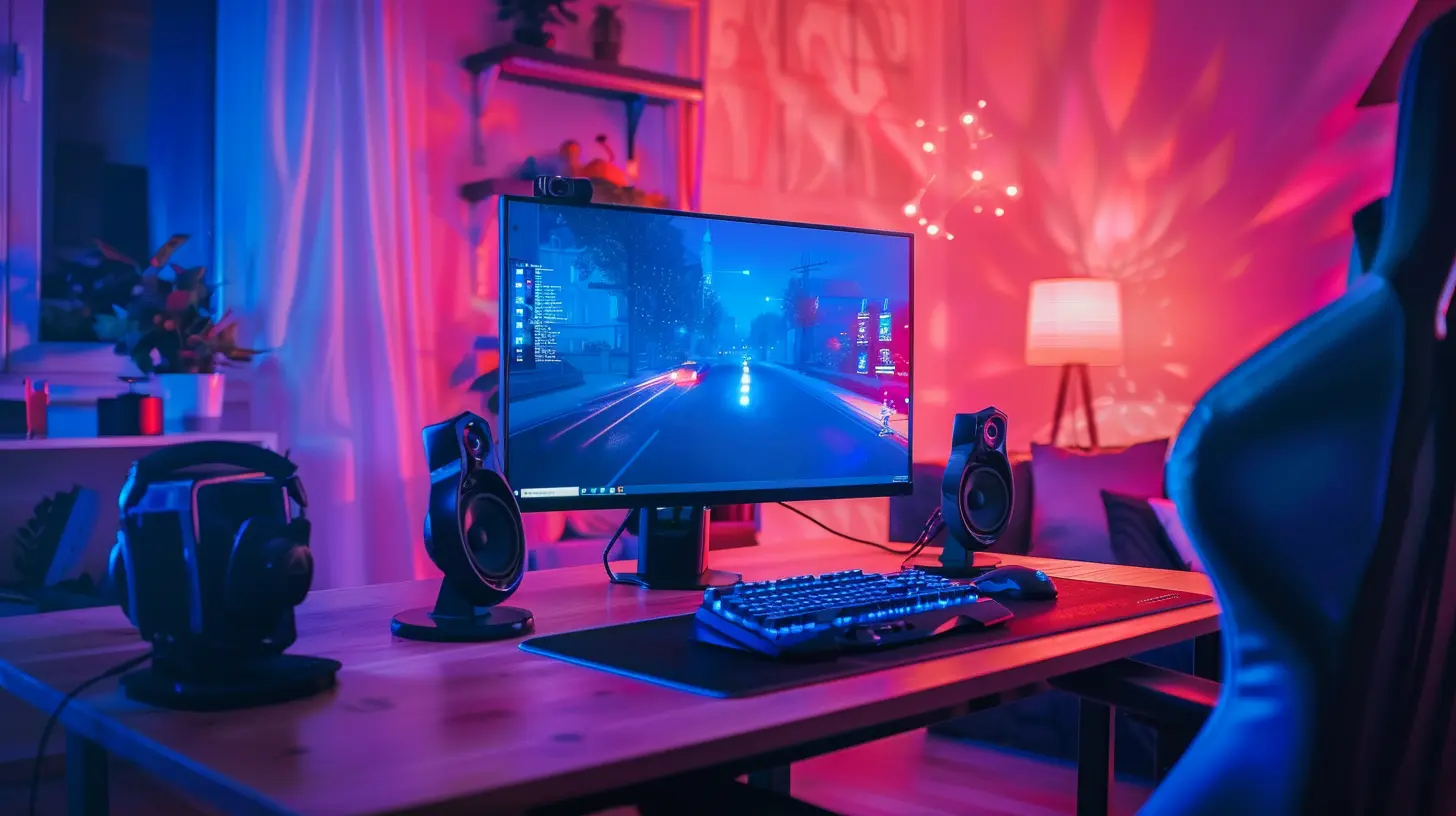
So, What’s a Good Response Time?
Here’s a little cheat sheet:- 1ms to 5ms: Gamer-approved. Ideal for competitive and fast-paced games.
- 6ms to 10ms: Casual gaming territory. Still playable, but not for eSports.
- Anything above 10ms: Buddy, it’s time to upgrade your screen.
Most gaming monitors today boast a 1ms or 2ms response time, especially the TN or newer IPS panels. Just be sure you’re not falling for marketing fluff—some manufacturers measure response times differently (more on that in a sec).
Types of Monitor Panels and Their Response Times
Oh yes, panel type matters. Not all screens are created equal. Let’s nerd out a bit.1. TN (Twisted Nematic) Panels
- Pros: Fastest response times (1ms champs), cheap, solid for eSports.- Cons: Colors and viewing angles are kinda meh.
Great for competitive players who couldn’t care less about how pretty the game looks, as long as it moves fast.
2. IPS (In-Plane Switching) Panels
- Pros: Gorgeous colors, better viewing angles.- Cons: Slightly slower response times (~4ms), pricier.
Perfect for gamers who want both speed and eye candy. Indie games, RPG fans, your people are here.
3. VA (Vertical Alignment) Panels
- Pros: Good contrast and deep blacks (like a dark fantasy world).- Cons: Response times range from 5ms–10ms, can show ghosting.
These are for folks who play slower games or watch a lot of movies on their screens. Not ideal for twitchy shooters.
Input Lag vs Response Time – Another Techy Mix-up
If response time is how fast your monitor’s pixels react, input lag is how long it takes from pressing a button to seeing the result on-screen.Think of it like this: You press “jump,” and your screen says, “Eh, give me a second…” No bueno.
Both are important, but input lag involves your whole system—controller/keyboard, GPU, monitor—while response time is just your monitor’s personal reflexes.
Gimmicks and Lies: Don't Fall for Marketing Tricks
Some companies throw buzzwords at you like “UltraFastSpeedXtreme 1ms GTG!” and expect us to nod like sheep.Here are a couple of sneaky things to watch for:
- GTG (Gray-to-Gray): This is the most common response time rating. It’s decent, but can be a bit optimistic.
- MBR (Motion Blur Reduction): Some monitors use strobe lighting to “reduce” blur but come with trade-offs like reduced brightness.
- Overdrive: A setting that speeds up response time but might cause inverse ghosting if cranked too high.
So do your homework, read reviews, and never assume 1ms always means flawless.
How to Check and Optimize Your Monitor’s Response Time
You don’t need a PhD to tweak your monitor for better performance. Here’s how to level up your display skills:Step 1: Read the Specs
Look for the panel type and the honest response time. Compare it with reviews, especially on Reddit and YouTube.Step 2: Adjust Monitor Settings
Enable Overdrive in your monitor's menu (not to maximum though). Also, turn on Game Mode if available—it’s not just a gimmick.Step 3: Match Refresh Rate and Frame Rate
If your monitor is 144Hz but your GPU only pushes 60 FPS, you're not getting the full benefits. Balance them out.Step 4: Use Tools Like UFO Test
Yep, there's a site called TestUFO.com. It’s free. It shows how your screen handles moving objects and blurs. Science, baby.Is Response Time More Important Than Refresh Rate?
Ooh, the age-old question. The short answer? Both matter. They’re like peanut butter and jelly—each brings something essential to the gaming table.- For competitive gaming, prioritize both. A 144Hz+ monitor with 1ms is the sweet spot.
- For casual gaming, you can let response time slide a bit if picture quality is more important to you.
But seriously… don’t go around rocking a 75Hz monitor with a 15ms response time unless you enjoy pain.
Does Console Gaming Need to Worry About This Stuff?
Yes and no.If you’re using a standard TV with your PS5 or Xbox Series X, chances are your response time is around 8ms–15ms. TVs are not traditionally built for fast-paced gaming unless they have “Game Mode.”
Wanna step up your console game? Consider a gaming monitor with HDMI 2.1 support. Your eyeballs will thank you.
The Final Word – Your Monitor Should Work as Hard as You Do
Gaming is serious business. Whether you’re climbing the League of Legends ranked ladder, sniping in Call of Duty, or farming turnips in Stardew Valley (hey, we don’t judge), your gear matters. And your monitor's response time? It's a huge piece of that puzzle.A fast response time won’t make you a pro overnight, but it will let your skills shine through instead of being smothered in screen blur and lag.
When it comes to monitors, don’t just buy the one with the prettiest RGB unicorn tears. Check the specs, check your settings, and keep those milliseconds snappy—because in the world of gaming, every frame counts.
Now go forth, tweak those settings, and give response time the respect it deserves. Your K/D ratio might just thank you.
all images in this post were generated using AI tools
Category:
Gaming MonitorsAuthor:

Avril McDowney
Discussion
rate this article
2 comments
Levi Fletcher
This article sparks so many questions! How exactly does response time impact gameplay experience? Could improving it lead to surprising advantages? Eager to learn more about its nuances in gaming!
March 15, 2026 at 6:08 PM
Avril McDowney
Response time is crucial in gaming as it directly affects how quickly players can react to in-game actions. Improving response time can lead to enhanced performance, quicker decision-making, and a more immersive experience, ultimately giving players a competitive edge.
Quinn McNaughton
This article effectively highlights the significance of response time in gaming. It presents a balanced view, emphasizing both its impact on gameplay experience and the importance of personal preference in overall enjoyment.
March 15, 2026 at 3:45 AM
Avril McDowney
Thanks for your feedback! I'm glad you found the article balanced and informative. Response time really does play a key role in shaping our gaming experiences.