How to Pick the Right Monitor Based on Gaming Genre
14 August 2026
Let me guess — you're eyeing a new monitor to level up your gaming experience, right? But you're stuck trying to pick which one will actually give you that crispy smooth edge without breaking the bank… or your brain. Here’s the thing: not all monitors are made equal, and more importantly, not all monitors are suited for every gaming genre.
Think of it like shoes. You wouldn’t wear hiking boots to a basketball game, would you? Same logic applies here. Different types of games demand different display features. And when you match your monitor to your favorite genre, the whole experience gets wildly better.
So grab a snack, pull up a chair, and let's break down how to pick the right monitor based on the types of games you love to play.
? Quick Understanding: Why Genre Matters When Choosing a Monitor
Before we deep-dive, let’s get one thing straight: The type of game you play drastically affects what you should be looking for in a monitor.There are a few key specs every gamer hears about:
- Refresh Rate (how smoothly the image updates)
- Response Time (how quickly pixels change)
- Resolution (clarity and detail)
- Panel Type (colors and viewing angles)
- Adaptive Sync (reducing screen tearing)
Different genres benefit more from certain specs than others. The monitor perfect for a fast-paced FPS might be overkill—or even underwhelming—for a slow, atmospheric RPG.
Time to see what’s best for your style of play.
?️ First-Person Shooters (FPS) & Battle Royales: Speed Is Life
Think Call of Duty, Valorant, Apex Legends, CS:GO — you get the idea.✅ What You Need
- High Refresh Rate (144Hz or higher)- Low Response Time (1ms is ideal)
- Low input lag
- 1080p or 1440p resolution for max FPS
- G-Sync or FreeSync support if you hate screen tearing
? Best Monitor Type for FPS
A TN or fast IPS panel with a refresh rate of 144Hz or even 240Hz is your go-to. TN panels might lack color depth, but when reaction time trumps eye candy, they’re worth it. If you want better visuals and speed, look for a fast IPS.Trust me, once you’ve made those pixel-perfect headshots thanks to buttery-smooth gameplay, you’ll never look back.
?♂️ RPGs & Story-Driven Games: Immersion Is Everything
If you’re into The Witcher 3, Elden Ring, Cyberpunk 2077, or Skyrim — this section is for you.✅ What You Need
- High Resolution (1440p or 4K for the win)- Wide Color Gamut and HDR for rich visuals
- Bigger screen size (27” or more)
- IPS panel for vivid colors and wide viewing angles
- Decent refresh rate (60Hz is okay, 75Hz+ better)
? Best Monitor Type for RPGs
This is where the IPS panels truly shine. The colors are vibrant and the games feel alive—it’s like stepping through a portal into another world. A 4K IPS monitor with HDR support and a solid 60-75Hz refresh rate can seriously transform your gaming atmosphere.Bonus points if it’s curved. You’ll feel like you’re wrapped inside the game world. Literal chills. ?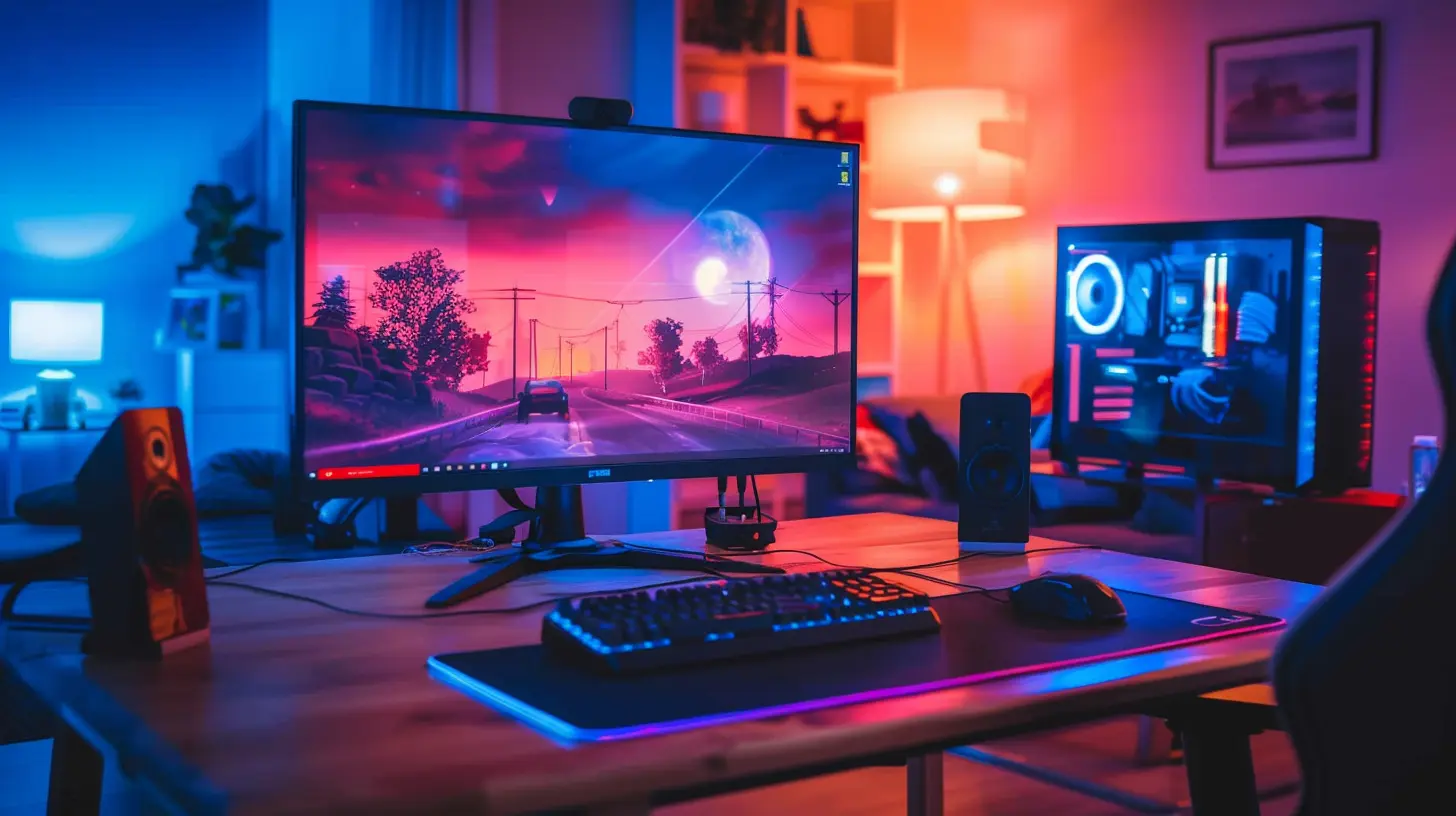
?️ Racing & Sports Games: Smooth Movement and Wide Vision
Playing Forza Horizon, FIFA, NBA 2K, or Gran Turismo? You’re in the fast lane, my friend.✅ What You Need
- 120Hz+ Refresh Rate for fluid motion- Wide Aspect Ratio (UltraWide or 21:9 if possible)
- Low Response Time (under 5ms)
- Good contrast and brightness for stadium & lighting effects
? Best Monitor Type for Racing/Sports
An UltraWide VA panel with at least 120Hz refresh rate is ideal here. Why? Because immersion and motion are kings. VA panels offer excellent contrast (think stunning night race scenes), and the ultra-wide format helps with spatial awareness.Imagine taking that corner in a perfectly tuned McLaren while your screen wraps around your vision. Yep, chef’s kiss.
⚔️ Real-Time Strategy (RTS) & MOBAs: Clarity + Real Estate
Whether you're commanding armies in StarCraft II or duking it out in Dota 2 or League of Legends, you need a bird’s-eye view and fast info-processing.✅ What You Need
- Large screen real estate (27”+)- Higher resolution (1440p is sweet spot)
- Sharp color definition for distinguishing units/spells
- Decent refresh rate (75Hz+) for smooth animations
? Best Monitor Type for RTS & MOBAs
Here, go for a 27” IPS or VA panel with at least 1440p resolution. You want to see the entire battlefield clearly without squinting. And those vivid spell effects? A good color range makes sure your support doesn’t go unnoticed.Also, multitasking? UltraWides give you insane advantage for map awareness and even managing Discord or build guides on the side.
? Indie & Casual Games: Balanced and Budget-Friendly
Love playing Stardew Valley, Hades, Among Us, or Cuphead? These games pack heart without demanding flashy hardware.✅ What You Need
- Decent color reproduction- Standard refresh rate (60Hz+ totally fine)
- 1080p or 1440p (depends on your setup)
- IPS for better aesthetics
? Best Monitor Type for Indie Games
You don’t need to chase specs. A 24” to 27” IPS monitor with 1080p resolution is more than enough for most casual games. The goal here is accurate color, good contrast, and a comfortable experience. Easy on the eyes and easy on your wallet.It’s like picking a cozy reading nook instead of a racing thrill ride.
? Simulation & Sandbox Games: Precision and Presence
For fans of Microsoft Flight Simulator, The Sims, Cities: Skylines, or Planet Zoo, it’s all about the details.✅ What You Need
- Large, high-resolution displays- Wide color range and brightness
- Stable frame rates (75Hz is fine)
- IPS or VA panels for deeper contrast and clarity
? Best Monitor Type for Sim Games
Go big or go home. A 32” 1440p or 4K IPS/VA panel gives you the screen real estate to manage your sandbox masterfully. Sim games are slower-paced, so you don’t need ultra-fast refresh rates—but detail and scale matter big time.Want extra credit? Dual monitors or even an UltraWide make managing systems smoother than your city’s traffic (hopefully!).
? Fighting Games & Platformers: Timing and Clarity
Smashing buttons in Street Fighter, Smash Bros., or Hollow Knight? Frame-perfect inputs and clarity are a must.✅ What You Need
- Extremely Low Input Lag- High Refresh Rate (120Hz or more)
- 1ms Response Time
- Compact size preferred (24” to stay close)
? Best Monitor Type for Fighting Games
TN or Gaming-focused IPS panels with low input lag and super-fast response times. Fighting games demand control and timing, so a high refresh rate (at least 120Hz) is a must. Smaller displays help with focus and precision—those pixel frames matter.It’s like sword fighting blindfolded—you need the fastest eyes possible.
? How to Balance Specs and Budget
Let’s be real. Monitors can get pricey, especially when you’re chasing those high-end specs. But don't panic — it’s all about prioritizing based on your games.Here’s a quick cheat code:
| Genre | Priority Spec | Budget-Friendly Tip |
|-------|----------------|----------------------|
| FPS | Refresh Rate & Response Time | Go for 1080p @ 144Hz |
| RPG | Resolution + Color Quality | Grab 1440p IPS without HDR |
| Racing | UltraWide + High Hz | Try 75Hz UltraWide VA |
| RTS/MOBA | Screen Size + Resolution | 27” 1440p IPS sweet spot |
| Casual | Simple & Colorful | 1080p IPS under $200 |
| Simulation | Resolution & Size | 32” 1440p VA is great |
| Fighting | Input Lag + Refresh Rate | 1080p @ 240Hz small screen |
Remember, the "best" monitor isn’t the most expensive one — it’s the one that fits your gaming style like a glove.
? Popular Monitors by Genre (2024 Picks)
Here are a few solid models worth checking out (double-check prices and availability though!):- FPS: ASUS VG259QM – 280Hz, ultra-fast.
- RPG: LG 27GP850-B – 1440p, wide color, 165Hz.
- Racing: AOC CU34G2X – 34” UltraWide, 144Hz.
- RTS/MOBA: Dell S2721DGF – 27” 1440p, IPS, 165Hz.
- Casual: ASUS ProArt Display PA278QV – Great color, budget-friendly.
- Simulation: LG 32UN650-W – 32” 4K, IPS, great visuals.
- Fighting: BenQ Zowie XL2546K – 240Hz, esports-grade input lag.
Final Thoughts: Match The Monitor To Your Mission
Choosing a gaming monitor is like choosing your weapon in an RPG. You wouldn’t use a bow for close-range combat, right?So ask yourself:
What kind of games do I actually play 80% of the time?
Once you identify your main genre (or a mix of them), picking the best monitor becomes way easier. And hey, whether you’re sniping enemies, building cities, or farming turnips, there's a screen out there waiting to boost your play.
Happy gaming, and may your frame rates be high and temps low!
all images in this post were generated using AI tools
Category:
Gaming MonitorsAuthor:

Avril McDowney