How to Match Your Graphics Card with the Right Monitor
19 January 2026
Let’s face it—gaming is as much about visuals as it is about gameplay. You could have a killer rig with a high-end graphics card (GPU), but if you're pairing it with a subpar or mismatched monitor, you're basically putting a Ferrari engine inside a tricycle. In other words, you're limiting your experience big time.
So, if you’ve ever wondered, “Is my graphics card good enough for this monitor?” or “Why does my 4K game still look choppy?”, then buckle up. We're diving into everything you need to know about syncing your GPU and monitor for the ultimate gaming setup.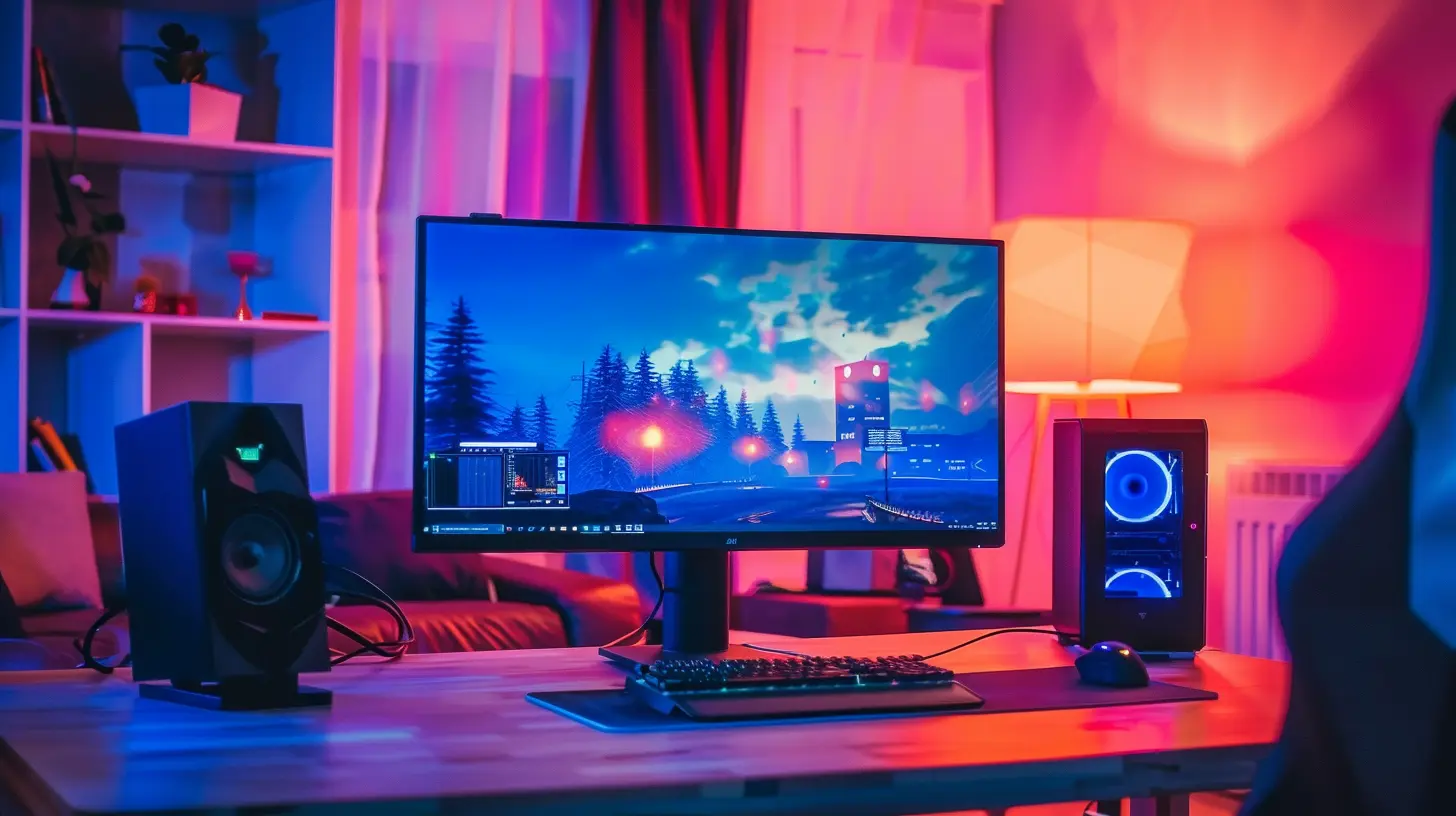
Why Matching Your GPU with Your Monitor Matters
Let’s keep it real—you wouldn’t wear hiking boots to a beach party, right? Same logic applies here. Your GPU and monitor need to complement each other. If the monitor asks for more than your GPU can handle, you’ll face stuttering, screen tearing, and a boatload of frustration.On the flip side, if your graphics card is an absolute beast but your monitor is a low-res budget model with a 60Hz refresh rate, you’re basically holding back its full potential.
What we’re aiming for is balance. Find that sweet spot where both your GPU and monitor are working in harmony.
Understanding the Basics: Key Specs to Know
Before jumping into the pairing process, let’s get on the same page with some techie terms. Don’t worry, I’ll break it down in plain English.1. Resolution
This is how many pixels your monitor can display. Common ones include:- 1080p (Full HD) – 1920x1080
- 1440p (2K/QHD) – 2560x1440
- 2160p (4K/UHD) – 3840x2160
Higher resolution = crisper image = more work for your GPU.
2. Refresh Rate
Measured in Hz, this tells you how many times your monitor can update the image each second.- 60Hz – Standard, fine for general use
- 120Hz - 144Hz – Smooth as butter, ideal for gamers
- 240Hz and up – Super competitive levels
If your GPU can’t pump out enough frames per second (FPS) to match your monitor’s refresh rate, you’ll either get screen tearing or waste GPU resources.
3. Response Time
This is how quickly pixels can change from one color to another. Lower = better. Gamers usually look for 1ms to 5ms.4. Adaptive Sync
- G-Sync (NVIDIA) and FreeSync (AMD)These reduce screen tearing and input lag by syncing your monitor’s refresh rate with your FPS.
If your GPU and monitor support one of these technologies together, it's a huge bonus.
Step-by-Step Guide: How to Match Your Graphics Card with the Right Monitor
Alright, now let’s get into the juicy part—how to actually match these two pieces of hardware.Step 1: Know Your GPU’s Capabilities
Start at square one – your graphics card. Look up your GPU’s specs on the manufacturer’s website or through a benchmarking site.Pay attention to:
- Maximum supported resolution
- Best performance resolution (where it hits 60 FPS or more)
- VRAM amount (More VRAM = better handling of high-res textures)
- Ports available (HDMI 2.1, DisplayPort 1.4, etc.)
If you’re rocking a mid-range GPU like the NVIDIA RTX 3060, it thrives at 1080p to 1440p. But ask it to push 4K? It'll start sweating.
Step 2: Decide on What You Want from Your Gaming Experience
Are you a casual gamer? Esports freak? Do you love cinematic AAA experiences?- Casual/Story-driven Gamer: Prioritize resolution. A 1440p or 4K monitor paired with a decent GPU gives you stunning visuals.
- Competitive/FPS Gamer: Prioritize refresh rate. Pair a monitor with 144Hz or 240Hz refresh rate with a GPU strong enough to deliver that many frames per second.
Matching your setup to your gaming style saves money and headaches.
Step 3: Match Resolution to GPU Strength
Here’s a quick cheat sheet:| GPU Tier | Recommended Resolution |
|----------------------|------------------------|
| Entry-Level (GTX 1650, RX 6500 XT) | 1080p @ 60Hz |
| Mid-Range (RTX 3060, RX 6700 XT) | 1080p @ 144Hz or 1440p @ 60Hz |
| High-End (RTX 4070, RX 7900 XT) | 1440p @ 144Hz or 4K @ 60Hz |
| Enthusiast (RTX 4080+, RX 7900 XTX) | 4K @ 144Hz+ |
That said, always consider your game library. Indie games? Less demanding. AAA open-world games with ray tracing? GPU killers.
Step 4: Stick to Compatible Ports
This is such an underrated step. Imagine buying a 4K 144Hz monitor only to realize your GPU doesn't have the right port to support it.- HDMI 2.0 – Supports 4K @ 60Hz, 1440p @ 144Hz
- HDMI 2.1 – Supports 4K @ 120Hz and up
- DisplayPort 1.4 or higher – Ideal for high refresh rates and resolutions
Make sure both your GPU and monitor can communicate properly. Mismatched ports mean you won’t hit advertised resolutions or refresh rates.
Step 5: Enable Adaptive Sync for a Smoother Experience
Your GPU and monitor should be besties, not frenemies. Using G-Sync (for NVIDIA GPUs) or FreeSync (for AMD GPUs) helps maintain smooth visuals even when your FPS drops.Pro tip: Some monitors support both G-Sync and FreeSync. Double-check the monitor specs!
Common Pairing Scenarios (And What to Avoid)
Let’s go hands-on. Here are a few sample pairings and the logic behind them.Budget Build
- GPU: NVIDIA GTX 1650- Monitor: 1080p @ 60Hz
This pairing is solid for casual gamers and eSports titles like CS:GO or Valorant. You’re not overworking the GPU, and you’re not overpaying for a high-refresh monitor you can’t utilize.
Mid-Range Sweet Spot
- GPU: RTX 3060 Ti- Monitor: 1440p @ 144Hz
Gamers who love both performance and graphics quality will appreciate this one. Your GPU can push enough frames for a high-refresh 1440p monitor, making everything look sharp and feel smooth.
High-End Powerhouse
- GPU: RTX 4080- Monitor: 4K @ 144Hz with G-Sync
This is next-level stuff. You can run modern games at ultra settings without breaking a sweat. Just be ready to cough up a good chunk of cash.
What to Avoid
- RTX 4080 + 1080p 60Hz Monitor: You’re massively underusing your GPU.- GTX 1650 + 4K Monitor: Your games will look more like a slideshow than a cinematic experience.
Don't Forget Response Time and Panel Type
Response time matters big time in fast-paced games. A monitor with 1ms response time makes a difference in competitive titles.Also, consider the panel type:
- TN (Twisted Nematic) – Fast response time, but meh color
- IPS (In-Plane Switching) – Rich colors and decent speed
- VA (Vertical Alignment) – High contrast, good for dark games
IPS panels are the sweet spot for most gamers.
Syncing it All Together
By now, you’ve probably realized that finding the right GPU-monitor duo isn’t about picking the flashiest spec—it’s about compatibility and balance.If your monitor and graphics card aren’t in sync, you’ll either miss out on gaming potential or suffer from dropped frames and screen tearing.
Takeaway? Match your monitor's resolution and refresh rate to what your GPU can realistically handle. That ensures every dollar you invest gives you maximum value—and more importantly, a buttery-smooth gaming experience.
Frequently Asked Questions (FAQs)
Can I use a high refresh rate monitor with a low-end GPU?
Yes, but you won’t benefit from the full refresh rate if your GPU can’t pump out enough FPS. It’s like having a sports car stuck in traffic.Will a 4K monitor work with any GPU?
Technically, yes. But not well. Your GPU needs enough power to drive 4K resolution at a playable frame rate. Otherwise, it's going to be a slideshow.Does a higher refresh rate improve visual quality?
Not directly. It improves motion smoothness and reduces lag, not graphical fidelity.Should I prioritize resolution or refresh rate?
Depends on your gaming needs. For fast-paced shooters, refresh rate wins. For immersive, detailed games, resolution takes the crown.Final Thoughts
Matching your graphics card with the right monitor is kinda like finding the right dance partner. When they're in sync, the experience is magical. When they’re not? You're stepping on each other’s toes all night long.So whether you're building a battle station from scratch or upgrading piece by piece, make sure this GPU-monitor relationship gets the attention it deserves. Trust me—your eyeballs will thank you.
all images in this post were generated using AI tools
Category:
Gaming MonitorsAuthor:

Avril McDowney
Discussion
rate this article
2 comments
Julianne Fuller
Choosing the right monitor for your graphics card isn't just about specs; it's a reflection of how deeply you experience the digital world.
January 25, 2026 at 3:32 PM
Avril McDowney
Absolutely! The right monitor enhances your graphics card's performance and elevates your overall experience, making every detail come to life.
Lysander Hurst
Great insights! It's crucial to pair the right monitor with your graphics card for an optimal gaming experience. Thank you!
January 22, 2026 at 3:28 PM
Avril McDowney
Thank you! I’m glad you found the insights helpful! Matching the right monitor and graphics card is key for a great gaming experience.