Why Brightness Levels Matter More Than You Think
15 July 2026
Alright, let’s talk about something that often gets overlooked but can totally make or break your gaming experience—brightness levels. Sounds simple, right? Just a slider on your screen that you fiddle with when things look too dark or too washed out. But here's the kicker: brightness isn't just about visibility. It actually plays a huge role in how immersive, enjoyable, and even competitive your gameplay can be.
So, if you've ever squinted at your screen in the middle of a shadowy jungle in Call of Duty or got blinded by a flashbang that felt more like staring into the sun, you’re not alone. There’s a lot more going on behind that little brightness setting. Let’s dive deep (but casually) into why brightness levels matter more than you think.
The Eye of the Gamer: Why Brightness Matters for Visual Clarity
Let’s face it—your eyes are doing the heavy lifting when you're deep into a gaming session. Whether you're exploring a dystopian world or sniping from across a map, being able to see every detail is vital.Brightness settings directly impact:
- Contrast and details: With poor brightness, enemies hiding in the shadows might become invisible. On the flip side, everything can look washed out if it's too bright.
- Color perception: Brightness affects how colors pop or fade. You don’t want your neon-drenched cyberpunk world looking like a dull watercolor painting.
Think of it like trying to drive at night with your headlights dimmed. Sure, you're still moving, but your vision is compromised. Adjusting brightness is like turning those headlights up—suddenly, you see everything clearly.
Not All Games Are Created Equal: Dynamic Range and Lighting Tricks
Developers spend months—sometimes years—crafting the perfect lighting in their games. Ambient occlusion, global illumination, day-night cycles... it’s all part of the magic. But if your screen brightness is off, that magic disappears.Games like The Last of Us Part II or Red Dead Redemption 2 rely heavily on lighting to set the mood and guide the player. Too dark? You miss out on environmental cues. Too bright? You kill the eerie ambiance.
And don’t even get me started on horror games. If Resident Evil looks like it’s lit by studio lights, the fear factor plummets. Brightness is your mood ring—it sets the tone, and when used correctly, it pulls you right into the game’s emotions.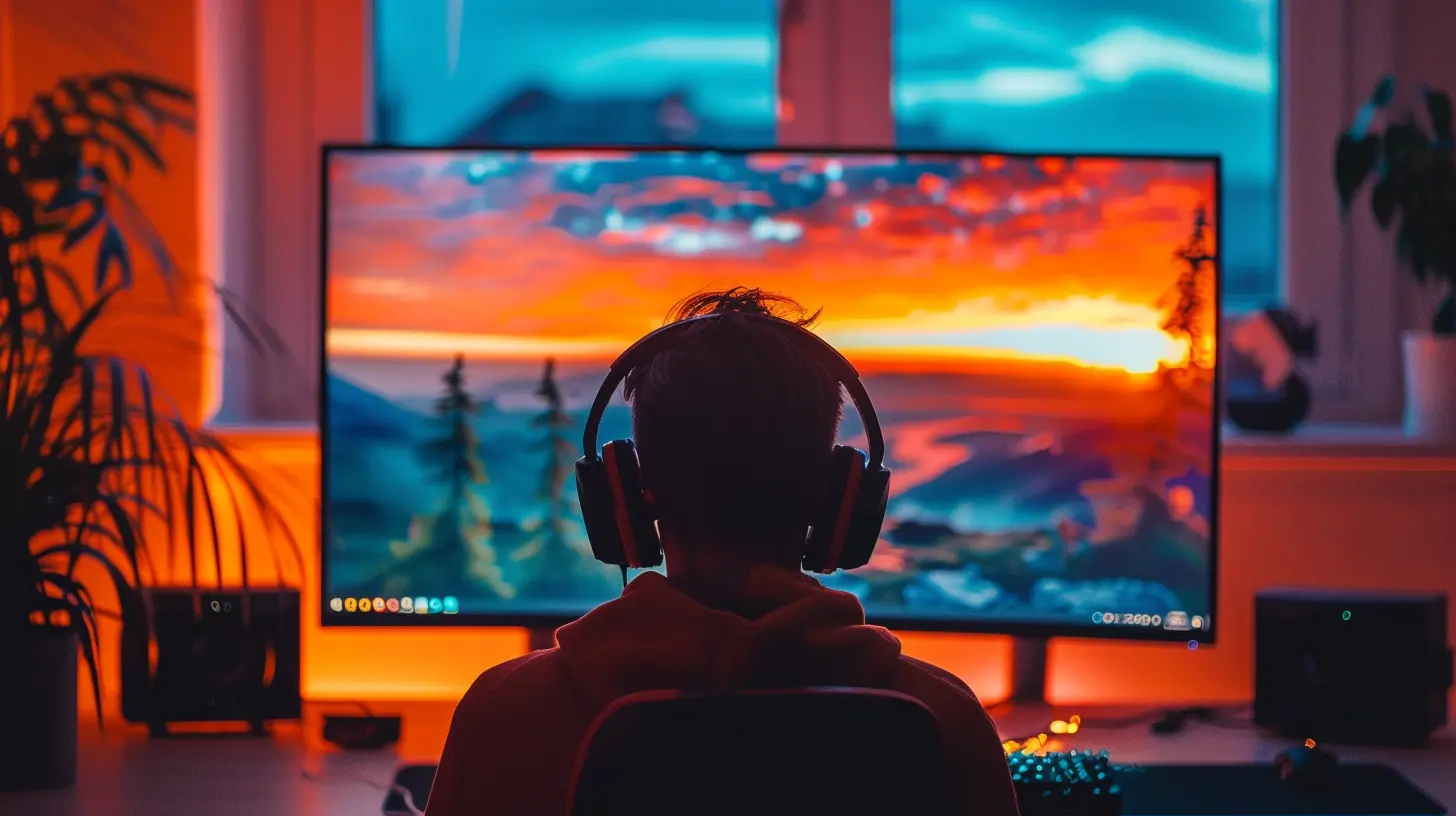
Competitive Edge: Brightness as a Secret Weapon
Alright, time to talk shop. If you’re into competitive gaming—be it CS:GO, Valorant, Warzone, or Fortnite—brightness isn’t just aesthetic. It’s tactical.Here’s why competitive players tweak brightness settings to the extreme:
- Spotting enemies faster: Certain brightness settings reduce shadows, making enemies stand out in dark corners or grassy areas.
- Clarity over beauty: Pros often sacrifice visual flair for sheer clarity. The game might look a little worse, but who cares when you’re on a killstreak?
Remember when Ninja said he brightens his screen to reduce visual clutter? It’s a real strategy. High brightness settings can make it easier to track fast-moving targets and improve reaction time.
So yeah, brightness can literally be a game-changer.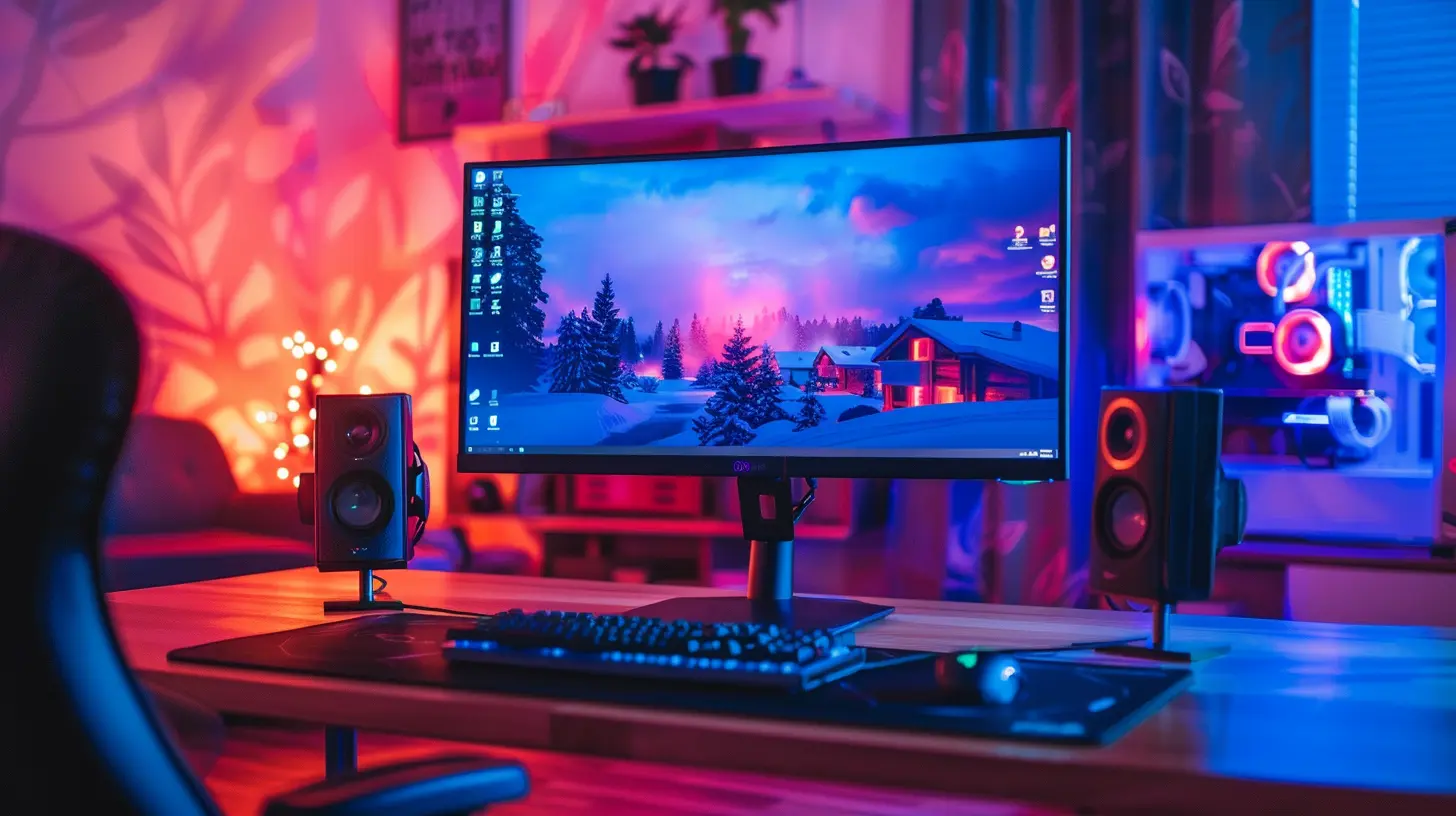
Eye Strain and Fatigue: Your Health Deserves Better
Let’s step back from performance for a second and talk about your peepers. You know that burning, tired feeling after a long gaming session? Yeah, brightness could be to blame.Most people crank their screens to 100% brightness—and that’s like staring into a flashlight for hours. Not ideal. Improper brightness levels lead to:
- Eye strain
- Headaches
- Fatigue
- Disrupted sleep (hello, blue light)
Adjusting your brightness to match ambient lighting is key here. If it's dark in your room, lower the brightness. If it’s bright out, increase it—simple stuff that your eyes will actually thank you for.
It sounds small, but tweaking this one setting can make your gaming sessions way more comfortable. Long marathons? Bring it on.
HDR vs SDR: The Brightness Balancing Act
Let’s nerd out for a second. Ever seen the term HDR (High Dynamic Range) on your game or display settings? That’s where brightness gets interesting.HDR displays can show a wider range of brightness levels, from the inky blacks of a cavern to the blinding light of an explosion. If calibrated right, HDR can make games look insanely lifelike. But if your settings are off—even by a little—you either end up with pitch-black shadows or whites that melt your eyes.
On the flip side, SDR (Standard Dynamic Range) doesn’t have the same range. It’s more limited, but usually easier to manage. If your monitor supports HDR but you don’t adjust the settings, you’re missing out on a whole spectrum of visual beauty.
Pro tip: Always calibrate brightness when switching between HDR and SDR. It’s not automatic, and if left unchecked, it could make your stunning visuals look like a mess.
Don’t Trust Default Settings: Calibrate Like a Pro
This might surprise you: game developers can't predict the lighting in your room, your screen's brand, or your preferences. So those “default” brightness settings? They're a shot in the dark.Take control. Here’s a quick guide to calibrate brightness for your setup:
1. Start in a neutral environment – Not too bright or dark.
2. Use the in-game calibration tool – Most games offer brightness calibration with “see this logo barely” instructions.
3. Adjust your monitor settings too – In-game and monitor settings are separate. Tweak both.
4. Check black and white levels – Use test images online to make sure you're seeing proper contrast.
5. Don’t forget gamma and contrast – These go hand-in-hand with brightness. Play around until everything looks balanced but vivid.
It’s a few minutes of work for potentially years of better gameplay. Worth it? Absolutely.
Streamers and Content Creators: Brightness Matters for Your Audience Too
If you're streaming or creating content, brightness isn't just your problem—it becomes your audience’s problem too.Too dark and viewers miss out on what’s happening. Too bright and it all looks blown out on camera. Trust me, a poorly calibrated stream is the fastest way to lose viewers. Plus, algorithms on platforms like YouTube and Twitch sometimes compress darker scenes, making them look even worse.
Balancing brightness for streams involves:
- Tuning your game capture settings
- Matching monitor settings to capture card output
- Checking playback on multiple devices
A little effort here ensures your gameplay looks just as amazing to others as it does to you.
Mobile Gaming and Brightness Auto Adjust: Frenemy or Friend?
Now, let’s talk mobile. Whether you're grinding in Clash Royale or raiding in Genshin Impact, mobile brightness works differently. Most phones have auto-brightness enabled by default. It seems helpful… until it isn't.Ever had your screen dim mid-battle because the room lighting changed? Or it maxed out brightness while you're in the dark, flash-burning your retinas? Annoying, right?
Here’s what to do:
- Disable auto-brightness while gaming
- Lock brightness at a comfortable level
- Use blue light filters for late-night sessions
Your thumbs might be doing the work, but your eyes still need some love.
Final Thoughts: Don’t Sleep on Brightness
So there it is—brightness may seem like a small dial, but it controls a big part of your gaming world. Whether you're chasing high scores, immersed in cinematic storylines, or streaming to an online audience, brightness plays a crucial role in shaping your experience.It affects visibility, performance, eye health, viewer satisfaction, and even game aesthetics. And the best part? Adjusting it doesn't require fancy gear or massive upgrades—just a little time and attention.
So next time you fire up your favorite game, take a moment to tweak your brightness settings. It might just be the upgrade you didn’t know you needed.
Happy gaming, and may your shadows never hide your enemies again
all images in this post were generated using AI tools
Category:
Gaming MonitorsAuthor:

Avril McDowney