When to Upgrade Your Gaming Monitor
5 June 2026
So, you've spent a fortune on your gaming rig, dialed in the perfect mouse sensitivity, customized your keyboard lighting, and now you're eyeing your monitor, wondering: Is it time for an upgrade?
Well, let’s break it down. Knowing when to upgrade your gaming monitor isn’t just about chasing flashy specs. It’s about enhancing your entire gaming experience—and trust me, it can make a world of difference. A good monitor upgrade can be the piece that ties everything together, sort of like the icing on a perfectly baked cake.
In this guide, we’re going to look at the clear signs that your monitor is holding you back, what to look for in a modern display, and how to get the best bang for your buck. Ready? Let’s dive in.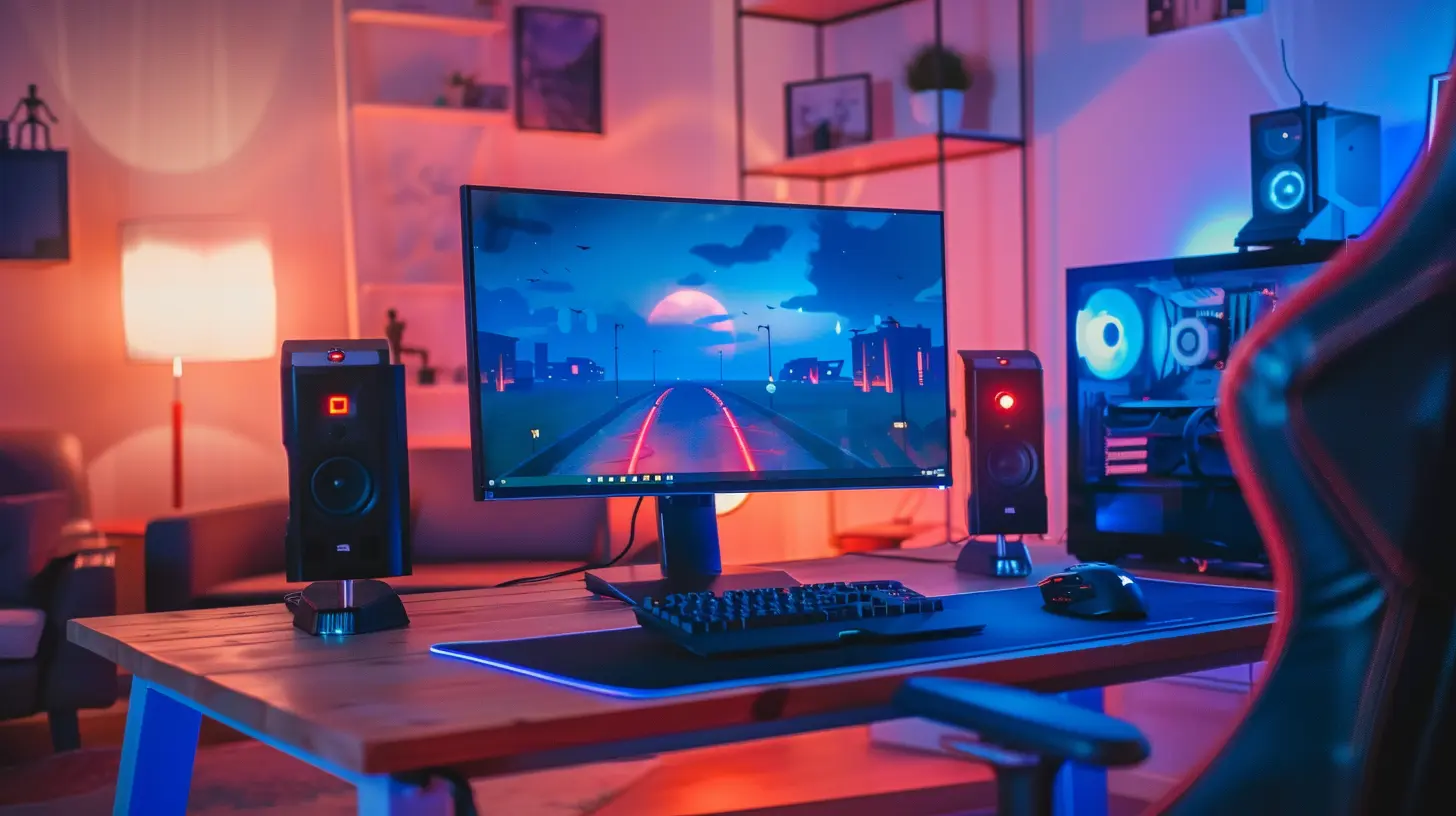
Why Your Monitor Matters More Than You Think
You see, a lot of gamers underestimate the role a monitor plays. It’s not just a screen—it’s your window into the game world.If your graphics card is a race car, your monitor is the track it's racing on. You could have an RTX 4090 under the hood, but with a sluggish display, you're capping your potential.
Visuals Dictate Performance
Let’s be real here: reaction time, immersion, and overall performance are heavily affected by monitor specs. An outdated monitor could mean input lag, motion blur, or missing those quick cues that give your enemies the edge.You wouldn’t play a symphony on a toy piano, right? Same goes for gaming—your display needs to meet the standards of your setup.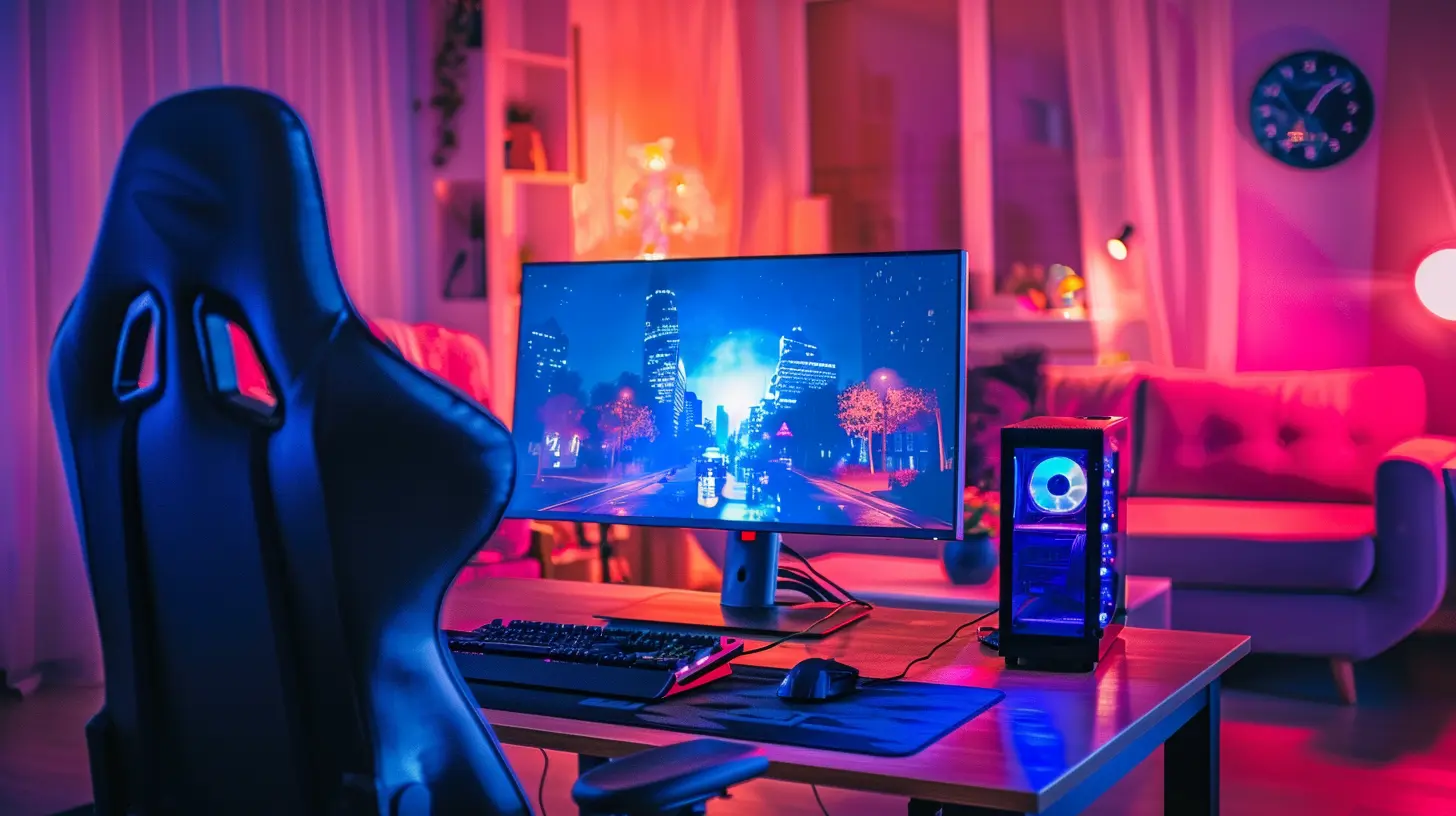
Key Signs It’s Time to Upgrade Your Gaming Monitor
So, when should you actually start thinking about an upgrade? Here are some signs it might be time to make the move.1. You're Still Gaming at 60Hz
Okay, this is a big one. If your monitor is only pulling 60Hz, that's like driving a Ferrari in first gear. Sure, it works—but you're missing out on the real speed.Modern monitors can hit 120Hz, 144Hz, 240Hz, and even 360Hz. And while the jump from 60Hz to 144Hz may sound like just numbers, once you see the difference, there's no going back. It’s smoother, faster, and just feels better. Competitive players especially will notice tighter aim and cleaner game flow.
2. You're Rocking a 1080p Screen and Have a Beefy GPU
If you’re still on 1080p but have a GPU that laughs at Ultra settings, you're not using your hardware to its full potential. Monitors now offer 1440p (QHD) and 4K resolutions that take visuals to the next level.Games are designed today with high-res textures and cinematic visuals in mind. A higher resolution monitor shows off every pixel, every detail—and your powerful GPU finally gets a chance to flex.
3. You’re Experiencing Stuttering or Screen Tearing
Ever seen your game look like a broken VHS tape? That’s screen tearing, and it's the worst. It happens when your monitor's refresh rate and your GPU’s frame output go out of sync.This is where G-Sync (NVIDIA) and FreeSync (AMD) come into play. If your monitor doesn’t support either, you might be stuck with inconsistent frames or noticeable stutters. An upgraded display with adaptive sync can smooth things out like butter.
4. Your Monitor is More Than 5 Years Old
Tech evolves fast. If your monitor’s pushing past five years, chances are it's living in the past. Back then, 60Hz at 1080p was the standard. Now? That’s entry-level.Even if you’re not chasing pro-level specs, newer monitors offer better color reproduction, lower input lag, HDR capabilities, and smarter connectivity. It's not just about frames—it's about the full package.
5. You're Noticing Washed-Out Colors or Poor Contrast
Picture this: you're creeping through dark corridors in a horror game, and instead of chilling shadows, everything looks like a gray blob. That’s your monitor doing you dirty.Older panels—especially TN types—often suffer from bad color accuracy and weak contrast ratios. Upgrading to an IPS or OLED panel enhances color richness, viewing angles, and overall vibrancy. It’s the difference between seeing the game and living in it.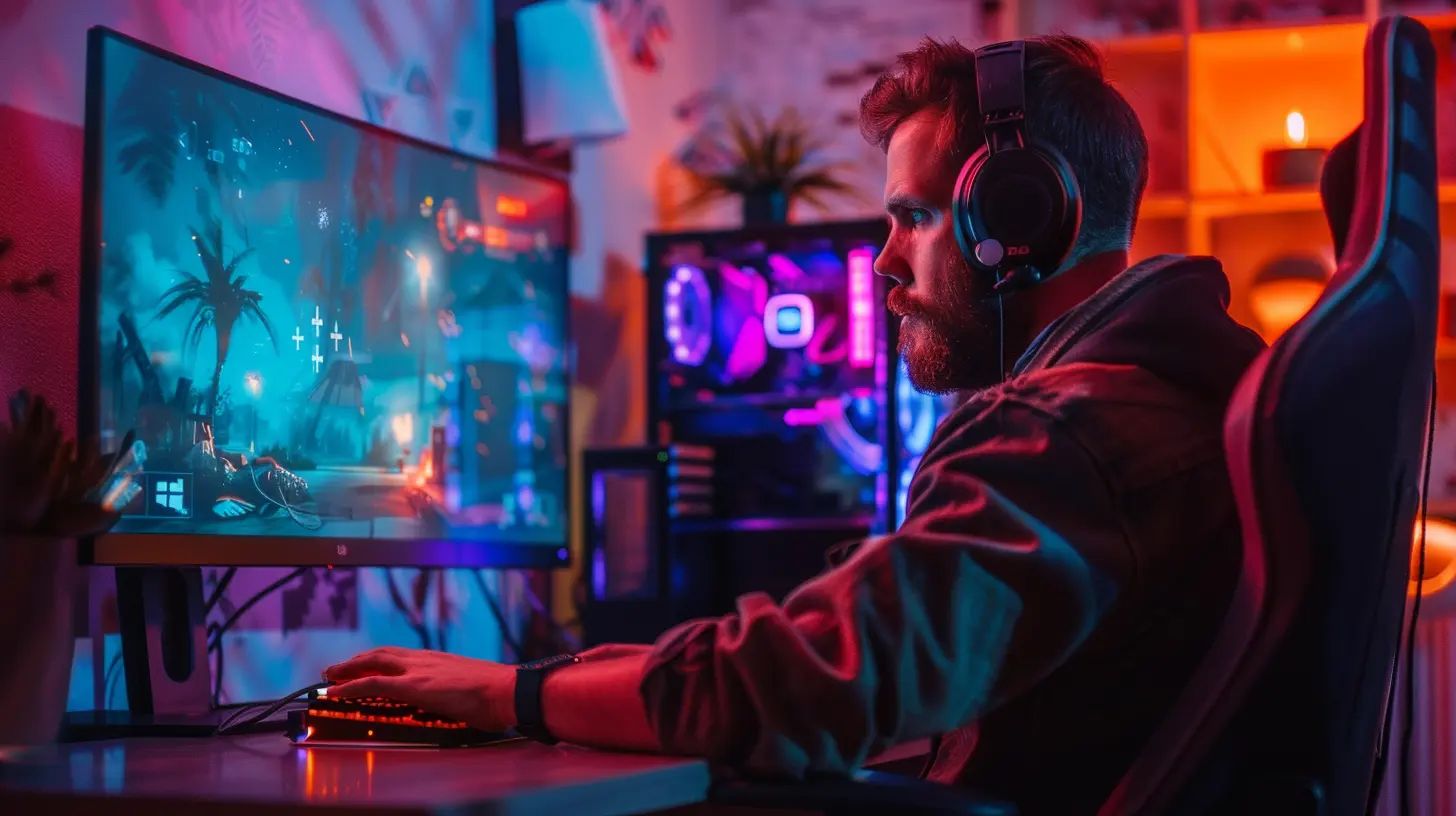
What to Look for in a New Gaming Monitor
So if you've ticked a few of those boxes above, it's probably time to start shopping. But what should you look for? Let’s keep it simple.Refresh Rate Matters—Big Time
If you play fast-paced shooters or competitive games, nothing matters more than refresh rate. Go for at least 144Hz, and if you’ve got the hardware to push serious frames, 240Hz or 360Hz is worth it.Response Time Counts
Response time affects ghosting and motion clarity. Aim for 1ms or at most 5ms response time for snappy, blur-free action. Anything above that? Might feel a bit sluggish, especially in high-octane titles.Panel Type Makes a Difference
Here's a quick rundown:- TN (Twisted Nematic): Fast and cheap, but poor color and viewing angles.
- IPS (In-Plane Switching): Better colors, better viewing, slightly more expensive. Great for most gamers.
- VA (Vertical Alignment): Good contrast, decent colors, but slightly slower response.
- OLED/Mini-LED: Premium picks with incredible contrast and responsiveness.
Resolution Depends on Your GPU
- 1080p (Full HD): Fine for budget builds.- 1440p (QHD): The sweet spot right now. Great visuals without destroying frame rates.
- 4K (UHD): Gorgeous, but heavier on performance. Best if you have top-of-the-line hardware.
Adaptive Sync Support = Smooth Gameplay
As mentioned earlier, make sure your new monitor supports either G-Sync or FreeSync. These technologies drastically reduce screen tearing and stutter.HDR: Nice, But Not Essential
HDR (High Dynamic Range) boosts colors and contrast, making explosions, shadows, and sunsets look amazing. Not all HDR is created equal though—look for monitors with true HDR certification (like HDR400 or higher).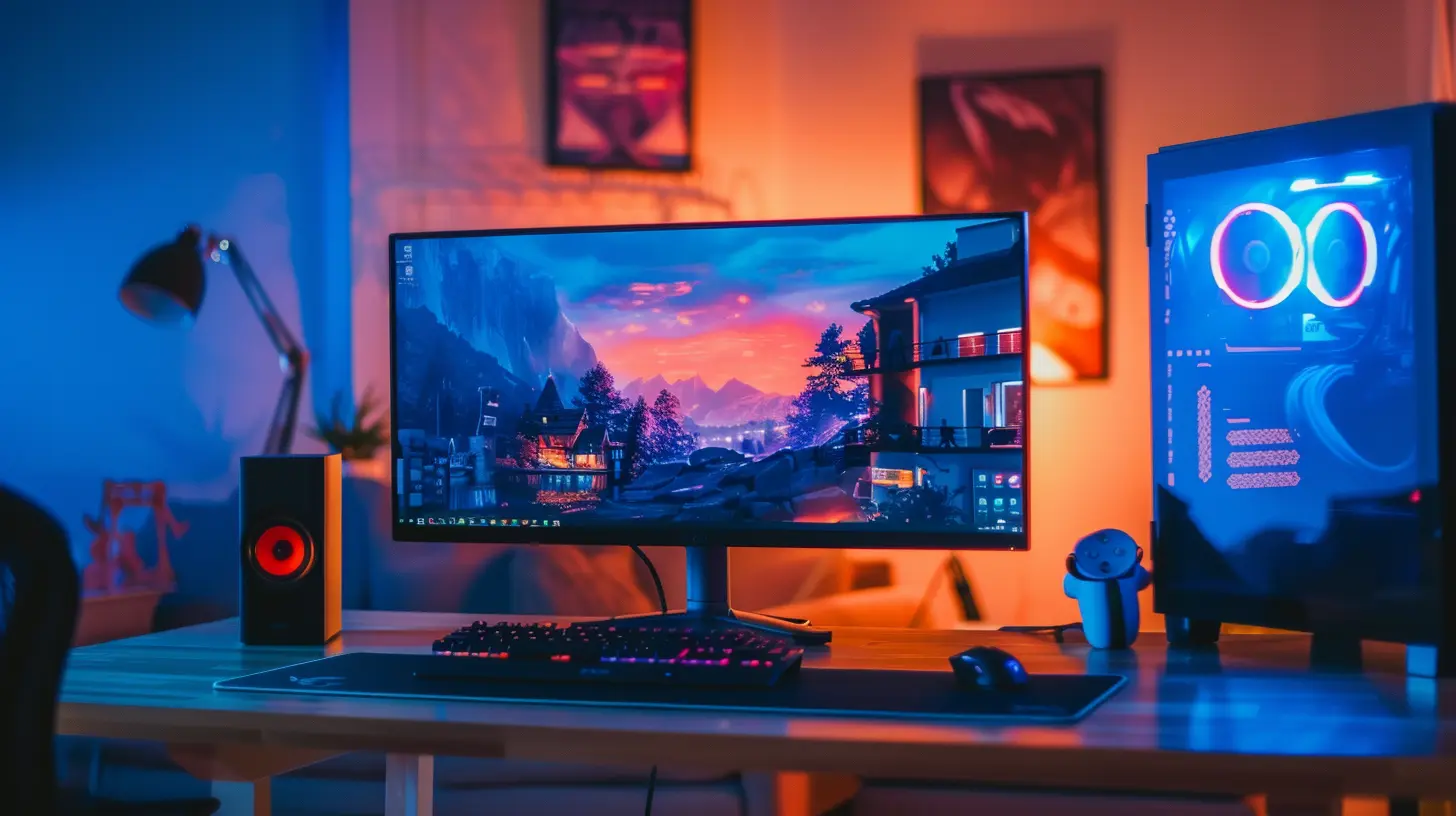
Should You Upgrade If You're a Casual Gamer?
Short answer? Maybe. Long answer? Depends on what bugs you.If you mostly play slower-paced games like RPGs, MMOs, or city builders, your monitor upgrade doesn't need to be super aggressive. You could benefit more from better resolution and color depth than a sky-high refresh rate.
But if you occasionally dabble in shooters or twitchy PvP titles, even a modest jump from 60Hz to 144Hz could make your games feel way more responsive.
Also, let’s be honest: even casual gamers appreciate vivid colors and better clarity. It's like switching from standard TV to HD—you really don’t know what you’re missing until you see the difference.
What About Dual Monitor Setups?
Another great reason to upgrade: multi-monitor gaming or productivity.If your current display is mismatched with your second monitor (or you’re stuck with a single screen), you might be limiting your setup. A dual or triple monitor rig not only enhances immersion but also makes streaming, multitasking, and content creation way smoother.
Just make sure both monitors have similar specs for uniform performance—especially refresh rates if you’re gaming across screens.
Best Times to Buy a Gaming Monitor
Let’s talk wallet. Monitor prices can fluctuate a lot, so knowing when to pull the trigger can save you serious coin.- Black Friday/Cyber Monday: Best time of the year. Period.
- Back to School (August-September): Good deals for students.
- Holiday Season Sales: Watch those bundles and discounts.
- Monitor Release Cycles: When new models drop, older ones get slashed.
Don’t forget to check online reviews and user feedback before you hit "Buy Now." A flashy spec sheet doesn’t always mean quality.
Final Thoughts
So, when is the right time to upgrade your gaming monitor?If your current screen is crippling your performance, lagging behind your GPU, or just doesn’t look as sharp as you'd like—it’s time. A monitor upgrade can be a game-changer, literally. You’ll spot enemies faster, enjoy richer visuals, and notice smoother gameplay.
And hey, even if you’re not chasing esports dreams, why not make your gaming sessions as enjoyable as possible?
Just like a good couch makes movie night better, a solid monitor elevates your entire gaming vibe.
So go ahead, treat yourself—you deserve it.
all images in this post were generated using AI tools
Category:
Gaming MonitorsAuthor:

Avril McDowney
Discussion
rate this article
1 comments
Seraphine Hubbard
Upgrading your gaming monitor can transform your experience. Look for signs like screen tearing, low refresh rates, or inadequate resolution. If you're serious about gaming, it's worth investing in a better display.
June 7, 2026 at 4:59 AM