What Is the Ideal Viewing Distance for Gaming Monitors?
25 April 2026
When it comes to gaming, it's not just about having the latest graphics card or the flashiest RGB setup—comfort and experience matter too. One major piece of the gaming puzzle that often gets overlooked? The distance between you and your gaming monitor. Sounds simple, right? But it’s a total game-changer.
So, what is the ideal viewing distance for gaming monitors? How close is too close? And how far is just... meh? Let’s dive into the nitty-gritty and find that sweet spot for your eyes and your setup.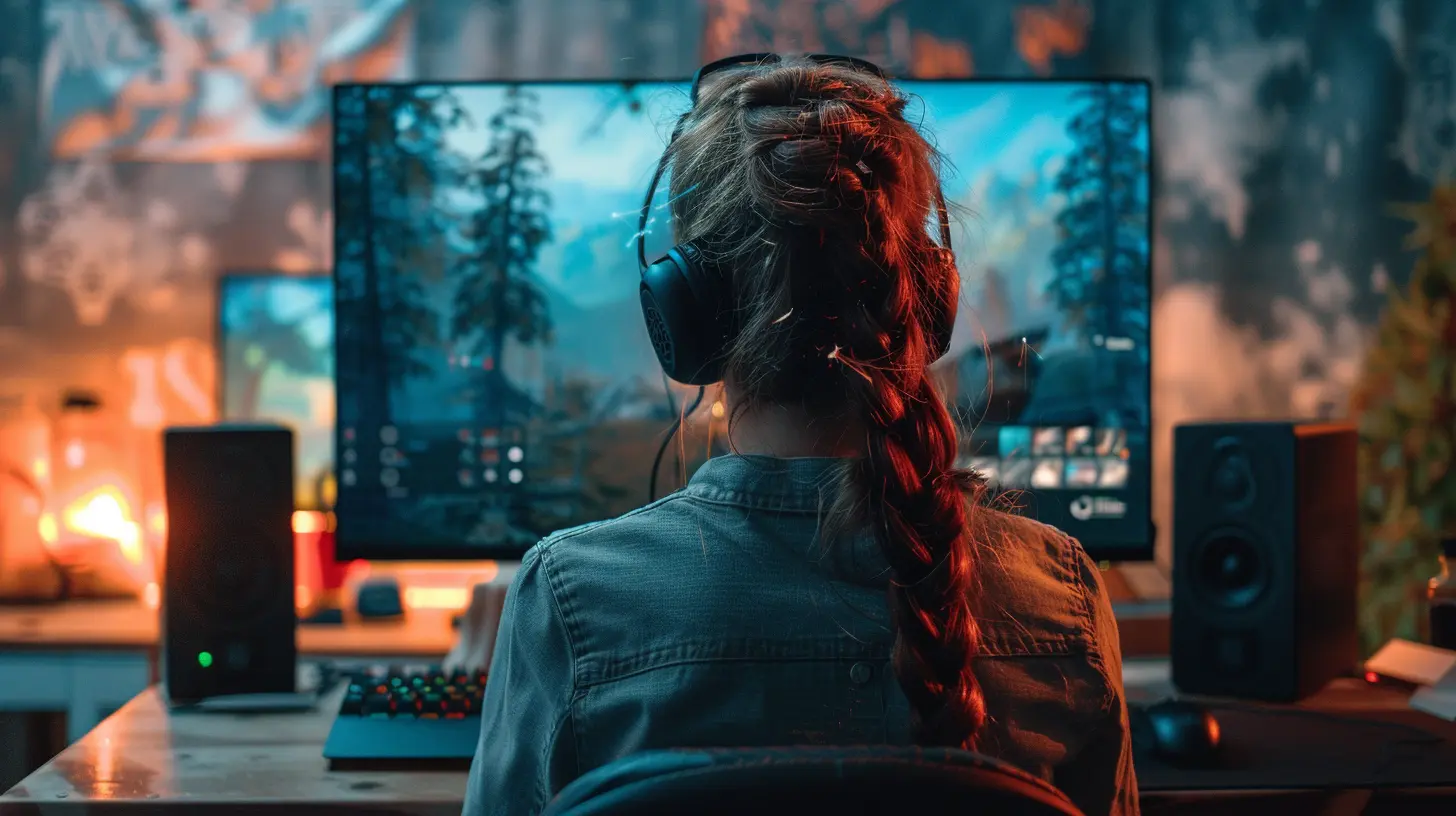
Why Viewing Distance Even Matters
Let’s start with a no-brainer: staring at your monitor for hours isn’t exactly spa treatment for your eyes. But this isn't just about eye strain. The right viewing distance can enhance your gameplay, improve your accuracy, reduce fatigue, and keep your neck from stiffening up like a robot.Ever miss a headshot because you couldn’t see the enemy in the corner? Or felt like your crosshair wasn’t lining up quite right? Yep—your sitting distance might be sabotaging your gameplay.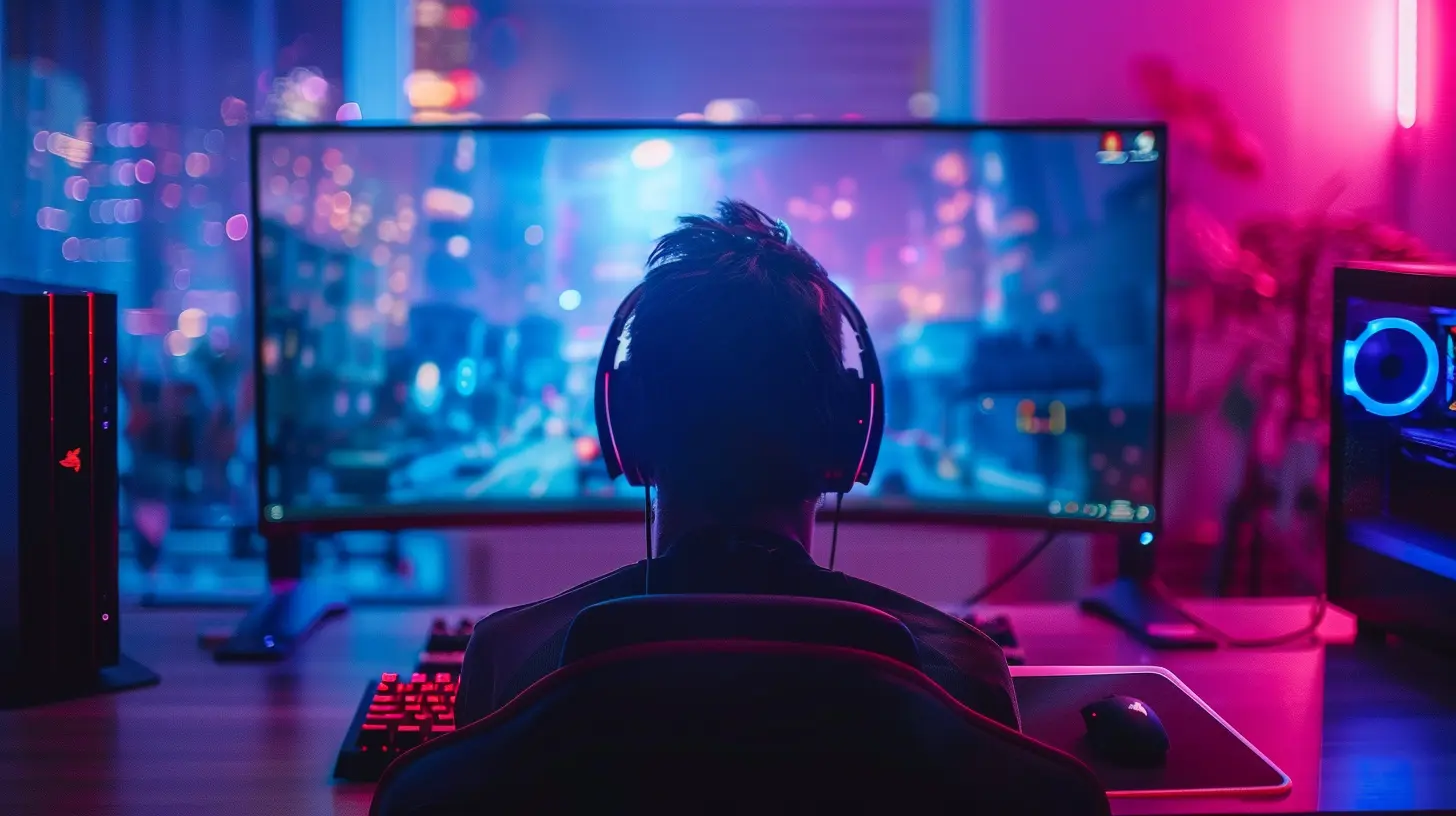
Understanding the “Ideal” Distance – It’s Not One-Size-Fits-All
There’s no magical number that works for everyone. A lot of it depends on:- Your monitor size
- Resolution (1080p, 1440p, 4K—yep, it matters)
- Your vision (glasses or no glasses?)
- Your gaming style (FPS? RPG? Strategy?)
- Your sitting posture (slouchers? guilty!)
Let’s break it down step-by-step so you can customize your setup like a pro.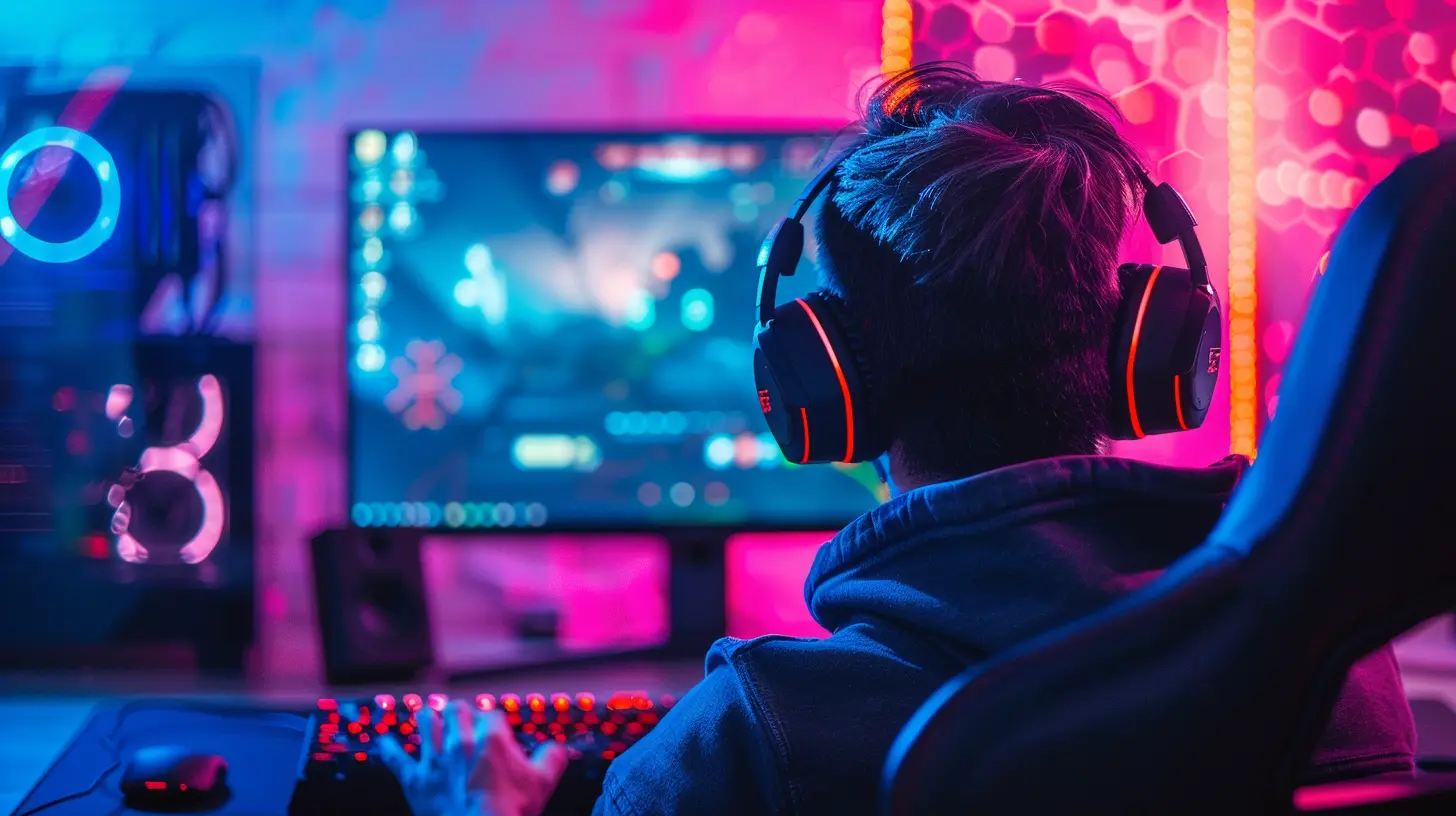
Monitor Size & Distance: A Dynamic Duo
Ever heard the phrase, “Go big or go home”? Well, it kind of applies here—but with a twist. The size of your monitor directly affects how far back you should sit.? General Rule of Thumb
A decent starting point? Sit at a distance that measures about 1.5 to 2.5 times the diagonal size of your monitor.- Got a 24-inch screen? You're looking at roughly 3 to 5 feet away.
- Rocking a 32-inch beast? Push back to about 4 to 6.5 feet.
That said, those numbers aren’t carved in stone. Let's fine-tune them based on resolution and what you’re actually doing on-screen.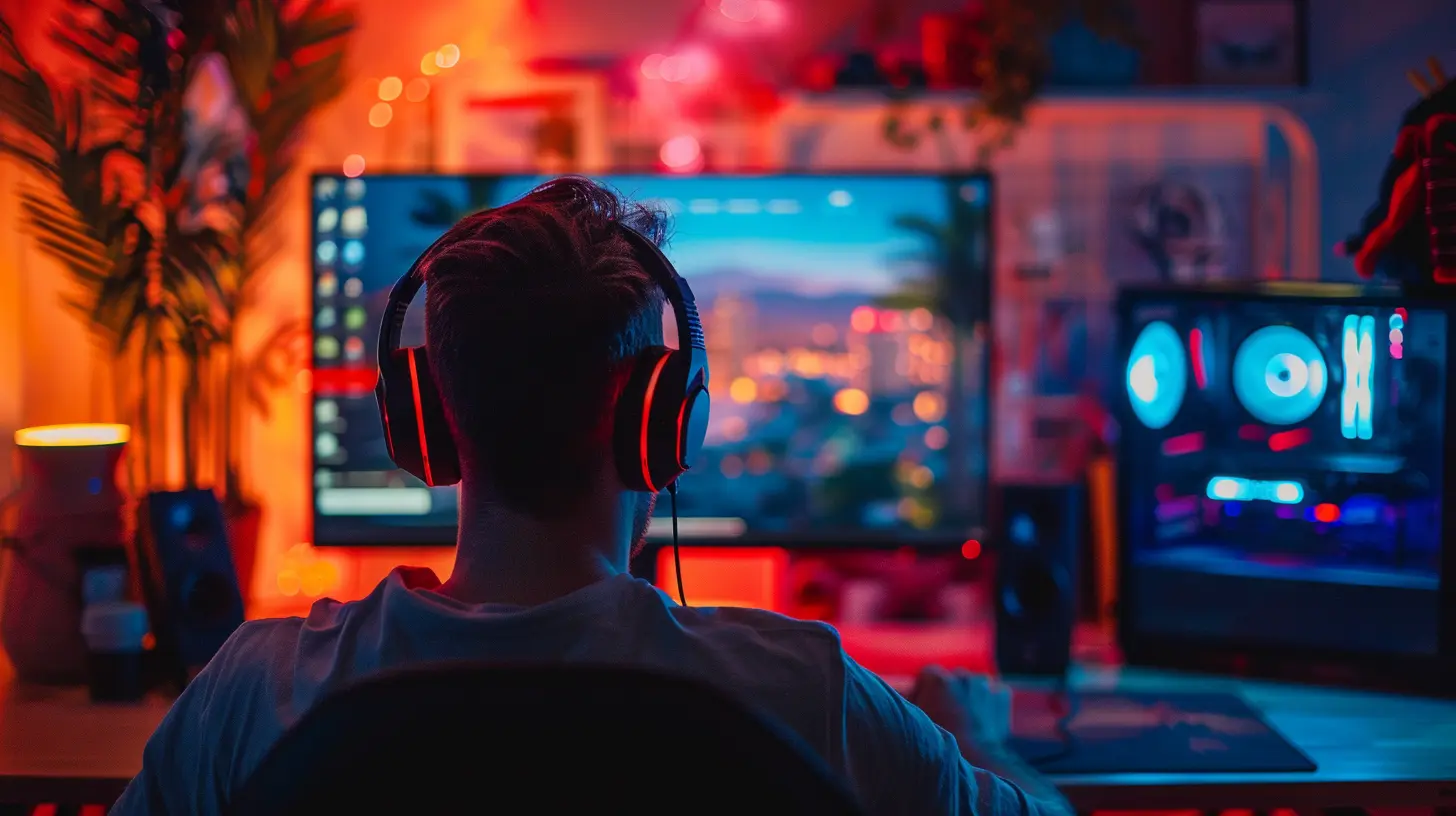
Resolution: Clarity Comes at a Distance
Resolution is like the pixel power of your monitor. The higher the resolution, the closer you can sit without seeing individual pixels. In plain English: higher res, shorter distance.? Full HD (1080p)
Chances are, if you have a 24-inch monitor and it's 1080p, you'll be golden sitting about 3 feet away. Any closer, and you might see those pixels start to dance—especially in fast-paced games.? Quad HD (1440p)
1440p lets you inch a little closer—sweet spot is around 2.5 to 3 feet for a 27-inch monitor. Great for sharper visuals and competitive play.? Ultra HD (4K)
At 4K, the details are crisp. You could sit just 1.5 to 2 feet away from a 27- to 32-inch screen and still have a visually stunning experience. Just be ready for tiny UI elements unless you tweak scaling settings.Field of View (FOV): See More, Do More
Field of View is how much of the game world you can see at once. Sit too close, and it’s like you’re looking through a straw. Sit too far, and you lose the immersive feel.If you’re really into FPS games (looking at you, COD and Apex fans), striking that perfect balance is key. Sit close enough to see everything clearly—but far enough back to keep the full screen in your peripheral vision.
Competitive Gaming vs. Casual Gaming
Your ideal viewing distance can also change depending on how you play.? FPS & Esports Games
- Precision is everything.- You’ll want the monitor to fill your vision but not be so close that it distorts your sense of space.
- Most competitive gamers sit quite close—usually around 20–30 inches away from a 24" or 27" monitor.
That proximity helps you react faster and lock on targets more quickly.
? RPGs, Strategy, & Casual Games
- Think bigger screens and longer distances.- A 32" 4K monitor? Sit back, relax, and enjoy the cinematic vibe.
- Comfort > precision here.
Imagine watching a movie in a theater from the front row—neck strain alert! You don’t want that while clearing dungeons or commanding troops.
Dual or Ultrawide Monitors: Flexibility Is Key
Ultrawide monitors (hello, 34-inch curve) are a whole different animal. They offer a broader field of view, which is amazing for immersion. But when you're too close, you'll be moving your head more than your mouse.Ideal viewing distance? Around 30 to 40 inches from the screen. This lets your eyes scan the screen comfortably without feeling like you’re watching a tennis match.
Eye Comfort: Protect Your Precious Peepers
Let’s get real. Gaming for hours on end can do a number on your eyes. That’s where ergonomics come into play.? Tips for Eye Comfort
- Follow the 20-20-20 rule: Every 20 minutes, look at something 20 feet away for 20 seconds.- Keep the top of your monitor at (or slightly below) eye level.
- Use blue light filters or gaming glasses.
- Adjust brightness based on room lighting.
Comfort isn’t optional—it’s essential if you want to game longer without turning your eyes into raisins.
Room Lighting & Glare
Lighting might seem like a background player, but it actually steals the spotlight when it comes to viewing distance.- A bright room with lots of reflections? Sit a bit further to reduce glare.
- A darker room? You can get away with sitting closer—just don’t go full mole-mode with no lights for hours.
Also, consider monitor brightness. Cranking it up in a dim room can lead to eye fatigue. Balance is the name of the game.
Desk Setup & Posture: Don’t Forget the Basics
If your desk is too shallow or too deep, finding the ideal distance gets tricky fast. Your chair height, desk depth, and monitor stand all make a difference.? Setup Pro Tips
- Monitor should be about an arm’s length away when sitting straight.- Center the monitor to your face if you're using a single display.
- If you’re using multiple monitors, angle them around you like a cockpit for easier viewing.
- Avoid sitting with your neck craned or twisted—your spine will thank you.
Customizing for YOU – The Final Formula
So let’s wrap it up: how do you find your ideal viewing distance?Here’s a quick cheat sheet:
| Monitor Size | Resolution | Ideal Distance |
|--------------|------------|----------------|
| 24" | 1080p | 2.5 - 3 feet |
| 27" | 1440p | 2 - 3 feet |
| 32" | 1440p/4K | 2.5 - 4 feet |
| 34"+ Ultrawide | 1440p+ | 3 - 4.5 feet |
Tinker with it. Sit closer. Sit further. Notice how your eyes and neck feel after long sessions. Adjust again.
There’s no “one size fits all,” but there is a “just right”—you just have to find it.
Final Thoughts: Your Setup, Your Comfort, Your Game
Gaming is personal. Your monitor setup should be too. Whether you're in hardcore ranked matches or chilling with some open-world quests, having the right viewing distance can seriously level up your experience.So, take a moment, step back (literally), and tweak your setup to find the ideal sweet spot. Your eyes, neck, and K/D ratio will thank you.
And remember—sometimes winning means seeing clearly.
all images in this post were generated using AI tools
Category:
Gaming MonitorsAuthor:

Avril McDowney
Discussion
rate this article
2 comments
Nora Reynolds
Viewing distance for gaming monitors is crucial for comfort and immersion. Typically, sitting about one to two feet away allows for optimal detail without straining your eyes. Personal preference plays a big role, so experiment to find what feels right for you.
May 3, 2026 at 4:28 AM
Avril McDowney
Absolutely, finding the right distance can make a huge difference. Comfort and personal preference are key, so testing different setups is a smart approach.
Ivan Montgomery
Great article! Understanding the ideal viewing distance for gaming monitors is crucial for an immersive experience. Adjusting settings based on personal comfort can greatly enhance gameplay and reduce eye strain. Thanks for sharing these valuable insights!
April 27, 2026 at 4:56 AM
Avril McDowney
Thanks for the feedback! I'm glad you found the insights helpful. Enjoy your gaming!