Tips for Reducing Eye Strain During Long Gaming Sessions
30 March 2026
Let’s be real—there’s nothing quite like getting sucked into an epic gaming session. Whether you’re grinding in an MMO, building in Minecraft, or going on a kill streak in your favorite FPS, time absolutely flies. One minute you're logging in, and the next it’s been six hours, your eyes are dry, your head's pounding, and your vision’s doing weird things like you just walked out of the Matrix. Sound familiar?
Yeah, we’ve all been there. Gaming is awesome, but eye strain? Not so much.
The good news? You don’t have to sacrifice your eyeballs to enjoy a great game. With a few simple tips and smarter habits, you can keep your eyes in top shape—even during those marathon sessions.
Let’s dive into some practical, eye-loving advice to help you level up your game without burning out your vision!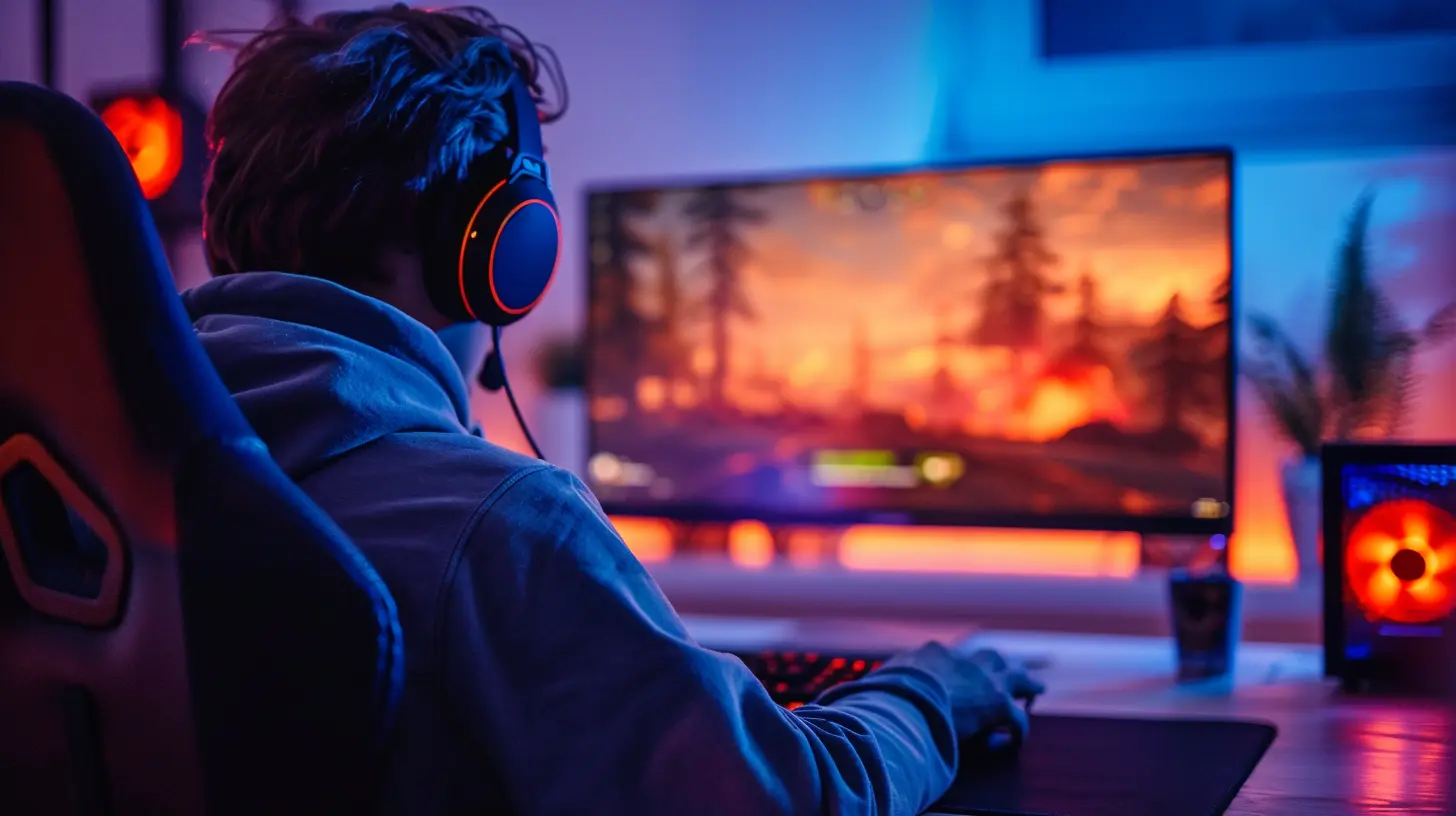
👀 What Exactly Is Eye Strain?
Before we start fixing the issue, let’s figure out what we’re actually dealing with here. Eye strain (a.k.a. digital eye strain or computer vision syndrome) is that tired, itchy, dry feeling you get after staring at a screen too long. Throw in some blurred vision and a headache, and it’s like the game’s fighting back in real life.The culprit? Screens. Glorious, glowing screens. We blink way less when staring at them, and that wreaks havoc on our eyes over time.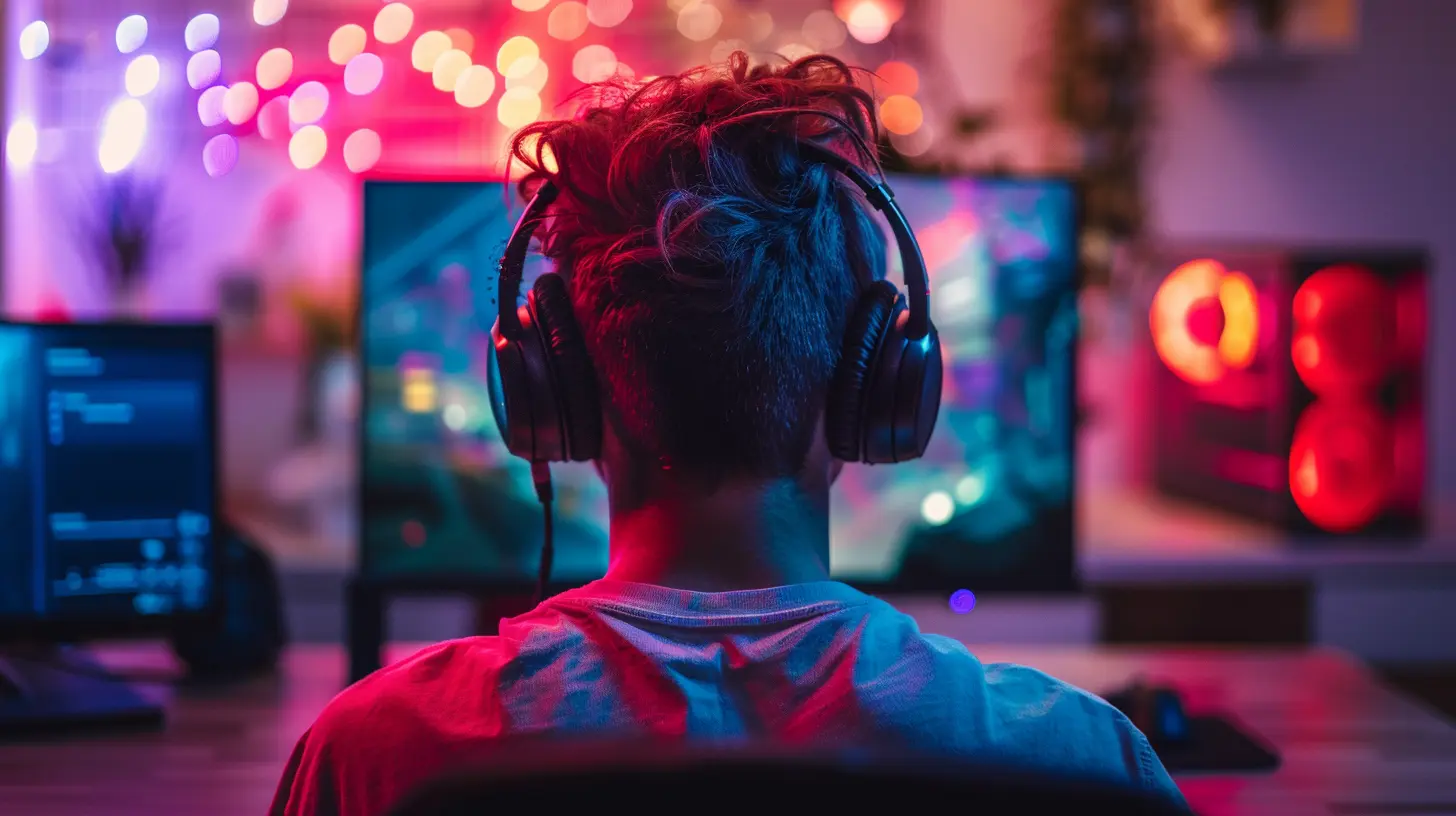
🎮 Why Gamers Are at Higher Risk
Let’s face it, gamers tend to stare at screens longer—and more intensely—than almost anyone else. We’re locked in, eyes wide, laser-focused on the action. Sometimes we don’t even blink during a boss fight. That’s commitment, but it’s also a one-way ticket to eye strain city.Here’s what makes it worse for us:
- Long, uninterrupted gaming sessions
- Small text or detailed graphics that make your eyes work overtime
- Poor lighting in gaming setups (hello, dark room with RGB lights)
- Not blinking enough (seriously, we blink less than half as often when gaming!)
But don’t panic, we’ve got solutions.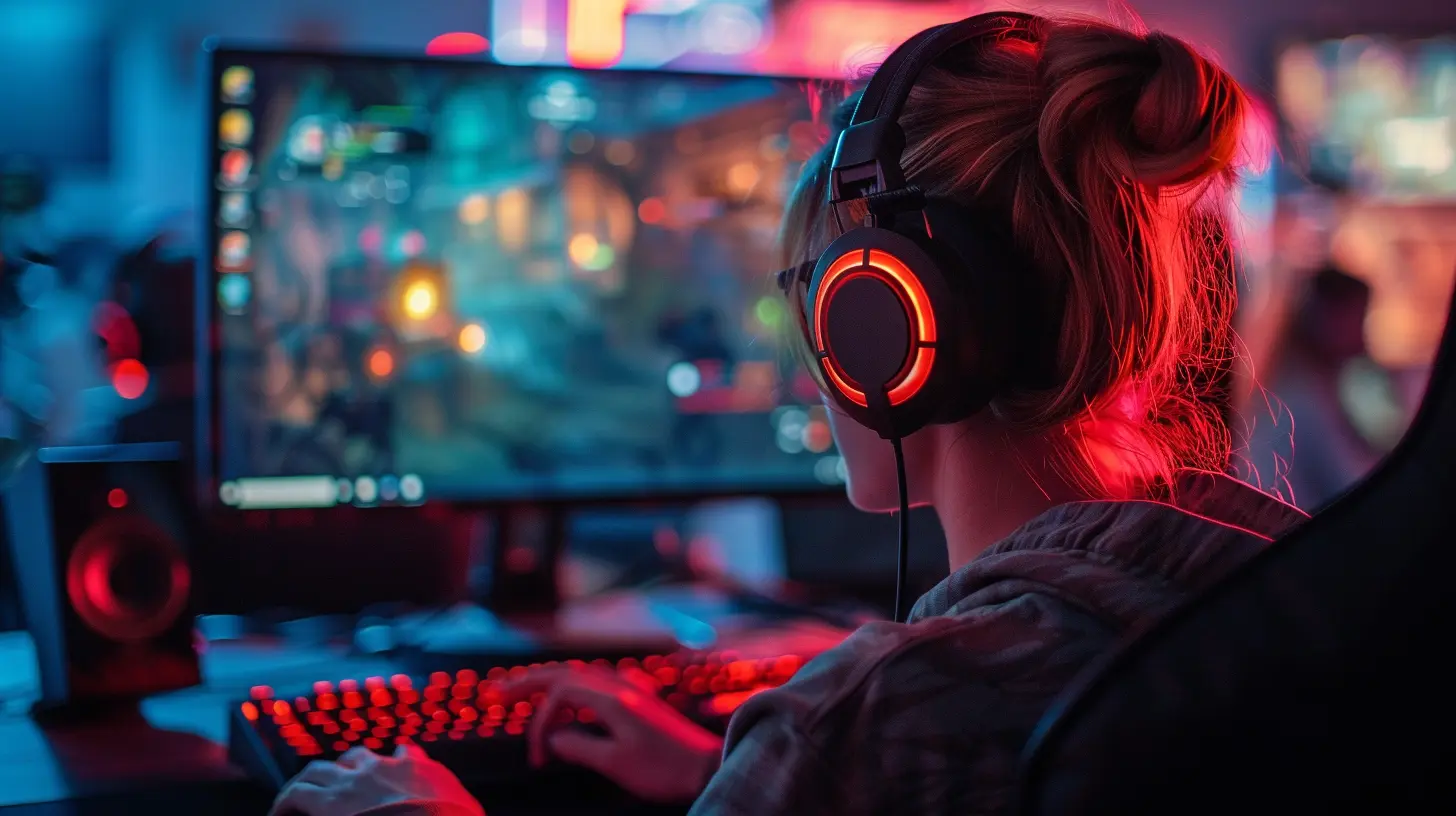
💡 1. Follow the 20-20-20 Rule
This is the golden rule of screen time health. It’s simple but super effective.Every 20 minutes, look at something 20 feet away for 20 seconds.
Why it works? It gives your eye muscles a mini break and lets them reset. Think of it as a stretch for your eyeballs. Bonus: Set a timer or use a reminder app so you don’t forget mid-raid.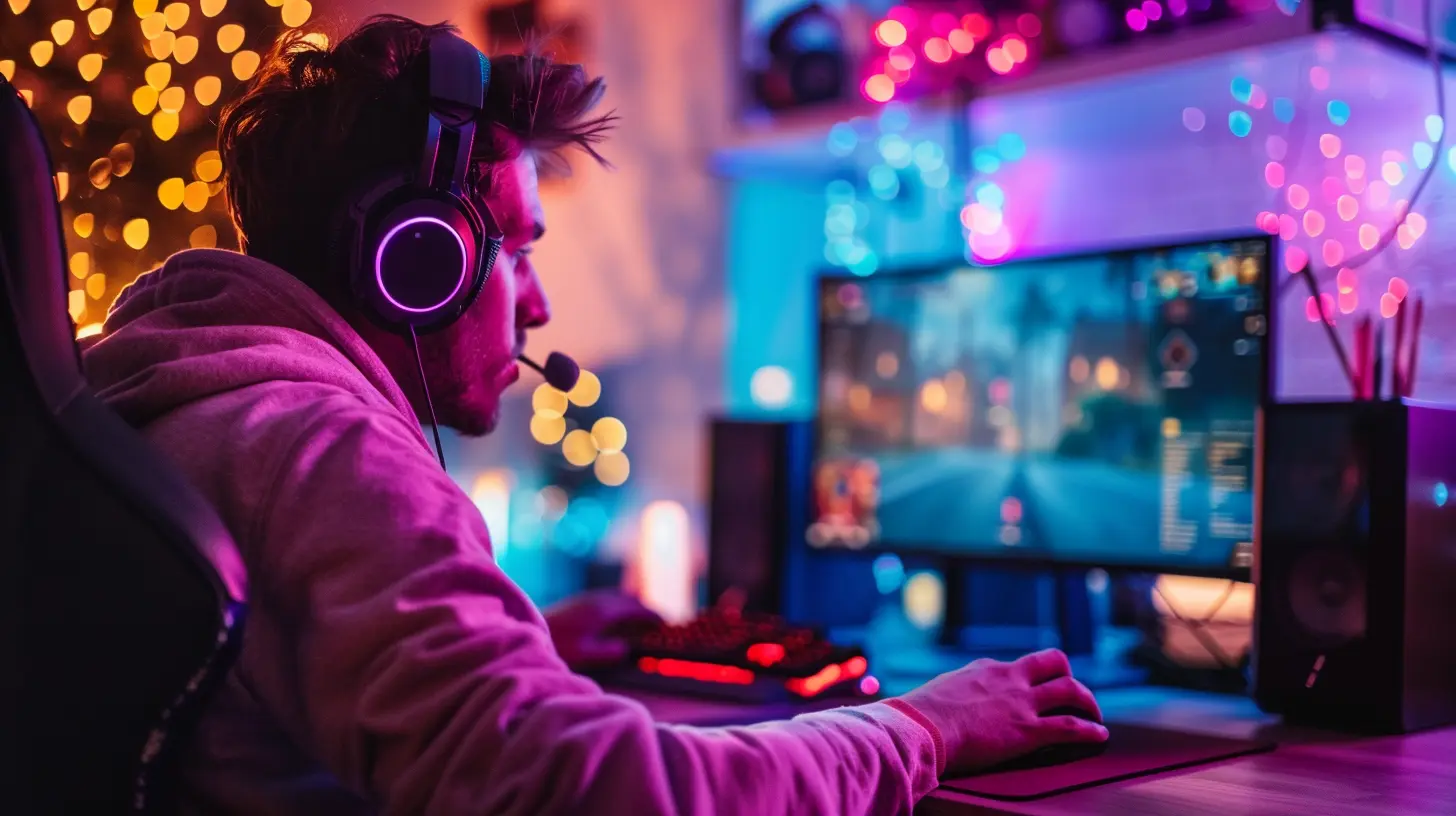
🔆 2. Adjust Your Lighting
If your gaming den looks like a bat cave, we’ve got a problem. Playing in the dark might feel immersive, but it’s not doing your eyes any favors.Here’s the play-by-play for perfect lighting:
- Avoid glare: Position screens away from windows or bright overhead lights that reflect on your monitor.
- Use ambient lighting: A soft desk lamp behind your monitor can balance the brightness and reduce eye strain.
- Skip harsh LEDs: Cool white lights can be a killer on the eyes. Go for warm, soft lighting instead.
Think of your lighting like the mood in a game—you want balance, not stress.
🖥️ 3. Optimize Your Screen Settings
Believe it or not, your monitor itself could be the villain here. Default settings aren’t always eye-friendly. Here’s how to tweak it:- Brightness: Match the screen brightness to your room lighting. If it looks like a mini sun, tone it down.
- Contrast: Boost this just enough to make on-screen text clear without looking over-saturated.
- Text size: If you’re squinting, scale up your HUD or increase in-game font size.
- Color temperature: Warmer color settings reduce blue light and feel easier on the eyes.
Some monitors even come with “eye saver” or “reading” modes. Use them—they’re like cheat codes for comfort.
🤓 4. Get Yourself Some Gaming Glasses
Okay, I know what you’re thinking—“Do I really need gaming glasses?” And honestly? They’re more than just a fashion statement.Gaming glasses have lenses that filter out a chunk of blue light, reduce glare, and lightly magnify the screen. Perfect for the long haul.
No prescription needed, and they’re cheaper than you think. Your eyes will thank you, and you’ll look like a pro doing it.
🧼 5. Keep Your Screens Clean
Smudges, dust, fingerprints… your screen might look fine during gameplay, but all that buildup increases glare and makes your eyes work harder to focus.Wipe your screen regularly with a microfiber cloth. Bonus points if you use a gentle screen-safe cleaner.
Clean screen = clearer image = happier eyes. It’s that simple.
🪑 6. Sit Pretty – Posture Matters
Ever sit hunched over, leaning into your screen like you're about to enter the game physically? Yeah, same here. But bad posture messes with your alignment and strains not just your back, but your eyes too.Here’s the setup for a posture power-up:
- Sit upright with your screen about an arm’s length away
- The top of your monitor should be at or just below eye level
- Keep your shoulders relaxed and your feet flat on the floor
It’s like ergonomics 101, but for gamers.
💧 7. Don’t Forget to Blink and Hydrate
We blink less when staring at screens. It’s a fact—and dry eyes are a direct result.Make a mental note to blink more often, especially during intense gaming moments. If your eyes still feel like sandpaper, pick up some moisturizing eye drops.
And don’t forget to hydrate! Dehydration affects everything, including your eyes. Keep water nearby and sip between rounds—it’s the easiest buff you can give yourself.
⏸️ 8. Take Breaks (Yes, Really)
Listen. I know it’s hard to pause when you’re mid-game. But your eyes need downtime just like your PC needs cooldown.Try this routine:
- Every hour, take a 5 to 10-minute break
- Stand up, stretch, look out a window
- Close your eyes for a bit (no, not a nap—unless you want to!)
It might feel like wasted time, but think of it this way: you’re recharging your own internal graphics card.
🛏️ 9. Watch Your Gaming Schedule
Late-night gaming is a guilty pleasure, but it comes at a price—especially if you’re doing it every night. Blue light exposure too close to bedtime can mess with your sleep cycle, which in turn affects your eye health.Try to log off an hour or so before bed. Let your eyes and brain wind down with something chill—music, a book, whatever helps you relax.
Trust me, you’ll play better when you’re rested.
📱 10. Don’t Forget About Your Other Screens
Here’s the truth: eye strain isn’t just from your gaming monitor. Your phone, tablet, second monitor, and TV all count.If you hop from gaming on your PC to scrolling on your phone in bed, your eyes are getting zero downtime. Be mindful of your all-day screen habits, not just your gaming ones.
Limit mindless scrolling, turn on night mode, and give your eyes some legit off-screen time.
🧘 Bonus: Try Eye Exercises
Yes, eye workouts are a thing—and no, they’re not just for conspiracy theorists.Simple exercises can help relieve tension and improve focus. Try these now and then:
- Palming: Rub your hands together, then gently cover your closed eyes with your palms. Breathe and relax for a minute.
- Figure 8s: Imagine a giant sideways 8 on the wall in front of you. Trace it slowly with your eyes.
- Focus shift: Hold your thumb a few inches from your nose, focus on it, then shift your focus to something far away. Repeat a few times.
Feels weird at first, but it works.
🎉 Game Smarter, Not Harder
Gaming is supposed to be fun—not painful. A few small habit changes can make a massive difference in how you feel during and after your gaming sessions.Take this as your side quest to safeguard your health while slaying dragons, winning matches, or building your dream world. After all, you can’t enjoy next-gen graphics if your real-life vision is shot, right?
So blink more, take breaks, get your setup dialed in, and wear those gaming glasses like a boss. Your eyes deserve the same love you give your favorite loadout.
Game on, but give your eyes a critical hit of TLC too.
all images in this post were generated using AI tools
Category:
Gaming MonitorsAuthor:

Avril McDowney
Discussion
rate this article
2 comments
Jasmine Castillo
Essential tips! Eye care is crucial for gamers.
April 5, 2026 at 4:07 PM
John Perry
Prioritize your vision—game smart!
April 2, 2026 at 3:17 PM
Avril McDowney
Thank you! Prioritizing vision is key—balancing gameplay with eye care is essential for long-term enjoyment.