The Pros and Cons of Portable Gaming Monitors
15 June 2026
Gaming on the go? Sounds like a dream, right? Thanks to portable gaming monitors, it's totally doable. Whether you're a hardcore gamer who can't stay away from your rig for too long or someone who just wants a second screen for their Nintendo Switch or Steam Deck, these little screens are changing the way we game.
But wait—before you go clicking "Add to Cart," let's slow down for a second. Are portable gaming monitors truly the future of mobile gaming, or just another flashy gadget that’ll end up collecting dust? Let’s break down the real pros and cons so you can decide for yourself.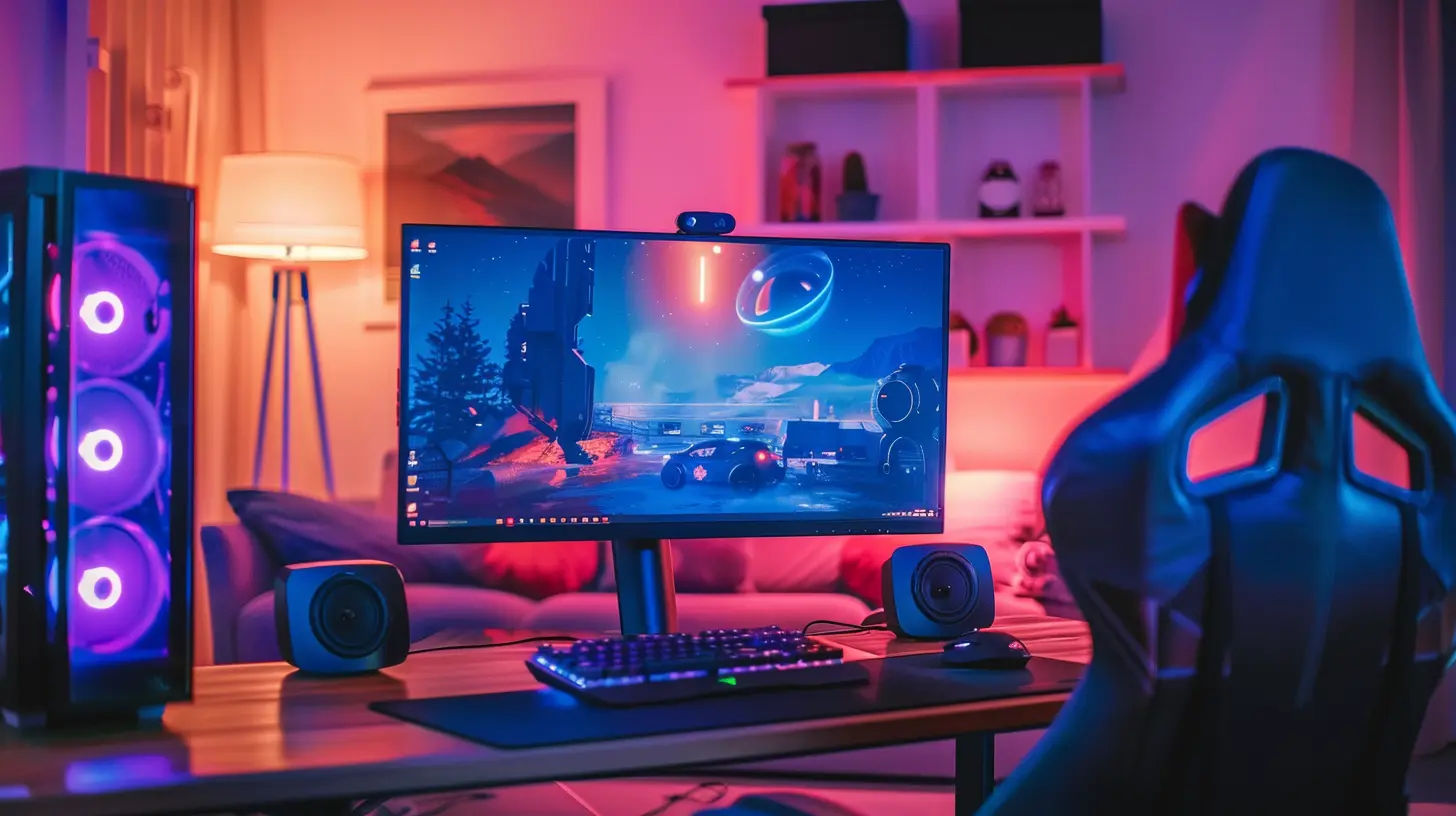
?️ What Is a Portable Gaming Monitor?
If you’re thinking, “Isn’t a portable monitor just a small screen?” Well, yeah… but it’s more than that.A portable gaming monitor is typically a compact, lightweight screen that connects to your console, PC, or even smartphone via USB-C, HDMI, or both. Most models are 15.6 inches or less, usually slimmer than a paperback novel, and often weigh under two pounds — perfect for backpacks.
You can think of it like your second screen on the move. Whether you're in a hotel room, riding the train, or chilling on your friend's couch, you can plug and play in seconds.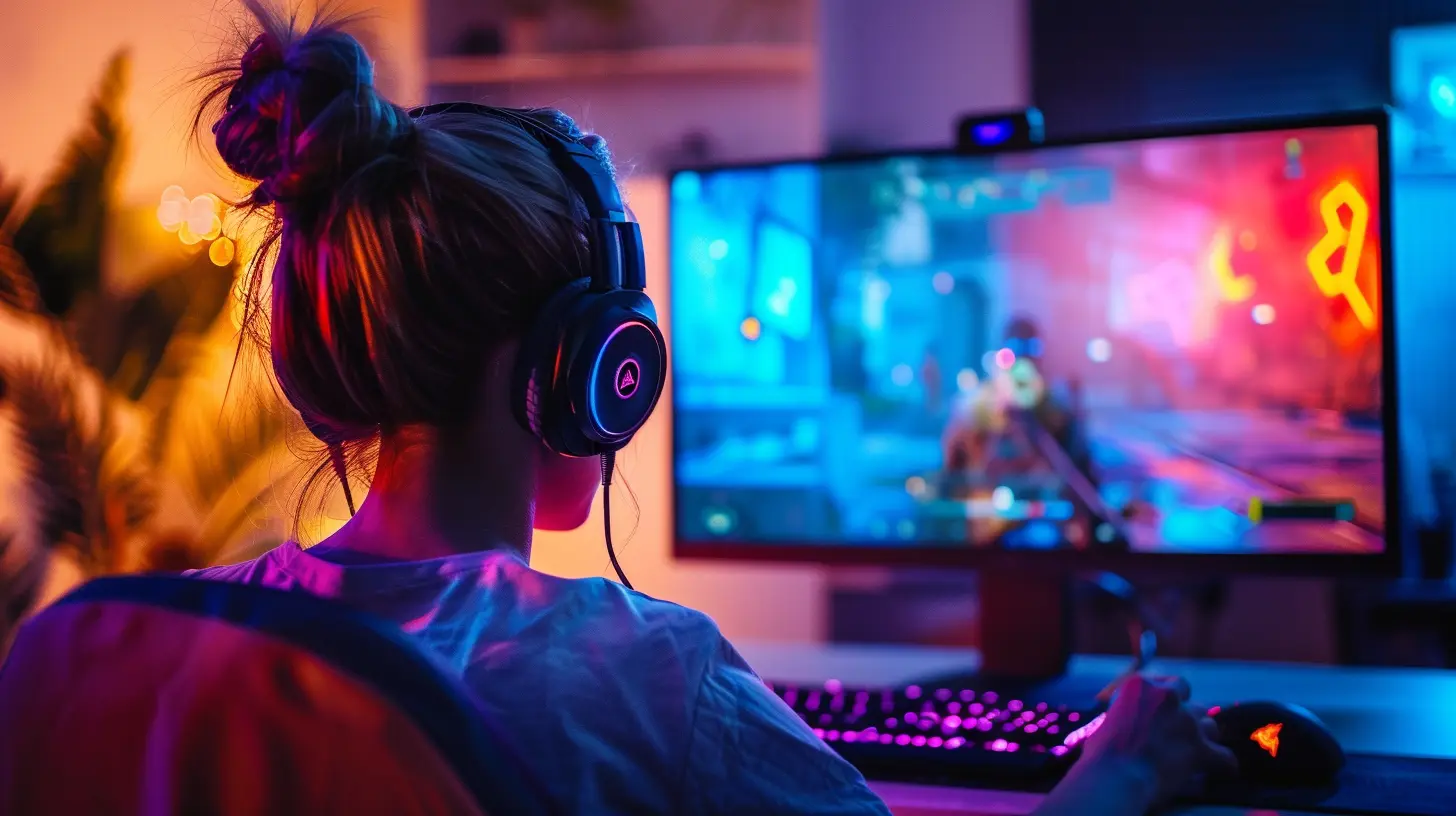
✅ The Pros of Portable Gaming Monitors
Let’s start with the good stuff—why these monitors are making waves in the gaming world.1. ? Portability Equals Freedom
This one's obvious, but crucial. You can literally take your gaming setup anywhere. Flying out of town? Waiting in an airport? Visiting relatives? Just slide the monitor into your backpack, plug into your laptop or console, and boom—you’re gaming.Compared to lugging around a full-size display or being stuck playing on a tiny laptop screen, this is a major win.
2. ? Plug-and-Play Simplicity
Most portable gaming monitors work instantly. Thanks to USB-C and HDMI inputs, it’s usually just one wire and you're good to go. No drivers, no software, and no complicated setup. Even your grandma could do it (well, almost).It’s a refreshing change from traditional monitors that require power bricks, multiple cables, and a bit of technical magic to get working.
3. ? Enhanced Gaming Experience Anywhere
Let’s be real. Playing games on a phone or tablet is fine when you’re desperate, but it doesn’t hit the same as playing on a real screen.Portable monitors bring a high-definition experience no matter where you are. Many of them support 1080p resolution, high refresh rates (like 120Hz), and decent color accuracy. Some even come with built-in speakers.
So, whether you're grinding through Elden Ring or catching Pokémon on your Switch, it just feels better with a proper display.
4. ? Dual-Use Productivity
Here’s a bonus that most gamers overlook — these monitors aren’t just for games. Need a second screen for work? They got you. Want to watch Netflix while using Discord? Done. Portable monitors double as productivity tools, especially for digital nomads or students.5. ⚡ Lower Power Consumption
Because they’re smaller and typically LED-backlit, portable gaming monitors consume less power than your standard 27-inch at-home monitor. Many can run off your device's battery through USB-C, which keeps your cable game strong and simple.
❌ The Cons of Portable Gaming Monitors
Sounds amazing, right? Well, not so fast. Portable monitors, like every gadget, come with their fair share of quirks.1. ? Smaller Screen Size = Smaller Immersion
Let’s face it—size matters, especially when it comes to gaming. While a 15.6-inch screen is decent for on-the-go use, it doesn't hold a candle to your 27" ultra-wide back home.If you're into competitive shooters, immersive RPGs, or anything that benefits from a big display, you may find portable monitors lacking. It's kind of like watching a blockbuster movie on a tablet. Possible? Yes. Enjoyable? Eh, not quite the same.
2. ? Price vs Performance
Here’s a head-scratcher. Some high-end portable monitors can cost as much—or more—than a fully-fledged desktop monitor with better specs. And in the name of portability, you often sacrifice things like refresh rate, contrast, and brightness.You’re paying a premium for convenience, not top-tier performance. So if you're expecting a 4K OLED panel with 1ms response time and HDR10? Keep dreaming (or start saving).
3. ? Audio Limitations
Built-in speakers? Yeah, let’s talk about those. Most portable monitors include speakers, but don’t expect much.They’re usually tiny, tinny, and just barely serviceable. In most cases, you’ll want to plug in headphones or use external speakers. It’s not the end of the world, but it’s something to keep in mind if audio quality matters to you.
4. ⚠️ Build Quality and Durability
Because they’re lightweight and slim, portable monitors can be fragile. Knock one off the table, and you might be staring at the black screen of regret.While some models do offer rugged builds or come with protective cases, many are not made to survive rough treatment. If you’re someone who's a bit clumsy or frequently on the move, this could be a pain point.
5. ? Battery Drain on Host Devices
Using your laptop or mobile device to power a portable monitor might seem convenient — until your battery starts crying for help.While many monitors sip power gently, some can be surprisingly demanding depending on brightness settings and refresh rates. If you’re not plugged into a wall outlet, be prepared to lose juice faster than you'd like.
? Things to Consider Before Buying
So now that you’ve got the pros and cons lined up, here are some quick tips to help you decide if a portable gaming monitor fits your playstyle.✔️ Know Your Purpose
Is this for console gaming? PC dual-screening? Just for travel? Your use case hugely affects the model you should buy.- For consoles like the Switch or PS5, make sure the monitor supports HDMI input.
- For laptops or smartphones, USB-C with DisplayPort is a must-have.
✔️ Check the Specs
Don't just buy based on looks or ads. Look for:- Refresh rate (60Hz is standard; aim for 120Hz if you're into fast-paced games)
- Resolution (1080p is good enough, 4K is rare and expensive)
- Panel type (IPS for better colors and wider angles)
- Response time (Lower is better for gaming)
✔️ Think About Ergonomics
Some monitors come with built-in stands, others need cases that double as stands (and those can be flimsy). Make sure it can stand upright on different surfaces. You don’t want it falling over mid-match.Also, brightness is another factor. If you’re gaming outdoors or in bright rooms, aim for something with at least 300 nits.
? Who Should Buy a Portable Gaming Monitor?
Here’s the deal: portable gaming monitors aren’t for everyone. But they’re kinda perfect for a few types of gamers:- ? Digital nomads or frequent travelers
- ? Console owners looking for a better screen than a tablet
- ?? Remote workers who also game on the side
- ? Apartment dwellers with limited desk space
- ? Streamers needing a second screen
If that’s you — great! You’ll probably get a lot of use out of one. But if you're a performance junkie who lives for 144Hz, 4K resolution, and Nvidia G-Sync… maybe look elsewhere.
? Final Thoughts
Portable gaming monitors are like the convertible sports cars of the gaming world — sleek, fun, flashy, and focused on a niche. They’re not for long drives (read: marathon gaming sessions), but they’re fantastic when you just need to get somewhere in style.They’re a brilliant addition to your gear if you’re often on the move and are fine with a little compromise on screen size and power. As with any tech, they shine brightest when used for the right reasons.
So, should you get one? Only if it fits your lifestyle. Otherwise, that money might be better spent on a better GPU—or, you know, actual groceries.
Happy gaming!
all images in this post were generated using AI tools
Category:
Gaming MonitorsAuthor:

Avril McDowney
Discussion
rate this article
1 comments
Faryn Wade
Great insights on portable gaming monitors! It's clear how they enhance gaming experiences, but it's also important to consider the trade-offs. Thanks for sharing this perspective!
June 21, 2026 at 3:41 AM
Avril McDowney
Thanks for the feedback! I'm glad you found the insights helpful. Balancing the benefits and trade-offs is key for gamers.