The Best Monitor Placement for Competitive Play
3 January 2026
If you're serious about competitive gaming, you already know that every millisecond counts. Your reaction time, muscle memory, and in-game awareness all come into play. But there’s one sneaky factor many players overlook—monitor placement. Yep, that simple screen sitting on your desk could be the reason you're missing shots or reacting a split-second too late.
Let's dig into how monitor placement can make or break your competitive performance and what you can do to optimize it like the pros.
Why Monitor Placement Matters More Than You Think
Ever watched a pro gamer at a tournament? You’ll notice their monitor is positioned almost aggressively close to their face. That’s not just for cinematic effect—it’s a strategic move. Your monitor's placement affects:- Reaction time
- Posture and comfort
- Eye strain
- Field of view
- Visual clarity
When you’re playing fast-paced games like CS:GO, Valorant, or Apex Legends, shaving off microseconds can truly be the difference between winning and losing. And if you're playing for hours, bad monitor positioning can lead to fatigue or even long-term strain injuries.
The Optimal Distance: How Close Is Too Close?
So how close should your monitor be?Most competitive gamers place their monitor around 20 to 30 inches (50 to 75 cm) away from their eyes. That’s roughly an arm’s length from your seated position. The idea is to fill your peripheral vision with what matters most—your game.
Too close? You risk tunnel vision, eye fatigue, and neck strain. Too far? You lose critical details and slow down your reaction time.
Here’s a quick hack: Sit upright, stretch your arm out straight—your fingertips should almost touch the screen. That’s your sweet spot.
Quick Tip:
Adjust the in-game FOV (Field of View) to match your monitor distance. Being too wide or too narrow can throw off your muscle memory.
Height Adjustment: Eye Level Is King
Now let’s talk vertical placement.Ideally, the top of your monitor should be just at or slightly below your eye level when you're sitting upright. This encourages a neutral head position—no tilting up, no slouching down.
Why’s this important?
- Improves posture
- Reduces neck and upper back tension
- Keeps your eyes in the most natural viewing angle
Imagine watching TV on the ceiling—sounds ridiculous, right? It’s the same idea. Keep things in your natural line of sight.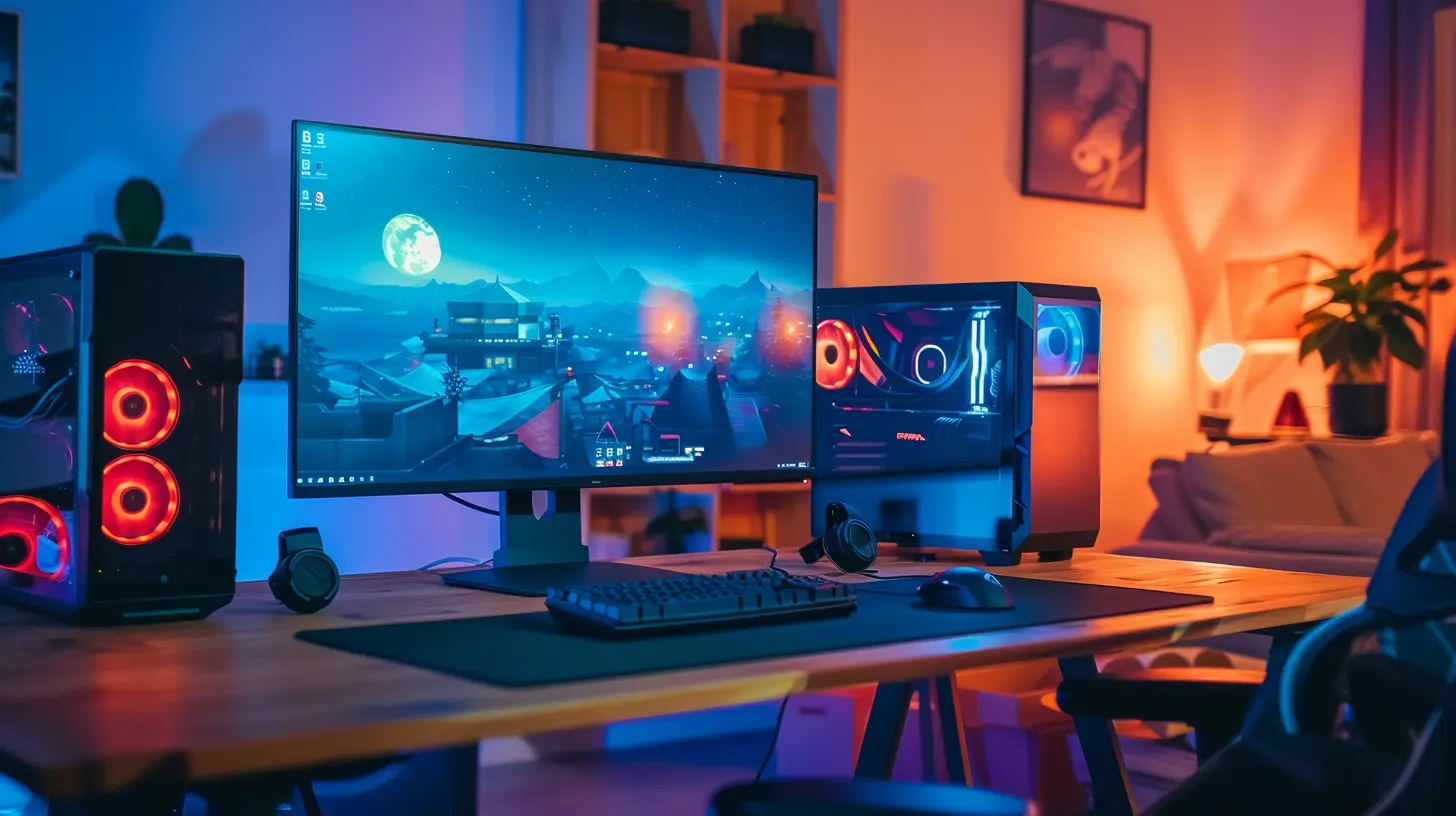
Tilt and Angle: The Forgotten Game-Changers
So you’ve got the right height and distance—but what about the angle?Adjust the screen to be perpendicular to your line of sight. That means:
- No tilting backward or forward unless your setup demands it
- Keep it flat and level to avoid color distortion, especially in IPS or TN panels
- If your setup includes multiple monitors (looking at you, streamers), make sure your main gaming display is centered right in front of your eyes
Your eyes are doing enough work already—no need to make them wrestle with odd angles.
Monitor Size and Resolution: When Bigger Isn’t Always Better
We all love big, pretty screens. But when it comes to competitive gaming, bigger doesn't always mean better.Most pros use 24 to 27-inch monitors with 1080p (Full HD) resolution. Why?
- Keeps everything within your central vision
- Higher refresh rates and faster response times are easier to find at lower resolutions
- It’s easier to track movement with less eye travel
Imagine trying to scan a battlefield on a 49-inch ultrawide—you’re literally turning your head just to check your radar. Not ideal during a clutch moment.
Refresh Rate + Monitor Placement = Reaction Time Beast Mode
Monitor placement works hand in hand with refresh rate. If you’re running a 240Hz beast of a monitor but you’re sitting too far back or too low, you’re not leveraging its full power.Get close, line it up properly, and you’ll see that buttery-smooth refresh rate actually give you a visual edge. This combo alone can make you feel like you’ve leveled up IRL.
Desk Ergonomics: Building the Perfect Setup
Let’s stop pretending this is just about the monitor. Your desk, chair, and accessories all play into perfect monitor placement.Here’s what a killer competitive gaming desk setup looks like:
- Adjustable desk or monitor arm: Lets you fine-tune height and angle- Ergonomic chair with proper back support
- Keyboard and mouse positioned so your arms form a 90-degree angle
- Feet flat on the ground, knees level with or slightly below your hips
Think of it like tuning a sports car. Everything needs to work in harmony for peak performance.
The Role of Head Position and Neck Support
You might not notice this during a quick game, but during those 3-hour ranked grind sessions, tiny misalignments wreak havoc.Your head weighs about 10-12 pounds. For every inch you tilt it forward, the stress on your neck doubles. Over time, poor monitor placement can lead to tech neck, headaches, and fatigue.
Simple fix? Keep your head level, with your ears aligned over your shoulders. Your monitor should help with that—not fight against it.
Lighting: Shadows, Glare, and Eye Health
Even with a perfect monitor setup, bad lighting can ruin your session.Here’s how to light like a pro:
- Avoid direct light hitting your screen (hello, glare)
- Use bias lighting behind your monitor to reduce eye strain
- Keep room lighting soft and indirect
- Use blue light filters or glasses during long sessions
Proper lighting not only protects your eyes but enhances contrast and clarity, helping you spot movement and detail faster.
Dual Monitors and Streaming: Don’t Let Your Setup Sabotage You
If you’re a streamer or multitasker with dual monitors, alignment is even more crucial.Your main monitor with your game? Center it.
Your secondary one for chat, OBS, Discord—whatever? Place it at an angle, slightly to the left or right, and a bit lower or higher to avoid neck strain when glancing.
Just remember: your main monitor should never be compromised because of your secondary one. You’re a gamer first, streamer second.
What the Pros Are Doing
Let’s peek into the setups of some top-tier players.- Most pros opt for a low monitor stand, keeping it just above the desk
- Their monitors are closer than average, often 15-20 inches from their face
- Some tilt the monitor slightly upward, especially in FPS games where vertical action matters
- They all use high refresh rate monitors (240Hz and up)
- Cable clutter? Non-existent. It’s all about focus.
You don’t have to copy them pixel for pixel, but take notes. These choices aren’t accidental—they’re born from thousands of hours of gameplay.
Common Mistakes to Avoid
Let’s wrap this up with a list of stuff to absolutely avoid:❌ Sitting too far from your monitor
❌ Monitor positioned too high or low
❌ Angling your monitor away from your direct line of sight
❌ Using a monitor that’s too large for close-range play
❌ Ignoring glare or poor lighting
❌ Craning your neck or slouching toward the screen
❌ Prioritizing aesthetics over function (RGB won’t help your reaction time, sorry)
Focus on function. Looks can follow.
Final Thoughts: Find What Works for YOU
Look, there’s no one-size-fits-all answer. The best monitor placement for competitive play depends on your height, setup, and the games you play. But general principles—like maintaining eye level, keeping the monitor at arm's length, and reducing eye strain—will serve pretty much everyone well.Don’t be afraid to experiment. Try small adjustments, test them out in-game, and see how your performance reacts. It’s like leveling up your IRL aim labs.
Remember: Comfort + consistency = confidence. And confidence wins games.
Quick Checklist: Dial In Your Setup
| Element | Ideal Setup ||-----------------------|---------------------------------------|
| Distance | 20–30 inches from your eyes |
| Height | Top edge at or slightly below eye level |
| Angle | Straight-on, perpendicular to line of sight |
| Size | 24–27 inches for competitive FPS |
| Resolution | 1080p or 1440p for performance |
| Refresh Rate | 144Hz minimum, 240Hz preferred |
| Lighting | No glare, soft ambient lighting |
| Desk/Chair Ergonomics | Comfortable, supportive, adjustable
all images in this post were generated using AI tools
Category:
Gaming MonitorsAuthor:

Avril McDowney
Discussion
rate this article
2 comments
Marni Whitaker
Ah, yes, because nothing screams ‘pro gamer’ like meticulously measuring your monitor's angle. Next up: the secrets to *perfectly* arranging your snacks for peak performance!
January 15, 2026 at 3:49 AM
Avril McDowney
Thanks for the laugh! Every detail counts in competitive gaming, even snack arrangement!
Garrett McPhail
Optimal monitor placement is crucial for competitive gaming. Position your screen at eye level, about an arm's length away, and ensure minimal glare. This setup enhances focus, comfort, and overall performance during intense matches.
January 8, 2026 at 4:32 AM
Avril McDowney
Thank you for highlighting the importance of proper monitor placement! Eye level positioning and minimizing glare are indeed key for optimizing comfort and performance in competitive gaming.