Speeding Up Your Game Development Workflow with Powerful Engines
1 March 2026
Let me guess—you’ve been buried under an avalanche of game development tasks lately. Maybe you’ve got an idea for the next indie darling, or you’ve been toying with a big-budget RPG in your head. Either way, bringing that vision to life can feel like trying to run through a swamp with weights on your ankles. But what if I told you there’s an easier way to break free from the grind and supercharge your workflow?
Yep, I’m talking about powerful game engines. These tools are like the jetpacks of the game dev world—they’ll get you off the ground faster than you can say “procedural generation.” Whether you’re a seasoned developer or just dipping your toes into the pixelated pool, the right engine can save you a boatload of time, money, and headaches. So, buckle up because we’re about to dive into how you can speed up your game development workflow with these powerhouse tools. 
Why Your Game Development Workflow Feels Like Molasses
Let’s be real for a second. Game development is no walk in the park. Coding, asset creation, debugging, rendering—everything adds up faster than the snack pile at a LAN party. What makes it trickier? Trying to do it all manually.Without the right engine, you’re essentially reinventing the wheel every time you create something. It’s like trying to build a sandcastle with a teaspoon. Sure, you’ll get there eventually, but why make it harder than it has to be?
Powerful game engines streamline these processes with ready-to-use tools, libraries, and resources. Translation? Less time pulling your hair out over tedious tasks, more time fleshing out jaw-dropping features. 
The Secret Sauce: How Game Engines Speed Things Up
So, what’s the big deal with game engines anyway? Think of them as the Swiss Army knives of game development. They’re packed with tools that help you fast-track everything from prototyping to final polish. Let’s break it down:1. Rapid Prototyping = Instant Gratification
Got a killer idea but zero patience? Game engines allow you to whip up prototypes faster than you can say “alpha build.” Engines like Unity and Unreal Engine come with pre-made assets, templates, and drag-and-drop interfaces to test your ideas without diving into hardcore coding.Imagine you’re sketching out a rough draft of a painting before committing the brush to canvas. Prototyping in a game engine is basically that, except way cooler. You’re laying down the blueprint for your game in a fraction of the time it would normally take.
2. Built-In Physics and Animation
You know what’s a massive time-suck? Writing your own physics engine. Nobody has the patience to figure out the exact trajectory of a bouncing ball unless they’re a math wizard living on black coffee and code.Modern engines come packed with built-in physics systems, animation tools, and lighting setups. Need realistic water ripples? It’s a checkbox away. Want ragdoll effects that look like they belong in a meme compilation? Done. These features aren’t just convenient—they’re lifesavers.
3. Multiplatform Magic
Wanna hit PC, consoles, AND mobile with your game? Game engines make that happen without turning your life into a porting nightmare. Many engines support multiplatform development, meaning you can create the game once and tweak it slightly to support different devices.Unreal Engine and Unity, for example, have tools that let you export your game to multiple platforms with minimal fuss. This alone can save dozens—if not hundreds—of hours. 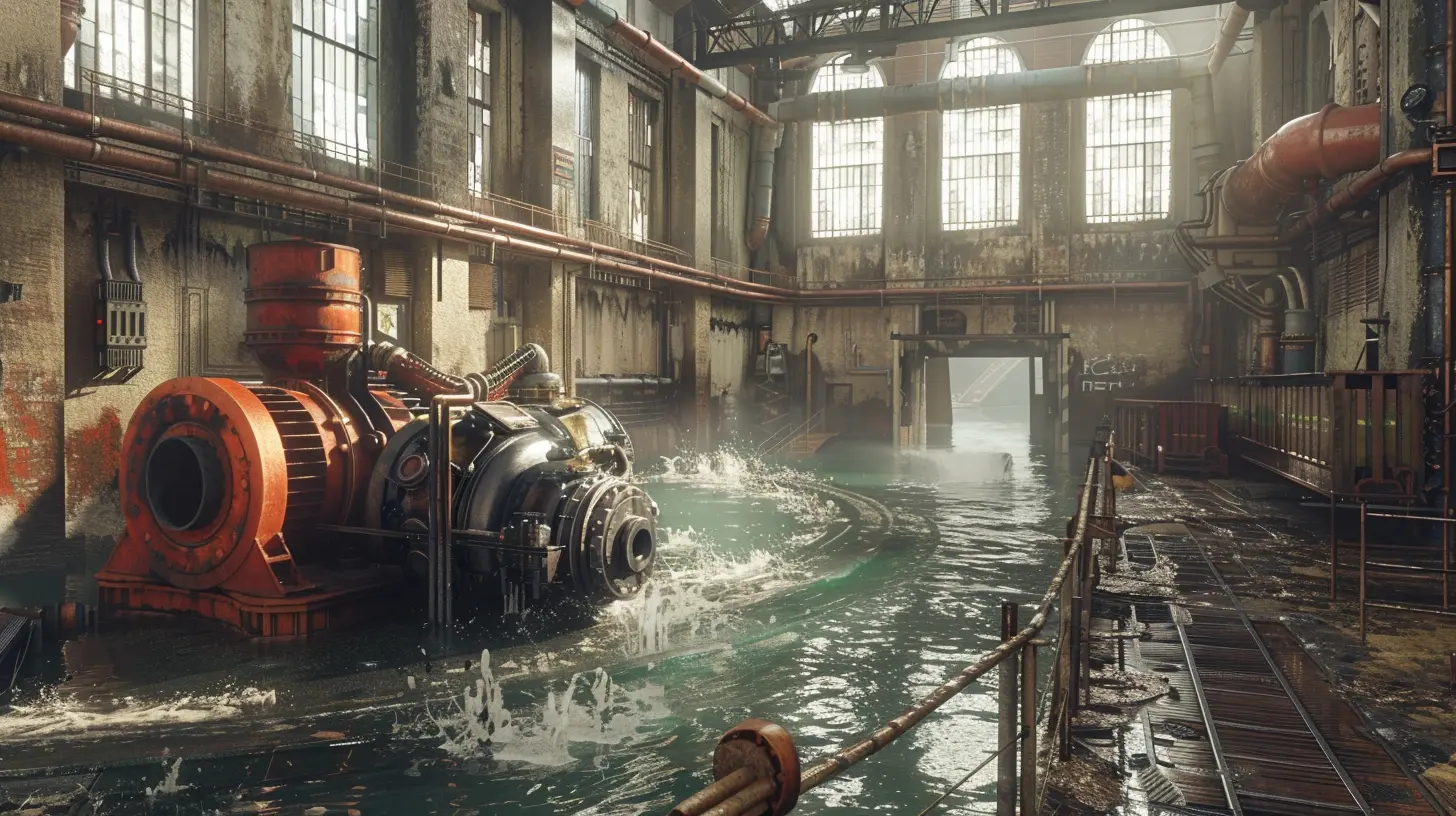
Beast Mode: The Best Engines for Faster Development
Not all game engines are created equal. Some are better for 2D games, while others are built to handle sprawling 3D open worlds. Picking the right engine is like choosing the perfect weapon in an RPG—choose wisely, and you’ll breeze through your tasks. Screw it up, and you’re headed for a wipe.Here are the heavy-hitters you should consider:
1. Unity – The All-Rounder
- Why It Speeds You Up: Unity is like the Swiss Army knife of game engines. It’s beginner-friendly, has a massive online community for troubleshooting, and can handle everything from 2D platformers to full-blown VR experiences.- Best For: Indie developers, mobile games, and smaller teams who want versatility without a steep learning curve.
- Pro Tip: Unity’s Asset Store is your new best friend. It’s loaded with pre-made assets, code snippets, and shaders that can speed up your workflow by weeks.
2. Unreal Engine – The 3D Titan
- Why It Speeds You Up: Unreal Engine’s Blueprint visual scripting system lets you create mechanics without diving deep into code. Plus, it boasts jaw-droppingly realistic graphics thanks to Unreal Engine 5’s Nanite and Lumen technologies.- Best For: AAA-quality games, 3D environments, and photorealistic visuals.
- Pro Tip: Use Unreal’s templates for common game genres. They come with prebuilt setups that will save you hours.
3. Godot – The Underdog Champion
- Why It Speeds You Up: Godot is a lightweight, open-source engine that’s perfect for 2D games. Its scene-based system makes organizing your project a breeze, and it’s hands-down one of the most intuitive engines for newbies.- Best For: 2D games, hobby projects, and smaller teams.
- Pro Tip: Don’t sleep on Godot’s scripting language, GDScript. It’s user-friendly and reads like Python, so you’ll pick it up in no time.
4. GameMaker Studio – The 2D Specialist
- Why It Speeds You Up: GameMaker Studio is purpose-built for 2D game development. Its drag-and-drop interface means you can create basic mechanics like movement and jumping without writing a single line of code.- Best For: Pixel art games, platformers, and teams who want to focus on gameplay rather than tech.
- Pro Tip: GameMaker’s Marketplace has plug-and-play tools that can cut development time in half.

Tricks and Tips to Push the Pedal to the Metal
Okay, so you’ve picked your engine. What now? Well, even the fastest car won’t go anywhere if you’re stuck in neutral. Here are some hacks to get the most out of your dev workflow:1. Use Pre-Made Assets
Don’t be afraid to “cheat” by using pre-made assets for placeholders or even for final builds. Sites like Unity Asset Store and TurboSquid are treasure troves for 3D models, sound effects, and textures.2. Automate Repetitive Tasks
Whether it’s procedural generation or automated testing, anything that saves you from doing the same thing 500 times is worth its weight in gold.3. Version Control Is Your Lifeline
Take it from me—nothing’s worse than losing hours of progress because you accidentally broke your code. Tools like GitHub can save your bacon by letting you roll back to earlier versions of your project.4. Leverage Tutorials and Communities
Seriously, don’t be a lone wolf. Game dev communities on Reddit, Discord, and Stack Overflow are filled with seasoned devs who’ve been there, done that.5. Timebox Your Tasks
Set strict time limits for specific tasks. Otherwise, you’ll spend three days obsessing over the perfect shade of sunset orange.Wrapping It Up: Work Smarter, Not Harder
At the end of the day, game engines are here to make your life easier—not harder. They’re the nitro boost your workflow needs to go from crawling to full throttle. By choosing the right engine, leveraging its built-in tools, and using smart hacks, you’ll cut development time and get closer to launching your dream game.So, why keep slogging through the mud when you can be soaring through the skies? Pull the trigger on a powerful engine and watch your workflow transform overnight. You got this!
all images in this post were generated using AI tools
Category:
Game EnginesAuthor:

Avril McDowney
Discussion
rate this article
2 comments
Zeke Snow
Great insights on optimizing game development! I'm intrigued by how different engines can impact workflow. Looking forward to experimenting with some of these techniques in my next project!
March 2, 2026 at 5:24 AM
Avril McDowney
Thank you! I'm glad you found the insights helpful. Excited to see how you incorporate these techniques into your project!
Natasha McKay
Sure, engines can speed things up, but let’s be real: if your game lacks creativity, no engine will save it. Build your dream, not just your workflow. 🚀🎮
March 1, 2026 at 4:45 PM
Avril McDowney
Absolutely! While engines enhance efficiency, creativity is the heart of great games. Let's innovate and dream big! 🚀🎮