How to Choose the Right Resolution for Your Gaming Style
25 June 2026
When you're diving into the world of gaming, there are a ton of choices to make—controller vs. mouse and keyboard, PC vs. console, single-player vs. multiplayer. But one choice that often gets overlooked is arguably one of the most important: screen resolution. Yeah, that setting on your monitor or in-game menu that you either never touch or crank up just because “higher = better,” right?
Well, not exactly. Choosing the right resolution isn’t about flashy numbers or flexing your gaming setup. It’s about finding the sweet spot between image quality, frame rates, and overall experience—tailored to your gaming style. So, let’s break it down and help you figure things out, without the techy mumbo-jumbo.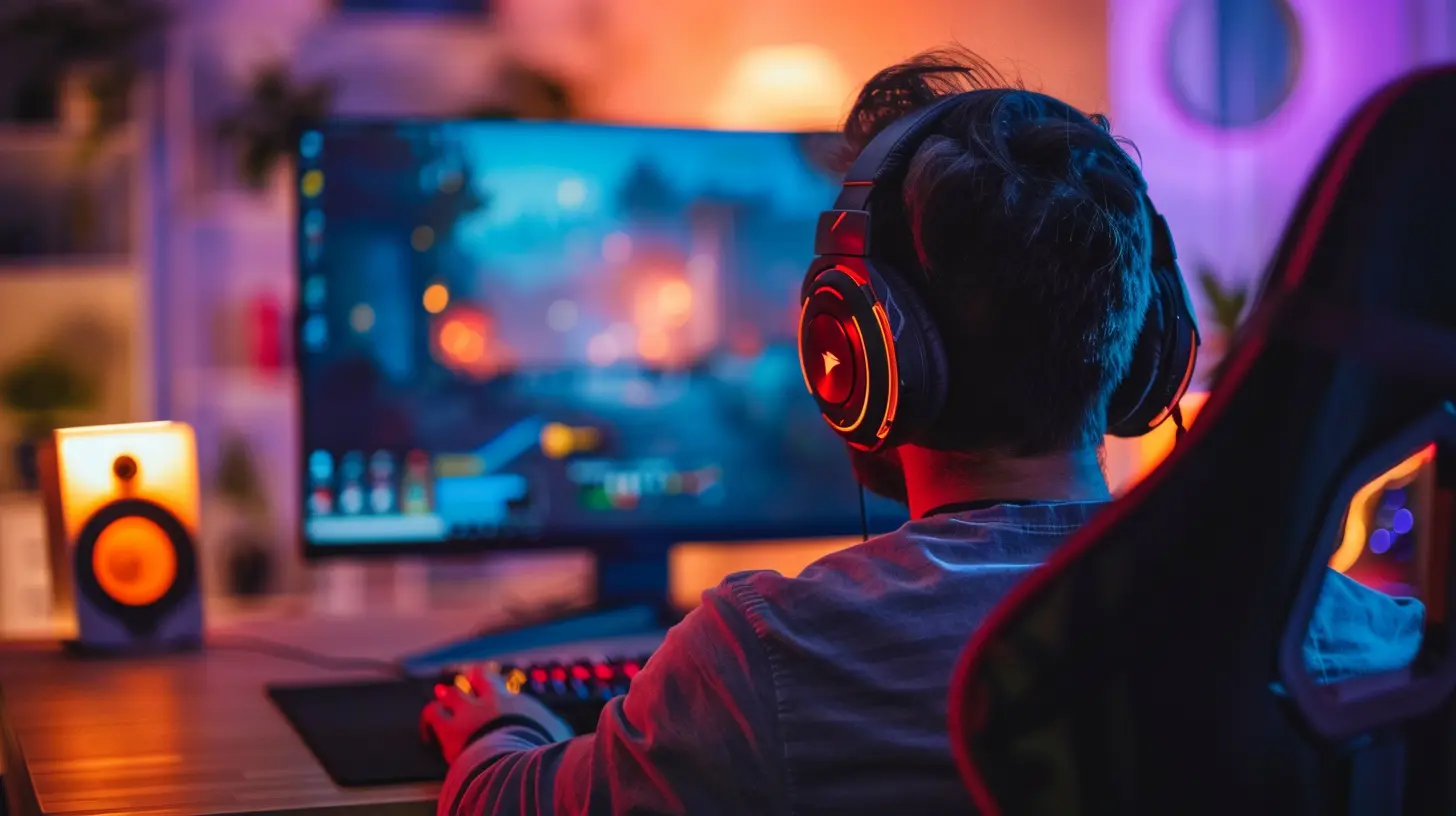
What Is Screen Resolution Anyway?
Before we dive into the nitty-gritty, let’s get the basics straight. Screen resolution represents the number of pixels displayed on your screen. It’s usually written as width × height. Think 1920×1080 (aka Full HD or 1080p), 2560×1440 (Quad HD or 1440p), or 3840×2160 (Ultra HD or 4K).The higher the resolution, the sharper the image—assuming your monitor and graphics card can keep up. But more pixels also mean more work for your hardware, which can affect your game’s performance, especially frame rates.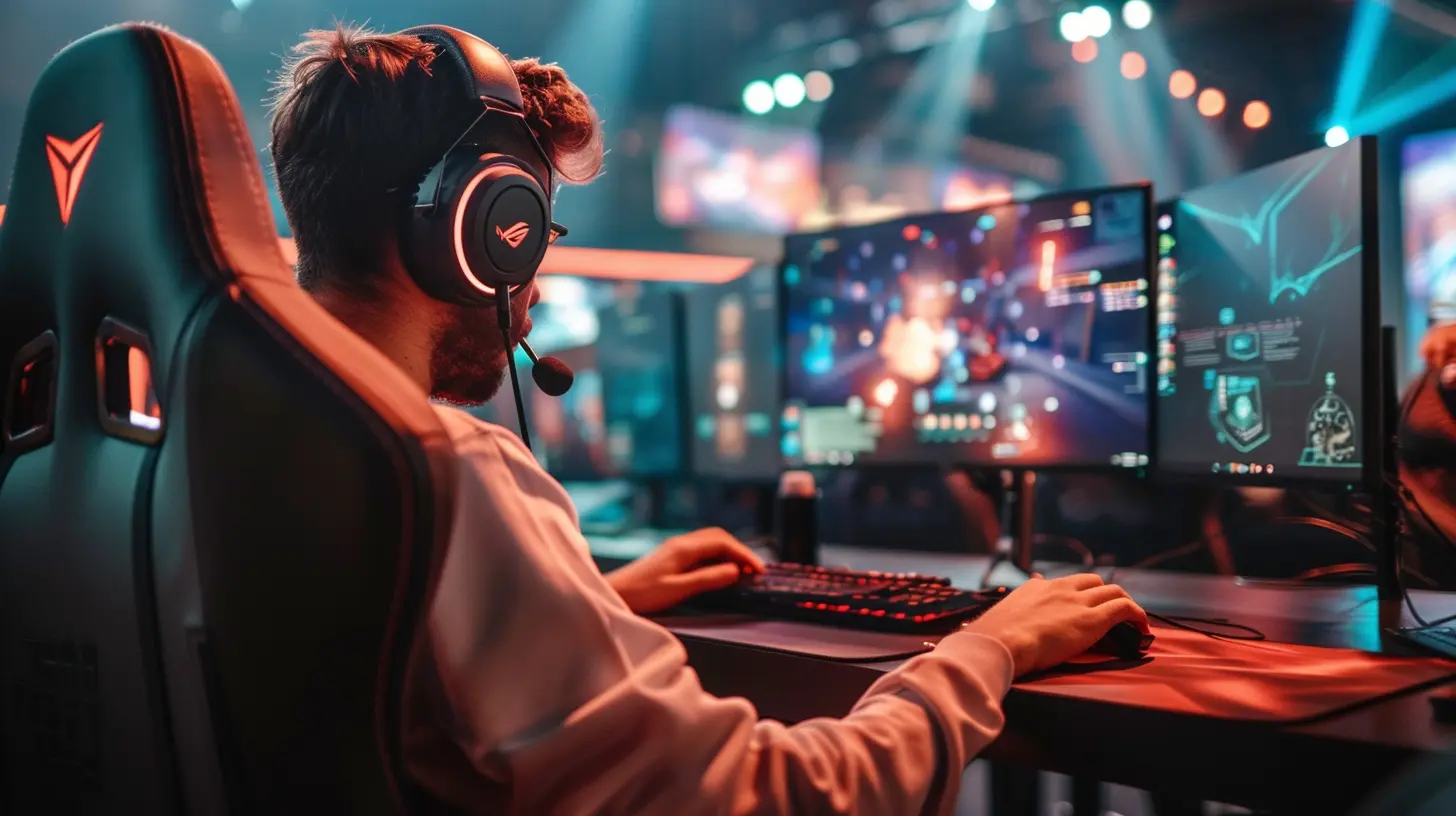
Why Resolution Matters in Gaming
Imagine trying to fight off enemies in a fast-paced first-person shooter, but your visuals are sluggish or blurry. That’s not just annoying—it can ruin your game. Whether you’re a competitive gamer, a casual weekend warrior, or someone who lives for stunning open-world landscapes, your resolution settings can make a huge difference in how immersive and enjoyable your gaming experience is.Here’s why resolution is a big deal:
- Visual clarity: Higher resolutions offer crisper, more detailed images.
- Performance: Lower resolutions are less demanding, giving you better frame rates.
- Immersion: The right balance can draw you deeper into the game without distracting hiccups or lags.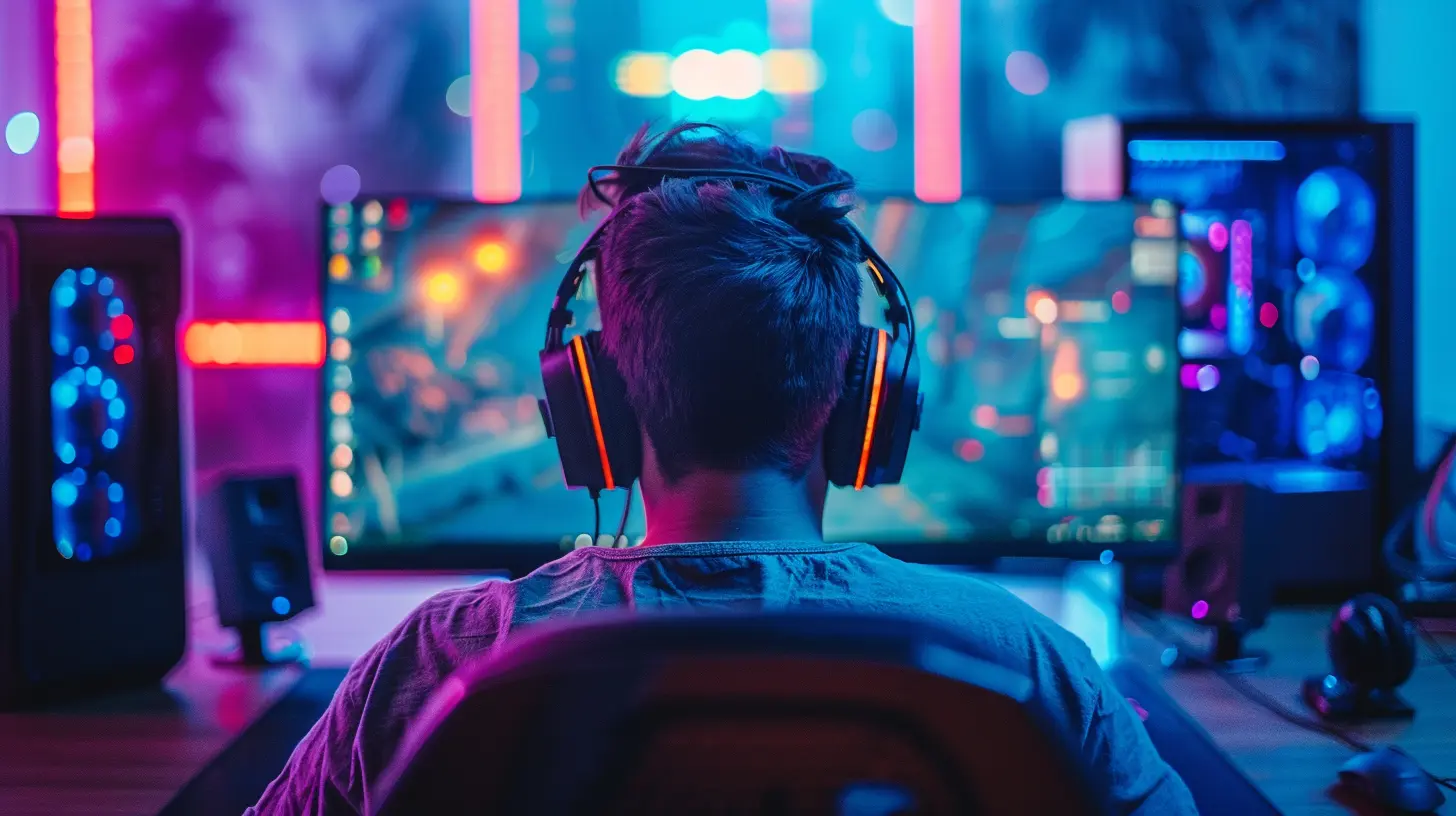
Know Thyself: Decoding Your Gaming Style
Before picking a resolution, you need to ask yourself a simple question: “What kind of gamer am I?”? The Competitive Gamer
Do you play to win? We’re talking games like Call of Duty, Valorant, Fortnite, or League of Legends. You probably care more about frame rate and latency than how stunning the water reflections look in the distance.In this case, frame rate trumps resolution. You’ll want buttery-smooth 144Hz or higher refresh rates. Sticking with 1080p or 1440p is usually the sweet spot here. Lower resolution = higher frame rate = faster reaction times.
? The Immersive Story-Driven Gamer
Playing Red Dead Redemption 2, Horizon Zero Dawn, or The Witcher 3? Then you’re in it for the experience—the lore, the landscapes, the cinematic vibes.For you, visual fidelity is king. Going for 1440p or 4K is ideal, assuming your rig can handle it. You’ll sacrifice some frame rate, but in exchange, your game world will look breathtaking.
? The Casual Gamer
Maybe you hop on for a few rounds after work or spend a lazy Sunday gaming. You want a good experience, but you’re not tweaking settings between rounds.A balanced 1080p or 1440p setup is perfect. It doesn’t push your hardware too hard, but still offers solid performance and good visuals.
?️ The Retro and Indie Gamer
If pixel art and indie gems are your go-to (Hades, Stardew Valley, Celeste), resolution might not matter as much. These games often have stylized graphics that look crisp even at lower resolutions.You’ll probably be totally fine at 1080p, and you’ll benefit from lower system demands while still getting a flawless experience.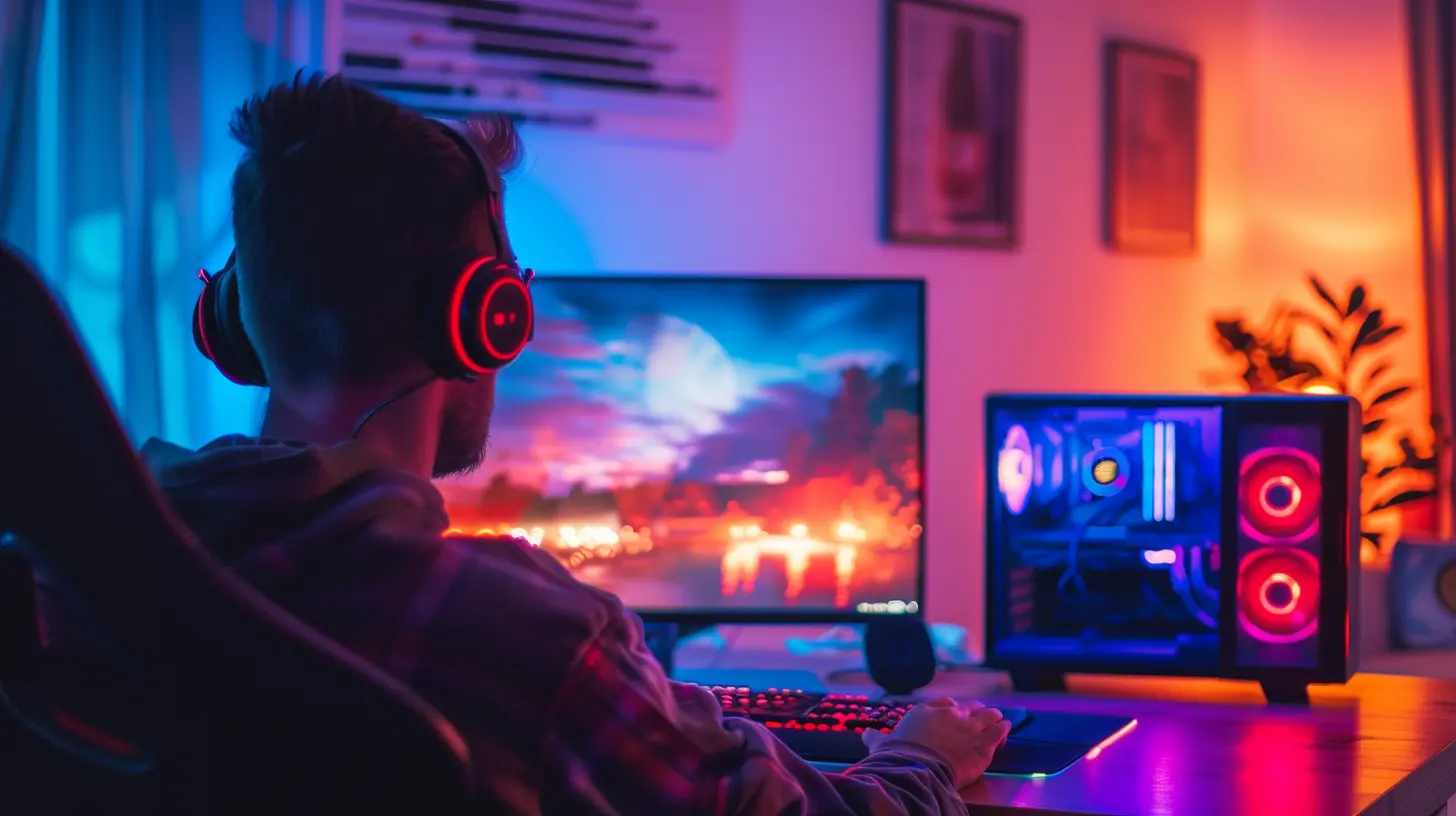
Pros and Cons by Resolution
Let’s break it down further. Here’s a quick glance at what you gain and lose with each major resolution:? 1080p (Full HD)
Pros:- High frame rates even on mid-range hardware
- Widely supported across devices
- Great for competitive gaming
Cons:
- Less detailed visuals, especially on larger screens
- Can start to look dated on 27”+ monitors
Best for: Competitive and casual gamers, budget builds
? 1440p (Quad HD)
Pros:- Excellent balance between visuals and performance
- Noticeable step-up from 1080p
- Great for most modern gaming rigs
Cons:
- More demanding on your GPU
- Not all games or consoles support it natively
Best for: Immersive gamers, casuals wanting to level up, streamers
? 2160p (4K Ultra HD)
Pros:- Pixel-perfect visuals
- Best for open worlds and cinematic games
- Future-proofing your setup
Cons:
- Very demanding on hardware—needs high-end GPUs
- Lower frame rates unless you’re packing serious heat
- Expensive monitors and gear
Best for: High-end setups, single-player adventurers, content creators
Matching Your Monitor and GPU to Your Resolution
It’s not just about picking a resolution—it’s about whether your gear can handle it. You wouldn’t put race tires on a tricycle, right?Monitor Size + Resolution
Here’s a handy cheat sheet:- 1080p: Best on 21–24” monitors
- 1440p: Ideal for 24–27” monitors
- 4K: Shines on 27”+ monitors
Too many pixels on a tiny screen? Overkill. Too few pixels on a massive screen? Blurry city.
GPU Compatibility
Your graphics card (GPU) is the powerhouse behind your visual settings. Want 4K at high settings with smooth frame rates? You’ll need something like an NVIDIA RTX 3080 or higher.On a GTX 1660 or equivalent? Stick to 1080p or maybe 1440p with reduced settings.
Simple rule of thumb:
> More pixels = More GPU power = More $$$
Refresh Rate and Resolution: Best Friends or Frenemies?
Let’s not forget about another key player: refresh rate (measured in Hz). It determines how many times per second your monitor can refresh the image. Common refresh rates are 60Hz, 120Hz, 144Hz, and even 240Hz.The Balancing Act
- High refresh rates (144Hz and up): Great for competitive games, but only shine when your GPU can deliver high frame rates.- High resolutions (1440p or 4K): Great for visuals, but may cap your frame rate.
So if you’re aiming for smooth gameplay in fast-twitch games, prioritize refresh rate over resolution.
Console Gamers: You’re Not Off the Hook
PC gamers might have more control over resolution settings, but console players need to think about this too.- Xbox Series X / PS5: Support up to 4K, but often run games at 1440p dynamics for performance
- Xbox Series S: Targets 1440p
- Nintendo Switch: Caps at 1080p when docked
Bottom line: even if you’re on console, pair it with a monitor or TV optimized for your system’s output resolution.
Don’t Forget the Distance!
Yep, how far you sit from your screen matters. Sitting close to a large 1080p monitor? You might notice pixelation. Sitting far from a 4K screen? The extra pixels might not make a huge difference to your eyes.A general rule: the bigger the screen or the closer you sit, the more benefit you’ll get from higher resolutions.
Upgrading? Think Long-Term
Let’s face it: resolution isn’t everything. But if you’re investing in new gear, think ahead. A 1440p monitor today might be perfect for your current GPU but also future-proof enough to support a more powerful rig down the line.Don’t dump your entire wallet just to chase 4K if your graphics card can’t keep up. Your in-game experience matters more than just numbers.
Final Thoughts: What Resolution Should YOU Go For?
Choosing the right resolution isn’t about maxing out everything—it’s about matching your setup to your gaming habits. To sum it up:- ? If you’re into fast-paced, competitive games → Stick with 1080p
- ? If you crave immersive, cinematic experiences → Jump to 1440p or try 4K (if your rig allows)
- ? If you’re a casual or budget gamer → 1080p or 1440p offers the best value
- ? If you have a high-end system and love eye candy → Go for 4K
Remember, there’s no “one-size-fits-all.” The best resolution is the one that delivers the smoothest, most enjoyable experience for how you like to play.
So ask yourself: what kind of gamer are you, and is your resolution working for you... or against you?
all images in this post were generated using AI tools
Category:
Gaming MonitorsAuthor:

Avril McDowney
Discussion
rate this article
1 comments
Cash Wallace
Great tips on resolution choices! Finding the right fit can really enhance the gaming experience. Keep up the good work!
June 25, 2026 at 3:41 AM
Avril McDowney
Thanks for the feedback! I'm glad you found the tips helpful. Enjoy your gaming!