How Refresh Rate Impacts Your Gameplay
19 August 2026
So, you just got into gaming—or maybe you’ve been around the block a few times—and you keep hearing people talk about “refresh rates.” 60Hz, 120Hz, 240Hz. It’s like some sort of secret FPS club that no one explained to you. Don't worry. You're about to become part of the cool crowd that actually knows what refresh rate is and why it seriously matters when you're chasing dubs, landing headshots, or speedrunning your favorite classics.
Let’s break it down, gamer-to-gamer, no tech jargon, just good ol’ relatable info.
What the Heck is Refresh Rate Anyway?
Okay, imagine your screen is like a flipbook. You know the ones we used to draw in notebooks? Each page shows a slightly different picture, and when you flip them fast enough—voilà!—movement.Your monitor does something similar. The refresh rate is how many times your screen updates (or “refreshes”) the image per second. That’s measured in hertz (Hz). So:
- 60Hz = 60 frames per second (FPS)
- 120Hz = 120 frames per second
- 240Hz = You guessed it, 240 frames per second
Simple, right?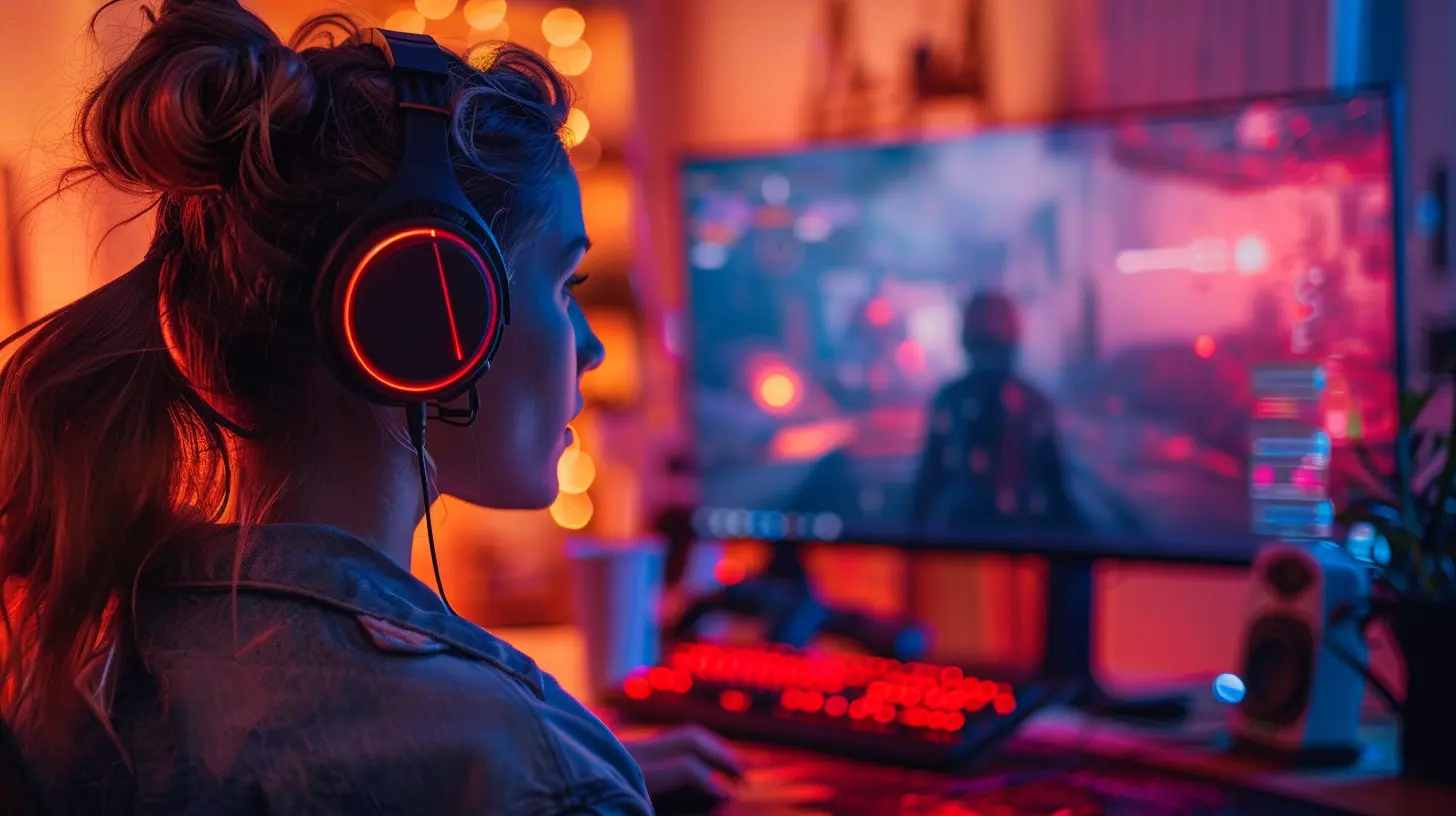
It’s Not Just a Number – It’s a Game-Changer
You might be thinking, “Well, I play fine on 60Hz, why should I care?”Let me paint you a little picture. You’re lining up the perfect sniper shot in an FPS game like Call of Duty or Apex Legends. Your enemy zigzags like they’ve had one too many energy drinks, you pull the trigger—BOOM. You miss. Why? Because what you saw wasn’t fully real-time. At lower refresh rates, motion blur and screen tearing can mess with your perception. You’re reacting to something that happened milliseconds ago—and in gaming, that can be the difference between a win and a respawn.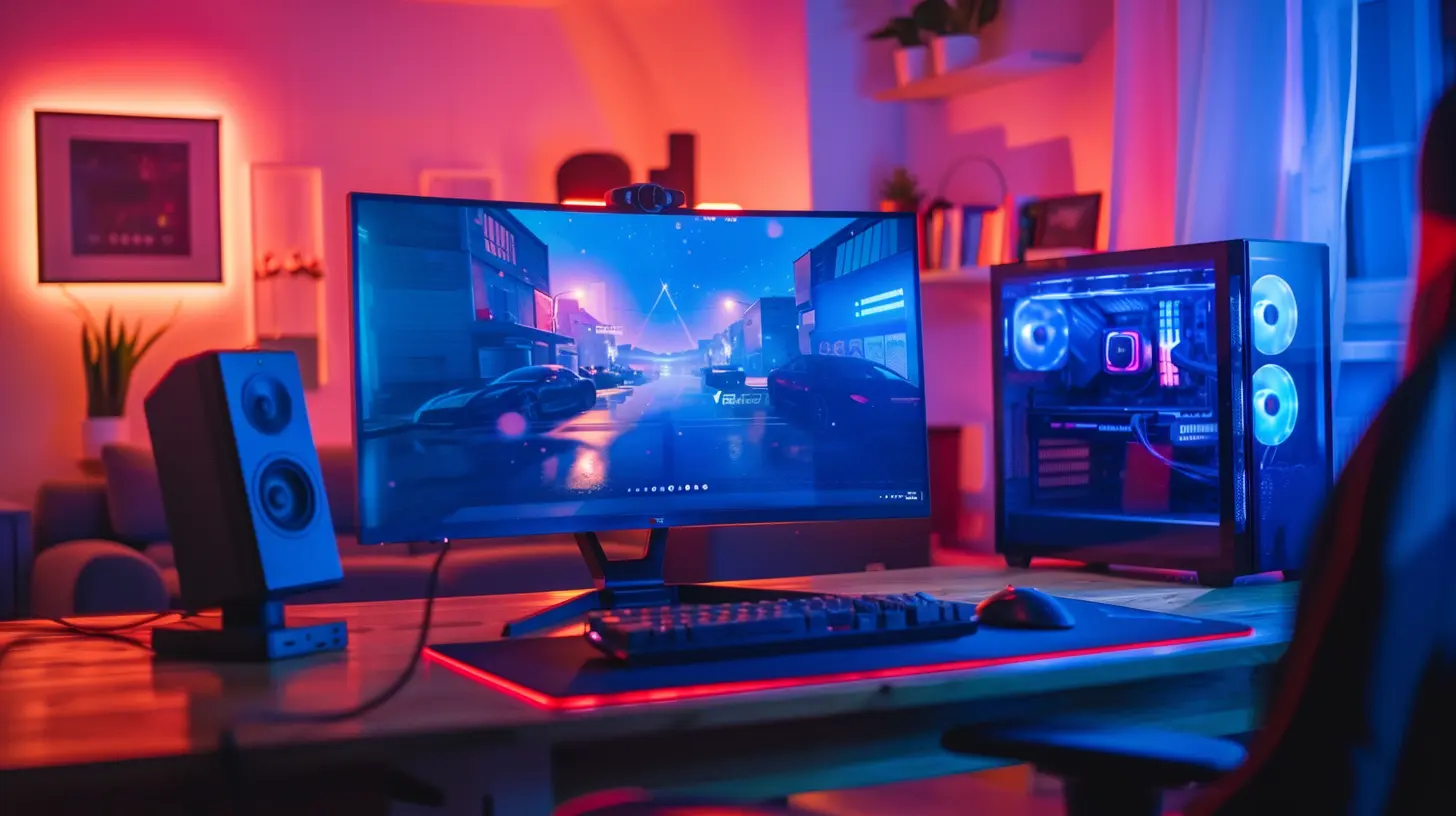
The Smoothness Factor: Feel the Flow
The jump from 60Hz to 120Hz is kind of like upgrading from a tricycle to a sports car. It’s smoother, faster, and honestly just feels better.- At 60Hz, things look okay. You can game, sure, but it’s like watching Netflix on a potato.
- At 120Hz, motion becomes buttery-smooth. Scrolling menus, running around maps, switching weapons—it all looks seamless.
- At 240Hz, it’s like your monitor is reading your mind. Movements look almost hyper-real.
Even if you don’t think you can “see” it, your brain feels it. Trust me. Once you go high refresh, you’ll never want to go back.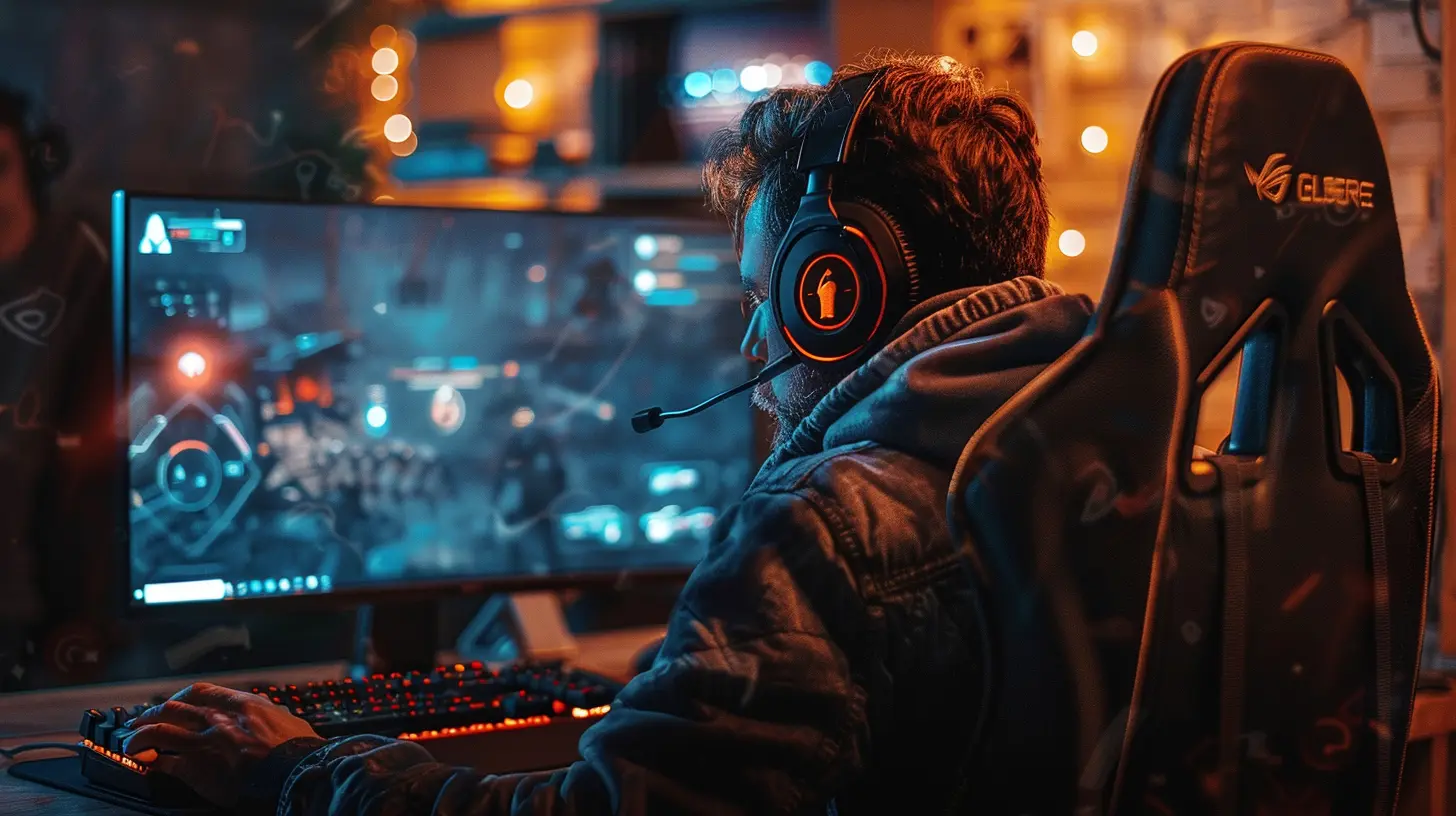
Competitive Gaming: High Refresh = High Score
If you’re into competitive gaming—like really into it—refresh rate can literally give you the edge over your opponent. Most esports players don’t touch monitors under 144Hz. And they’re not just being boujee.Why? Let’s dig into this.
- Reduced Input Lag: Higher refresh rates mean your monitor reacts faster to your inputs. That split-second difference when you click to shoot or jump could mean everything.
- More Accurate Aiming: Especially in first-person shooters (FPS), smoother visuals help you track fast-moving targets more accurately.
- Less Motion Blur: You’ll see more clearly as you flick your mouse and snap-to-targets. Your eyes won’t have to work as hard—so you game longer, better, stronger.
It’s not magic—it’s science (but the cool kind).
Casual Gamers, Don’t Sleep on This!
Now, you might be more of a cozy gamer. Maybe you chill with Stardew Valley, chill in The Sims, or relax with Minecraft. Still—higher refresh rates can make your favorite games feel even more alive.Imagine smoother animations, faster crafting menus, buttery-smooth scrolling. It’s like your game just took a deep breath and started running at full speed for the first time ever.
But Wait—Doesn’t FPS Matter Too?
Absolutely. Here's the tea:Your monitor’s refresh rate is only part of the equation. Your computer or console also needs to be pushing out enough frames per second to take advantage of it. A 240Hz monitor won’t do much if your game’s only running at 60 FPS. That's like putting racing tires on a lawnmower.
So, it’s really about both:
- High FPS + High Refresh Rate = Gaming heaven
- Low FPS + High Refresh Rate = Wasted potential
- High FPS + Low Refresh Rate = Screen tearing and jitters
Make sure your GPU (graphics card) can handle the pressure, or you won’t really feel the difference.
V-Sync, G-Sync, FreeSync—What’s All This?
Here’s where things get a little nerdy. Ever see your screen kinda “rip” in two while playing? That’s called screen tearing, and it happens when your frame rate and refresh rate aren’t in sync.Thankfully, some smart tech fixes that:
- V-Sync: Software-level solution. Caps your FPS to match the refresh rate. It works, but can cause a bit of input lag.
- G-Sync (NVIDIA) and FreeSync (AMD): These are hardware solutions to keep your frames in line with the refresh rate. No tearing, no lag—just gorgeous, smooth gameplay.
If you’re using a high refresh rate monitor, definitely check if it supports one of these. It’s like adding honey to your tea—just makes everything sweeter.
Which Refresh Rate Is Right for You?
Let’s be real, not everyone needs a 360Hz monitor. It depends on your style, budget, and setup. Here’s a quick rundown:| Refresh Rate | Best For |
|--------------|----------|
| 60Hz | Casual gamers, media consumption, older systems |
| 75Hz-100Hz | Budget upgrades, smoother overall feel |
| 120Hz | Great for console gamers and mid-tier PCs |
| 144Hz | Esports and competitive gaming starter pack |
| 240Hz+ | High-end competitive players, serious FPS fans |
Keep in mind that the price tends to go up as you climb the refresh rate ladder. But hey, consider it an investment in your digital reflexes.
A Console Gamer’s Perspective
“But I play on Xbox/PlayStation, does this even matter for me?”Actually, yes. With the latest console generations—like the Xbox Series X and PS5—games are now capable of running at higher frame rates. Many titles support 120Hz, offering smoother and more responsive experiences.
If you’ve got the right HDMI cable (HDMI 2.1) and a monitor or TV that supports it, you're golden. Don’t sell yourself short just because you’re repping a controller instead of a mouse and keyboard.
The Eyes Don’t Lie
Here’s the underrated part—your eyes.Higher refresh rates reduce strain on your eyes over long play sessions. No more squinting or blinking like crazy because things are just a blur. If you've ever walked away from a session with tired, dry eyes, a better refresh rate might actually help with that.
Think of it as self-care—but make it epic.
What If You Can’t Afford a High Refresh Rate Monitor?
We get it, not everyone’s rolling in RGB-tinged cash.If your setup can’t handle 120Hz or 240Hz just yet, that’s okay. But you can still optimize your system for the smoothest gameplay possible:
- Lower your graphic settings to boost FPS
- Enable performance modes in games
- Use your monitor’s native resolution
- Make sure your drivers are up to date
Even small tweaks can make your game feel smoother, more responsive, and just more fun. Baby steps, my friend. You’ll get there.
The Verdict: Worth It? 1000% YES.
So, is upgrading your monitor’s refresh rate worth it?Heck yeah.
Whether you're a casual couch gamer, a hardcore raid leader, or a quick-scoping sharpshooter, a better refresh rate can elevate your entire experience. It affects how you play, how you react, and—let’s not lie—how much fun you’re having.
Gaming is supposed to be immersive, responsive, and just downright enjoyable. Why settle for sluggish when you can have silky smooth?
TL;DR (Too Long; Didn’t Respawn)
- Refresh rate = how often your screen updates per second (measured in Hz)- Higher refresh = smoother, faster visuals
- Great for competitive and casual gamers alike
- Needs to match your system’s FPS output
- Look out for screen-tear solutions like V-Sync, G-Sync, and FreeSync
- Console gamers, you’re not left out!
- It’s an upgrade that your eyes—and your K/D ratio—will thank you for
So go ahead, treat yourself. Your monitor is basically your window into every digital world you enter. Might as well make sure it’s crystal clear and lightning-fast.
Now, go frag, farm, or frolic—in buttery-smooth style.
all images in this post were generated using AI tools
Category:
Gaming MonitorsAuthor:

Avril McDowney