How Much Should You Spend on a Gaming Monitor?
12 August 2025
If you’re in the market for a gaming monitor, you’ve probably already realized just how overwhelming it can be. The options are endless, the specs sound like robot-speak, and the prices? They’re all over the place—from budget-friendly to “should I sell a kidney?”. So naturally, the big question on your mind is: How much should you actually spend on a gaming monitor?
Well, you're not alone. This is one of the most common questions in the gaming community, especially for gamers building a rig or upgrading their setup. Whether you're new to PC gaming or you're a seasoned vet looking to level up, we’re going to break it all down for you.
Let’s jump into it.
First Things First: What Kind of Gamer Are You?
Before whipping out your wallet, take a second to think about how you game. Your gamer personality actually plays a HUGE role in deciding how much you should spend on a monitor. Let’s break it down:🎮 Casual Gamer
You hop into a game to chill, maybe play for an hour or two after work or on the weekend. Graphics and performance matter, but you're not trying to win tournaments.Suggested Budget: $100 – $200
⚔️ Competitive Gamer
You play a lot, and you play to win. You’re into fast-paced shooters like Call of Duty, Valorant, or Apex Legends where every frame counts.Suggested Budget: $250 – $500
🧠 Hardcore or Pro Gamer
Gaming is life. You stream, compete, maybe even earn a few bucks doing it. You demand top-tier performance, smooth visuals, and zero compromise.Suggested Budget: $500 – $1000+
Now that you’ve found your category, let’s dive into what you’re actually getting for your money.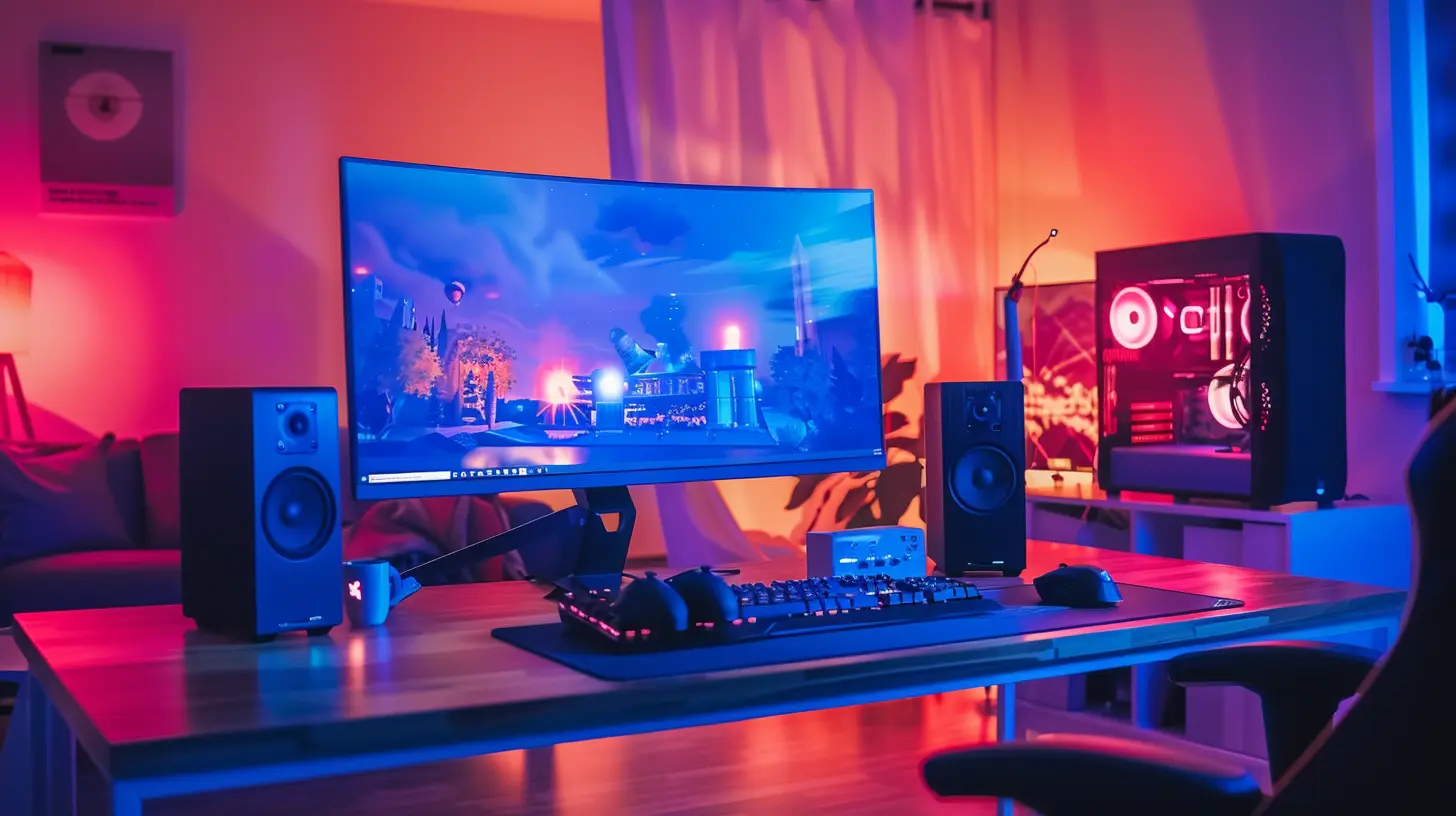
Understanding Gaming Monitor Specs (Without the Tech Jargon)
Okay, time to demystify all that confusing tech lingo. Here are the key features you should care about—and how they affect price.🖥️ Screen Size & Resolution
- Resolution affects how crisp your games look. 1080p (Full HD) is standard and budget-friendly, 1440p (QHD) is a sweet spot, and 4K is for the pixel-hungry.- Size matters, but not always more is better. 24"–27" is ideal for most setups.
The Price Factor: Higher resolution and larger screens = higher price. Simple as that.
⚡ Refresh Rate & Response Time
- Refresh Rate (Hz): Think of it as how many frames your monitor can show each second. 60Hz is okay, 144Hz is great, 240Hz+ is elite.- Response Time (ms): How fast pixels change. Lower is better. Aim for 1ms if you play competitive games.
The Price Factor: Monitors with higher refresh rates and faster response times tend to cost more—but they give you a buttery-smooth experience.
🔁 Adaptive Sync Tech
This is stuff like G-SYNC (NVIDIA) or FreeSync (AMD), which helps eliminate screen tearing. It’s not essential, but it’s really nice to have.The Price Factor: FreeSync is usually cheaper. G-SYNC can really jump the price up.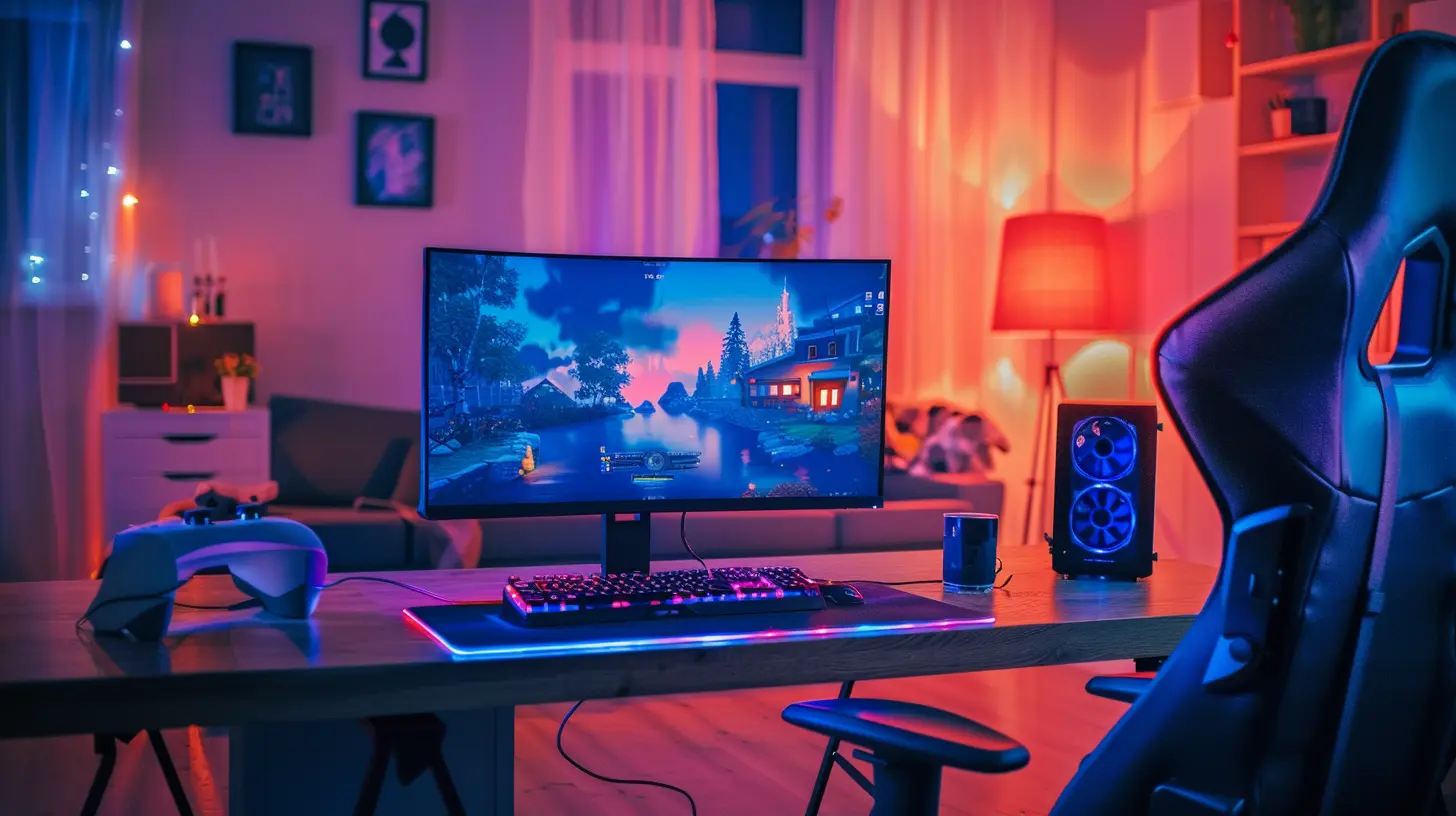
Budget Gaming Monitors: $100–$200
If you're on a tight budget or just starting out, don’t worry—you can still get a decent monitor without emptying your wallet.What You’ll Get:
- 1080p resolution- 60Hz to 75Hz refresh rate (some 120Hz if you're lucky)
- 24" or smaller screens
- Basic FreeSync support
Pros:
- Affordable- Still good for casual gaming
- Energy-efficient and compact
Cons:
- Lower refresh rate and slower response time- Not ideal for fast-paced or competitive gaming
Who it’s for: Players who enjoy indie games, story-driven titles like The Witcher or Life is Strange, or slower-paced strategy games.
Mid-Range Gaming Monitors: $250–$500
This is the sweet spot for most gamers. You get solid performance, great visuals, and bang-for-buck value.What You’ll Get:
- 1080p up to 1440p resolution- 144Hz refresh rate
- 1ms response time
- Larger screens (27”+)
- Good color accuracy and better contrast
Pros:
- Great for fast action games like FPS or fighters- Very smooth visuals
- Decent build quality and durability
Cons:
- Not quite 4K visuals- Can get pricey if you want G-SYNC or top-tier IPS panels
Who it’s for: Competitive players who want top performance without handing over their entire paycheck.
High-End Gaming Monitors: $500 – $1000+
Ready to go all out? These bad boys are for serious gamers who want the best of the best.What You’ll Get:
- 1440p to 4K resolution- 144Hz to 360Hz refresh rate
- G-SYNC Ultimate or FreeSync Premium Pro
- Larger ultra-wide or curved displays
- HDR support and jaw-dropping visuals
Pros:
- Future-proof for years- Perfect for competitive games AND immersive experiences
- Top-tier image quality
Cons:
- $$$- Overkill if you don’t have matching GPU horsepower
Who it’s for: Hardcore gamers, streamers, content creators, or anyone who wants elite performance and stunning visuals.
Don’t Forget – Your GPU Matters Too!
There’s no point in getting a powerful monitor if your graphics card can’t keep up. You need to balance your system.⚠️ Rule of Thumb: Your monitor and GPU should match. For example, don’t buy a 4K 144Hz monitor if your mid-level GPU can barely run games in 1080p. You’ll just end up frustrated.
Gaming Monitor Features That Are Worth the Extra Money
Let’s talk about a few "nice-to-have" features that are totally worth it IF your budget allows:✅ Adjustable Stand
Save your neck and posture. Trust me.✅ IPS Panel
Much better colors and viewing angles than TN panels. A noticeable difference in games with beautiful visuals.✅ G-SYNC / FreeSync
Especially useful in fast-paced games where screen tearing or stuttering can ruin the moment.✅ Built-in Speakers or USB Ports
Not a must, but super convenient.Money-Saving Tips for Gamers on a Budget
We’ve all been there—wanting high performance with a low bank balance. Here are a few ways to save:1. Look for last year’s models – You’d be surprised at how good a deal you can get.
2. Skip 4K if you don’t need it – 1440p is more than enough.
3. Refurbished monitors can be a steal – Just make sure there’s a warranty.
4. Wait for sales – Black Friday, Cyber Monday, and back-to-school deals are goldmines.
So… How Much Should YOU Spend?
Time for some straight talk. If you're still unsure, here's a simple breakdown:- $150 or less: Basic gaming, 1080p, casual play.
- $250–$400: Competitive gaming, 144Hz, great visuals.
- $600+: Next-level performance and visuals, professional streaming/competitive edge.
Remember, spending more can give you better performance—but only if the rest of your system can keep up. Your monitor is one piece of the puzzle, not the whole picture.
Final Thoughts
Buying a gaming monitor doesn’t have to be stressful—or stupidly expensive. Know your goals, understand the key specs, and stay realistic with your budget. It’s easy to get hyped by flashy marketing or peer pressure, but what really matters is how YOU play.At the end of the day, the right monitor is the one that fits your needs, your setup, and your wallet. Whether you're a casual explorer, a sweaty ranked grinder, or a visual experience junkie—there’s a perfect monitor out there for you.
So, how much should you spend on a gaming monitor?
Only as much as you need to make every game feel like an epic adventure.
all images in this post were generated using AI tools
Category:
Gaming MonitorsAuthor:

Avril McDowney
Discussion
rate this article
2 comments
Hailey Cannon
How much to spend on a gaming monitor? Well, if your wallet starts sweating and your bank account gives you the side-eye, you’re probably in the right price range!
January 28, 2026 at 6:09 AM
Avril McDowney
Great advice! It’s all about finding that balance between quality and budget—spend wisely, but don’t skimp on performance!
Samuel Sullivan
Great article! Investing in a quality gaming monitor can truly elevate your gaming experience. It's all about balance—find what suits your budget and needs. Happy gaming, everyone! Keep leveling up those visuals! 🎮✨
August 29, 2025 at 3:38 AM
Avril McDowney
Thank you! Absolutely, finding the right balance between quality and budget is key. Happy gaming! 🎮✨