Do You Really Need a Monitor with HDMI 2.1?
3 April 2026
If you’re thinking about upgrading your gaming setup or just bought a next-gen console or a high-end graphics card, you’ve probably heard people throwing around the term HDMI 2.1 like it's some sort of magical portal to the gaming gods. But here’s the big question: _Do you really need a monitor with HDMI 2.1?_ Is it a must-have for gamers, or just another shiny feature pushed by manufacturers?
Let’s break it down in plain English, no tech gibberish or fluff. Whether you’re a hardcore gamer, a weekend warrior, or just a curious soul, this guide will clear the smoke and help you figure out if HDMI 2.1 deserves a spot in your setup.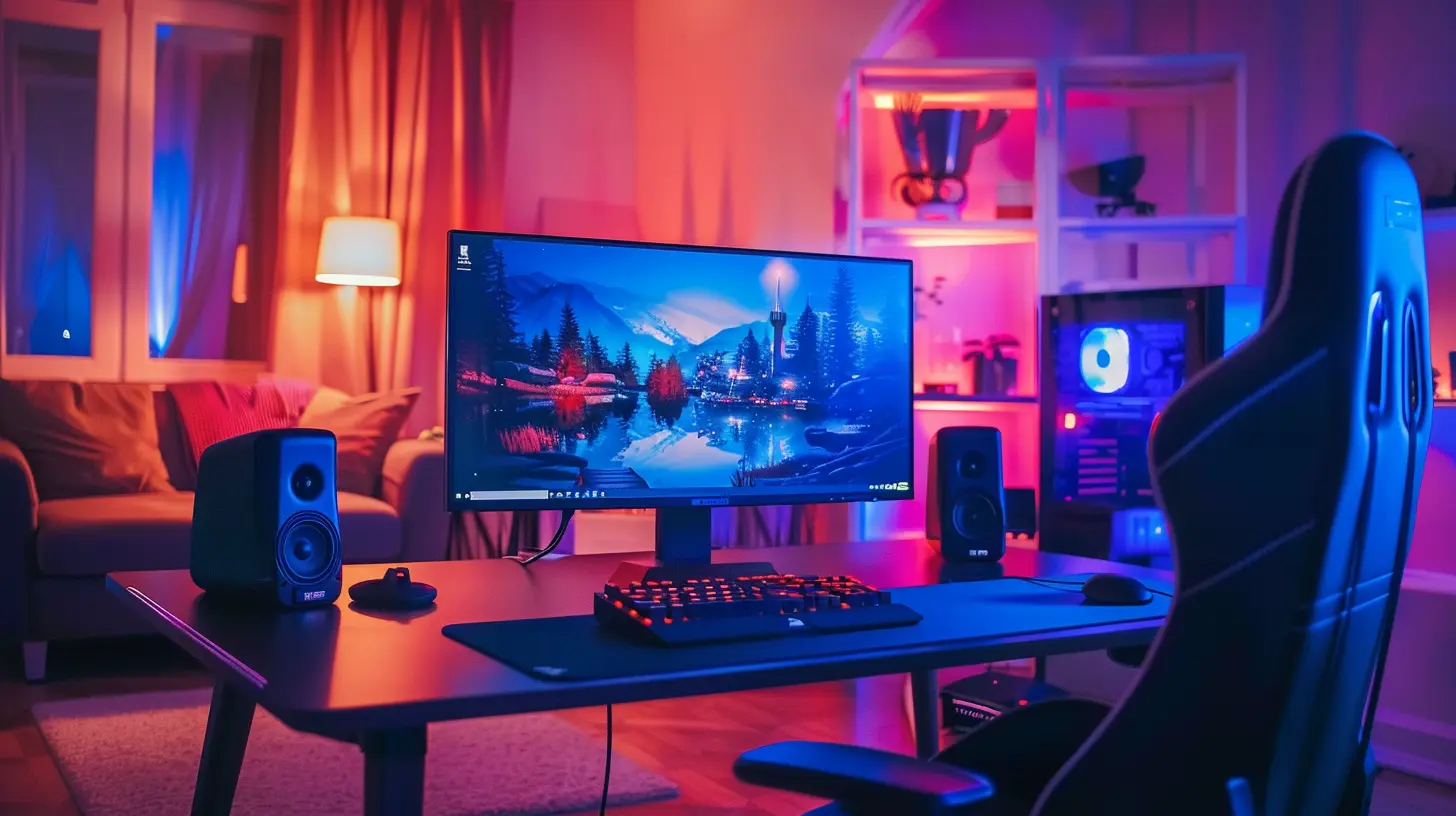
What Exactly is HDMI 2.1?
Alright, quick and simple. HDMI (High-Definition Multimedia Interface) is the standard way most of us connect stuff like consoles, PCs, Blu-ray players, and soundbars to our TVs or monitors.HDMI 2.1 is just the newer, beefed-up version of the older HDMI standards, like HDMI 1.4 or HDMI 2.0. The main difference? More speed and more features.
Some key highlights of HDMI 2.1:
- 48 Gbps bandwidth – That’s a huge leap from HDMI 2.0’s 18 Gbps.- Supports 4K at 120Hz and even 8K at 60Hz.
- Variable Refresh Rate (VRR) – Eliminates screen tearing.
- Auto Low Latency Mode (ALLM) – Automatically switches to low latency mode when gaming.
- Quick Frame Transport (QFT) – Reduces input lag.
- Enhanced Audio Return Channel (eARC) – Better sound quality, especially for home theaters.
Sounds impressive, right? But do all these features translate into real-world benefits for you?
So, Who Actually Needs HDMI 2.1?
Let’s get honest here. Not everyone needs HDMI 2.1. It’s not like your games will stop working without it. But for certain people, it can make a pretty noticeable difference.1. Next-Gen Console Gamers (PS5, Xbox Series X)
If you’re rocking a PlayStation 5 or Xbox Series X, you’ll benefit the most from HDMI 2.1. These consoles can push games at 4K resolution with 120Hz refresh rate, which is only possible if your monitor or TV supports HDMI 2.1.Try plugging your PS5 into a regular 60Hz monitor — you’re basically putting the beast on a leash. You're not unlocking its full power.
So, if you want buttery-smooth gameplay at high resolutions, HDMI 2.1 is your ticket.
2. PC Gamers with High-End Graphics Cards
Got an NVIDIA RTX 30-series or AMD RX 6000-series GPU? These cards support HDMI 2.1 and are capable of pushing ultra-high frame rates at 4K.If you're deep into competitive gaming or want a future-proof setup, HDMI 2.1 is more than just a luxury — it becomes a performance enabler.
3. Cinematic Gamers and Content Creators
If you're into ultra-wides, 4K HDR games, or do a little content creation on the side, HDMI 2.1 can help with better color data and less compression thanks to higher bandwidth — especially great when editing 4K/8K videos or streaming content.
When HDMI 2.1 Might Be Overkill
Here’s the flip side. If your setup is more casual or you're not chasing frame rates like a speed freak, HDMI 2.1 might not be worth the extra cash.1. 1080p or 60Hz Monitors
If your current monitor maxes out at 1080p or doesn’t go beyond 60Hz, you won’t see much (if any) difference by switching to HDMI 2.1. Those extra features? They’ll be sitting unused, twiddling their digital thumbs.2. Older GPUs and Consoles
Still using a PS4, Xbox One, or an older GPU like a GTX 1060? These devices don’t support HDMI 2.1, so getting a monitor with HDMI 2.1 will be like putting a turbo engine in a tricycle.3. Budget-Conscious Builds
Monitors with HDMI 2.1 still fetch a premium price. If you're on a tight budget, you’ll get more bang for your buck by investing in a solid 1440p 144Hz monitor with HDMI 2.0 or DisplayPort, instead of chasing HDMI 2.1 just for bragging rights.
What About DisplayPort? Isn’t That Just as Good?
Yep, and sometimes even better — depending on your setup. DisplayPort 1.4 (and 2.0) can also handle high resolutions and refresh rates, and it’s often the go-to for PC gamers.HDMI 2.1 shines more in the console world, mostly because consoles don’t support DisplayPort. So, if you’re gaming on a PC, don’t feel pressured to get HDMI 2.1 just for the sake of it. DisplayPort might suit you better, especially with G-Sync or FreeSync support.
Features You’ll Actually Notice with HDMI 2.1
Let’s get down to the juicy bits you’ll actually notice in your day-to-day gaming:1. 120Hz Refresh Rate at 4K
This is arguably the most exciting feature. Imagine playing fast-paced shooters or racers and seeing every motion in silky-smooth clarity. With HDMI 2.1, you finally get RTX 3080-level frame rates pushed out in full quality.2. Variable Refresh Rate (VRR)
VRR keeps your monitor and GPU in sync, preventing screen tearing and stuttering. Before this, you’d have to choose between smooth visuals or input lag. Now, you can have your cake and eat it too.3. Auto Low Latency Mode (ALLM)
This one’s like a butler that automatically sets your TV or monitor into game mode. No need to fumble around in settings. You just start the game, and BAM — low latency is engaged. Great for console gamers.4. eARC Support
Planning a home theater vibe with top-tier audio? HDMI 2.1’s eARC lets you pass lossless audio formats like Dolby Atmos and DTS:X directly to your sound system. That’s cinema-grade audio without hiccups.Future-Proofing: A Smart Move?
Now let’s talk about tomorrow. Is investing in HDMI 2.1 just future-proofing, or flat-out future-chasing?Tech moves fast. Games are getting more graphically intense, refresh rates keep climbing, and 8K is slowly creeping into the mainstream. Buying a monitor with HDMI 2.1 now could mean you won’t need to upgrade again in a couple of years.
But remember — future-proofing isn’t just about buying the most expensive gear today. It’s about buying smart according to your usage needs.
Choosing the Right Monitor with HDMI 2.1
If you’ve decided HDMI 2.1 is for you, here are a few things to look for:- Resolution & Refresh Rate: Go for 4K with 120Hz if your GPU or console supports it.
- VRR Support: Look for FreeSync or G-Sync compatibility.
- HDR: For vibrant colors and deeper blacks. Aim for at least HDR400.
- Panel Type: IPS panels offer better colors and viewing angles; VA panels have better contrast.
- Ports: Make sure you're getting at least one HDMI 2.1 port — don’t get tricked by marketing that says “HDMI 2.1-ready” when it’s really HDMI 2.0.
Brands Leading the HDMI 2.1 Charge
Here are some monitor brands and models making waves with HDMI 2.1:- LG UltraGear 27GP950-B – 4K, 144Hz, super responsive, great for PC and console.
- Gigabyte AORUS FV43U – 43-inch beast, 4K 144Hz, good for hybrid PC/console usage.
- ASUS ROG Strix XG43UQ – HDMI 2.1 on steroids, tuned for gaming.
- Samsung Odyssey Neo G8 – Curved 4K 240Hz, bleeding-edge tech.
Keep in mind: Prices change fast in the gaming world. Always check for the most updated reviews and user feedback.
The Verdict: Do You Really Need a Monitor with HDMI 2.1?
So, back to our original question — _Do you really need a monitor with HDMI 2.1?_👉 If you're harnessing the power of a next-gen console, sporting a high-end GPU, and aiming for 4K 120Hz gaming — YES, you’ll absolutely benefit from HDMI 2.1.
👉 If you're a casual gamer, still on previous-gen hardware, or playing on 1080p at 60Hz — NO, HDMI 2.1 is a nice-to-have, not a must-have.
At the end of the day, it all comes down to your gaming goals, your hardware, and your wallet. Don’t get sucked into the hype unless your setup can truly take advantage of the extra power.
But if you want to ride the cutting edge of gaming and see every frame in its full glory, HDMI 2.1 is your golden ticket.
all images in this post were generated using AI tools
Category:
Gaming MonitorsAuthor:

Avril McDowney
Discussion
rate this article
2 comments
Yvette McGeehan
Why settle for mere pixels when you can dive into a pixel party? HDMI 2.1 isn’t just a cable; it’s a portal to gaming nirvana! If your screen isn’t dancing with 120fps fireworks, are you even gaming? Let the pixel fiesta begin!" 🎮✨
April 4, 2026 at 2:49 AM
Avril McDowney
Absolutely! HDMI 2.1 really does transform gaming into an immersive experience. Without it, you're missing out on a lot of excitement. Time to upgrade!
Devin McCloud
Absolutely! HDMI 2.1 brings vibrant visuals and smoother gameplay. Upgrade if you can; your gaming experience might just level up!
April 3, 2026 at 4:26 PM
Avril McDowney
I completely agree. HDMI 2.1 can really enhance gaming with better visuals and performance. If you have the chance, it's worth considering an upgrade.