Color Accuracy vs Speed: What Matters Most in a Monitor?
27 March 2026
Let’s face it, buying a monitor today isn’t just a run-down to the electronics store and grabbing the slickest screen on display. With endless specs, acronyms, and marketing buzzwords thrown around, it quickly becomes overwhelming. One of the most debated—and misunderstood—aspects comes down to two key specs: color accuracy and speed.
So which one should you care about more? Whether you're a gamer, a creative, or just someone who wants their Netflix nights to look fabulous, this head-to-head of color accuracy vs speed is going to settle the score.
Let’s dive in and figure out what matters most for you. 👇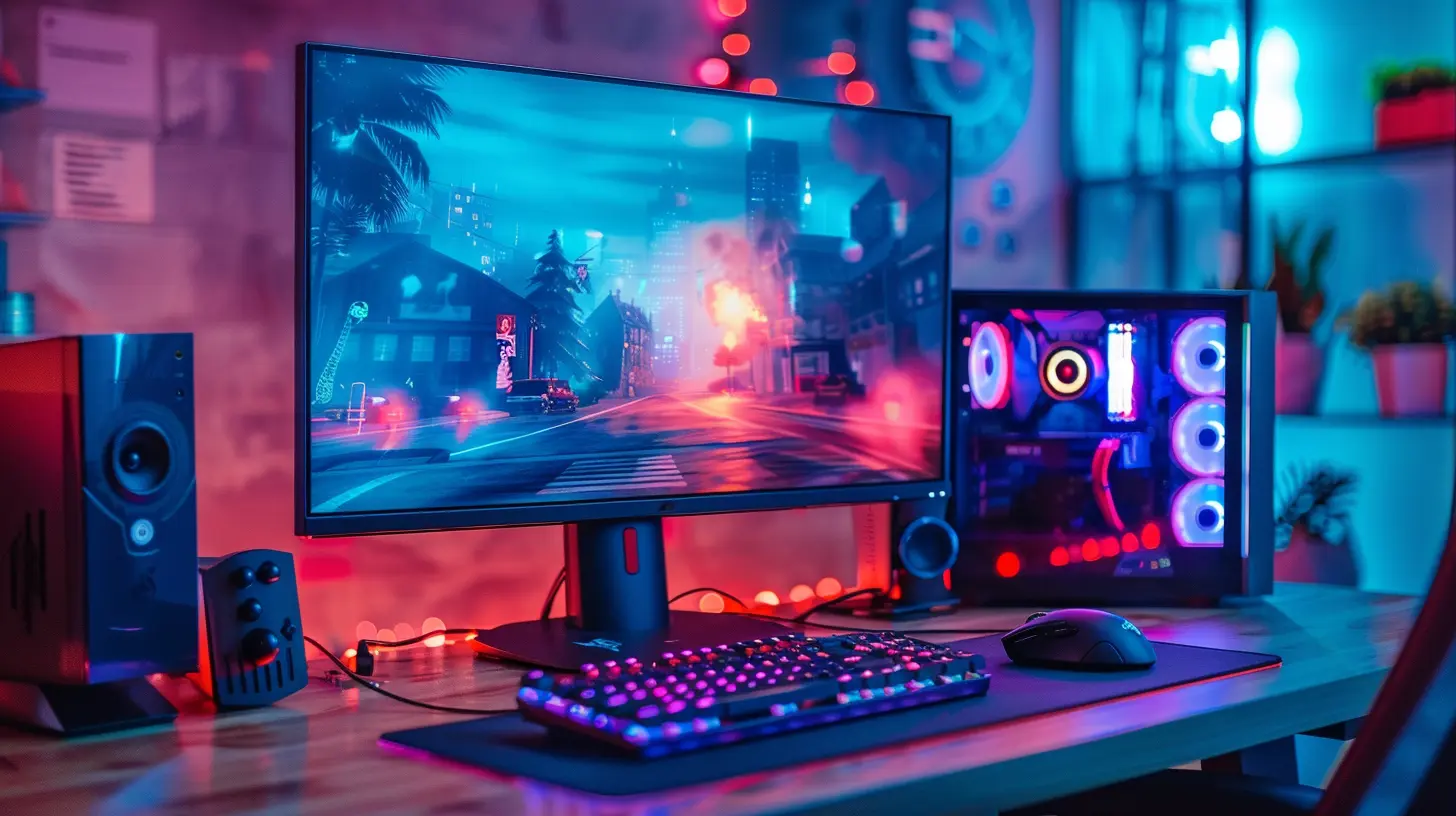
What Is Color Accuracy Anyway?
Color accuracy sounds like one of those “fancy” terms you'd expect to hear in a photography studio, right? But it boils down to one simple question: does what you're seeing on your screen actually look like real life?A monitor with high color accuracy shows you true-to-life shades, hues, and tones. That sunny beach wallpaper? It should look like golden sand, not like someone dropped a yellow Instagram filter on it. If you're editing photos, designing graphics, or simply want your games and movies to look vibrant and natural—color accuracy is your bestie.
Why Color Accuracy Matters
- 🎨 Creative Workflows: If you're a designer, photographer, or video editor, accurate colors are non-negotiable. A slight shift in color could throw off an entire project.- 🚀 Immersive Gaming and Media: Even for gamers, better color accuracy can mean more immersive worlds. Who doesn’t want those spell effects in fantasy RPGs to pop?
- 📸 What You See Is What You Get: Ever printed something and thought, "Wait, this isn’t the color I saw on screen?" That’s poor accuracy coming back to haunt you.
In short, color accuracy is all about fidelity. But here's the catch—getting perfect accuracy often means sacrificing something else: speed.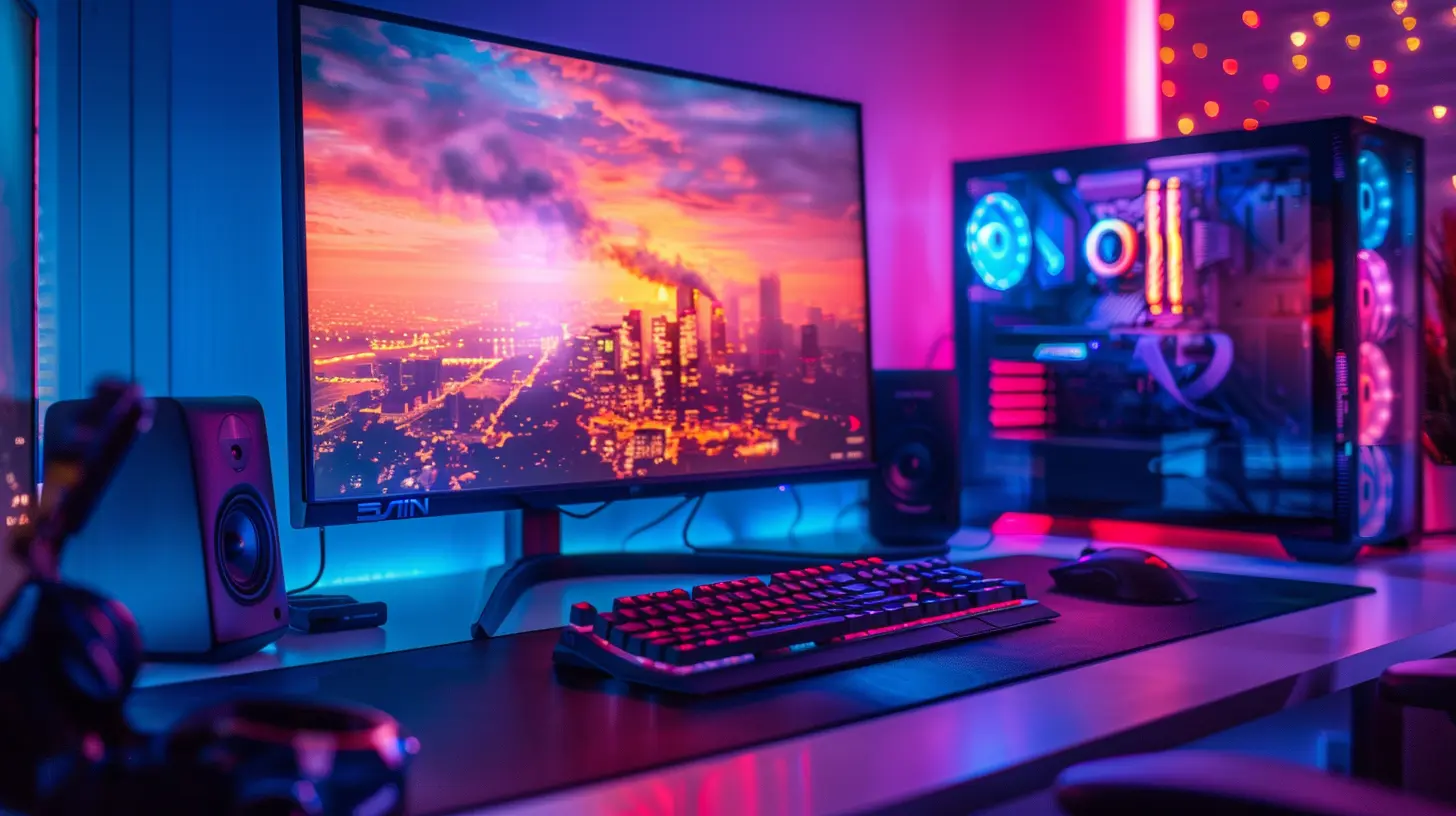
How Speed Is Measured on Monitors
When people talk about speed in monitors, they're really focusing on two things:1. Refresh Rate (measured in Hz)
2. Response Time (usually in ms)
Refresh Rate vs Response Time, Explained Simply
- Refresh Rate is how many times per second your monitor updates the image. A 60Hz refresh rate equals 60 updates per second. Gamers often go for 120Hz, 144Hz, or even 240Hz for buttery-smooth motion.- Response Time is how fast a pixel can change from one color to another—usually gray-to-gray (GtG). Lower response time (like 1ms) means less motion blur and ghosting in fast-moving scenes.
So, if you’re all about snappy gameplay or twitch reflex shooters like Valorant or Apex Legends—speed is your ride-or-die.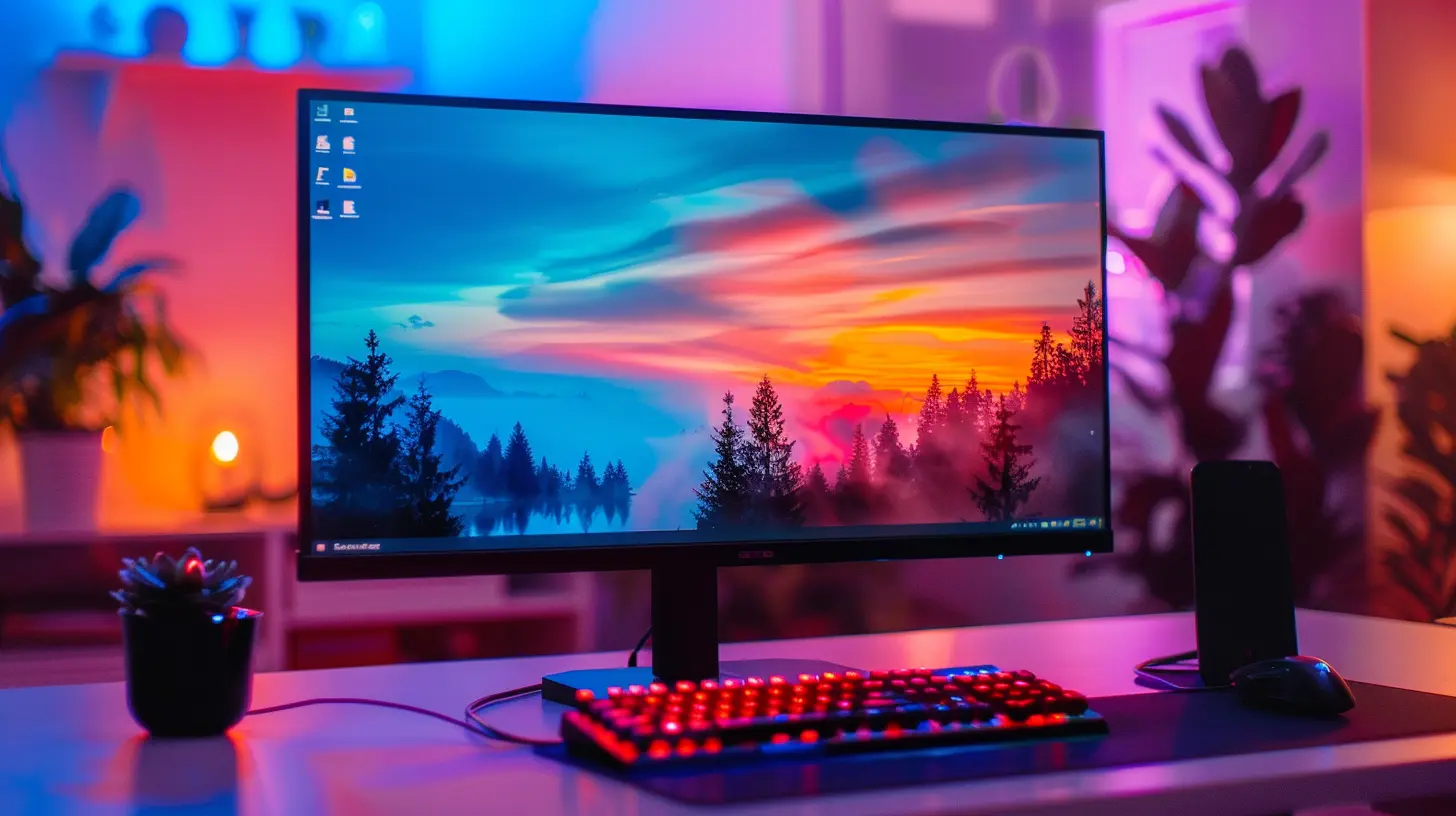
The Classic Dilemma: Can You Have Both?
Now, here's the million-dollar question: Can't a monitor be both color-accurate AND fast?Well, yes and no.
Monitor technology is all about trade-offs. Traditionally:
- IPS panels offer excellent color accuracy and wide viewing angles but tend to have slower response times.
- TN panels are lightning-fast and super responsive but color reproduction? Meh.
- VA panels sit somewhere in the middle—better colors than TN, better speed than IPS, but not the best at either.
But here’s the good news: newer IPS and OLED panels are starting to blur these lines. There ARE gaming monitors out there today that offer 144Hz refresh rates AND near-perfect color calibration.
Still, they come with a price tag that might make your wallet cry just a little.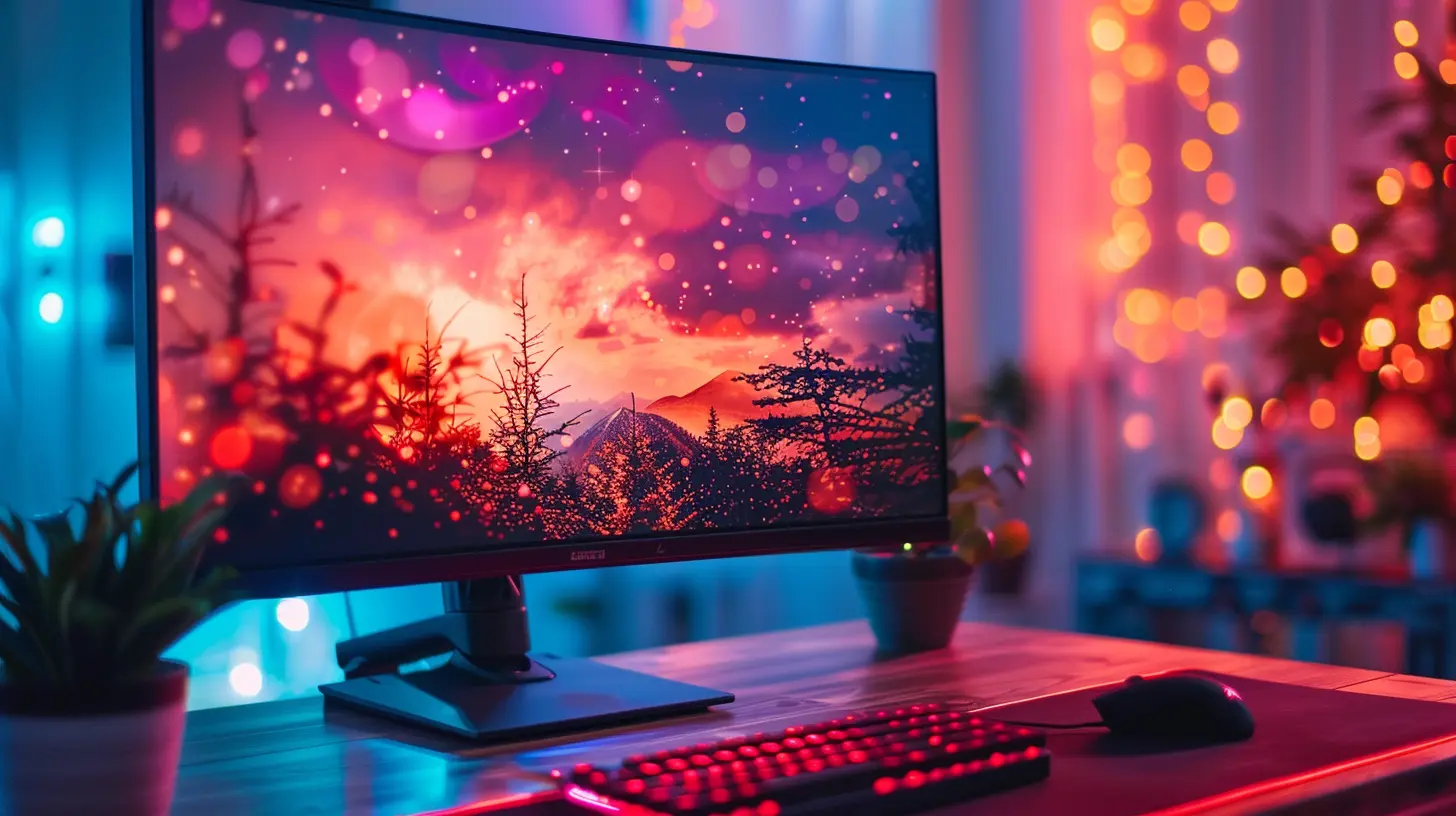
Which One Matters More For Gamers?
Alright, let’s talk straight. If you’re a gamer, which should you prioritize—accuracy or speed?Honestly? It depends on what kind of gamer you are.
Competitive Gamers: Speed All The Way 🏃♂️💨
If you’re glued to ranked FPS matches or fast-paced MOBAs, every millisecond counts. A high refresh rate can literally be the edge between a win and a loss. Motion clarity, reduced input lag, and smooth action—it’s all crucial here.Color? Meh. As long as you can tell the enemy from the background, you’re golden.
Casual Gamers and RPG Lovers: Balance is Key ⚖️
If you're more into chill story-driven games, open-world RPGs, or strategy titles, a mix of speed and color accuracy might be your sweet spot. You'll want visuals that make those game worlds come alive without sacrificing all responsiveness.Simulation & Indie Gamers: Lean Toward Color 🎨
Into city-builders, simulators, or visually stylized indie games? A color-accurate screen brings all of that gorgeous art direction to life. You won't need 240Hz here—what you want is crisp detail and vibrant, true-to-life visuals.And What About Non-Gamers?
Yep, not everyone’s into gaming (hard to imagine, but we see you).For those using a monitor for:
- Photo/video editing
- Graphic design
- 3D modeling
- Watching movies or content creation
Color accuracy is the name of the game. Seriously, a fast refresh rate won’t make your Photoshop edits look better or your Hollywood blockbuster more cinematic. What matters most here is how true-to-life everything looks.
Choosing a Monitor: What to Look For
When picking a monitor, it’s easy to fall into the trap of chasing the biggest number—whether that’s 240Hz or 100% AdobeRGB. But instead of focusing on just one, think about how you use your monitor most.Here’s a quick cheat sheet:
| Use Case | Prioritize | Bonus |
|----------|------------|-------|
| Competitive FPS Gaming | High Refresh Rate (144Hz+), Low Response Time (1ms) | Decent Color Accuracy |
| Casual Gaming | Balanced Refresh Rate (75-120Hz), IPS Panel | Good Colors |
| Creative Work | High Color Accuracy (99% sRGB/AdobeRGB), IPS or OLED Panel | Decent Refresh Rate (60-75Hz is fine) |
| General Use/Media | IPS Panel, Good Color Range | 75Hz+ Refresh for Smoother Browsing/Video |
And here’s a quick tip: if you’re unsure, go for an IPS display with at least 100Hz refresh rate. It’s the sweet spot for most people and balances both worlds well.
Hybrid Monitors: The Best of Both Worlds?
Yes, the holy grail does exist.Monitors like the LG UltraGear series, ASUS ROG Swift, and Eve Spectrum are blazing trails when it comes to combining color and speed. Some of these offer 4K resolution with accurate colors, low input lag, and refresh rates north of 120Hz.
They’re premium, sure, but if you want that "one monitor to rule them all," these are worth the investment.
Common Myths Debunked
Let’s bust a few myths real quick:- ❌ “High refresh rate = better image quality.” Nope. It just makes motion smoother. It doesn’t improve color or resolution.
- ❌ “Only professionals need color accuracy.” Not true. Anyone who watches movies, plays games, or does light content creation benefits from accurate colors.
- ❌ “You can't game on a color-accurate monitor.” False! Many IPS monitors today offer perfectly suitable speed for gaming.
So yeah, don’t believe everything you hear on Reddit. 😉
Final Thoughts: It’s All About YOU
At the end of the day, this whole "color accuracy vs speed" debate isn’t about one being better than the other. It’s about matching your monitor to your lifestyle.- Hardcore gamer? Go fast.
- Creative mind? Go accurate.
- A bit of both? Find that happy middle ground.
It’s kind of like choosing between a sports car and a luxury sedan. Both are amazing—just depends on whether you want to feel the wind in your hair or ride in comfort.
Whatever you choose, make sure your monitor supports the things you love to do. Because looking at a screen all day shouldn’t just be tolerable—it should be an experience.
all images in this post were generated using AI tools
Category:
Gaming MonitorsAuthor:

Avril McDowney
Discussion
rate this article
2 comments
Rosalyn Watson
Great article! Balancing color accuracy and speed is crucial for gamers. While speed enhances gameplay, color accuracy enriches immersion, making both vital for an optimal gaming experience.
April 1, 2026 at 3:40 AM
Avril McDowney
Thank you! I completely agree—finding the right balance between color accuracy and speed is essential for an immersive gaming experience.
Drift Long
Prioritize color accuracy for immersive visuals, but speed is crucial for competitive gaming performance.
March 28, 2026 at 3:54 AM
Avril McDowney
Both color accuracy and speed are essential, but the right balance depends on your main use. Gamers often lean toward speed, while creatives might prioritize color fidelity. it's about finding what suits your needs best.