Choosing the Right Monitor for Console Gaming
20 July 2026
So, you're a console gamer, and you're on the hunt for the perfect monitor, right? Maybe you're tired of your old TV lagging behind your reflexes, or maybe you just want to make your PS5 or Xbox Series X look as jaw-droppingly beautiful as possible. Either way, you've come to the right place.
Let’s get real — choosing the right monitor for console gaming isn’t rocket science, but with all the specs, acronyms, and flashy marketing out there, it can feel like you're decoding the Matrix. But don't worry. We're breaking things down in plain English so you can pick a monitor that makes your games pop, without making your wallet cry.
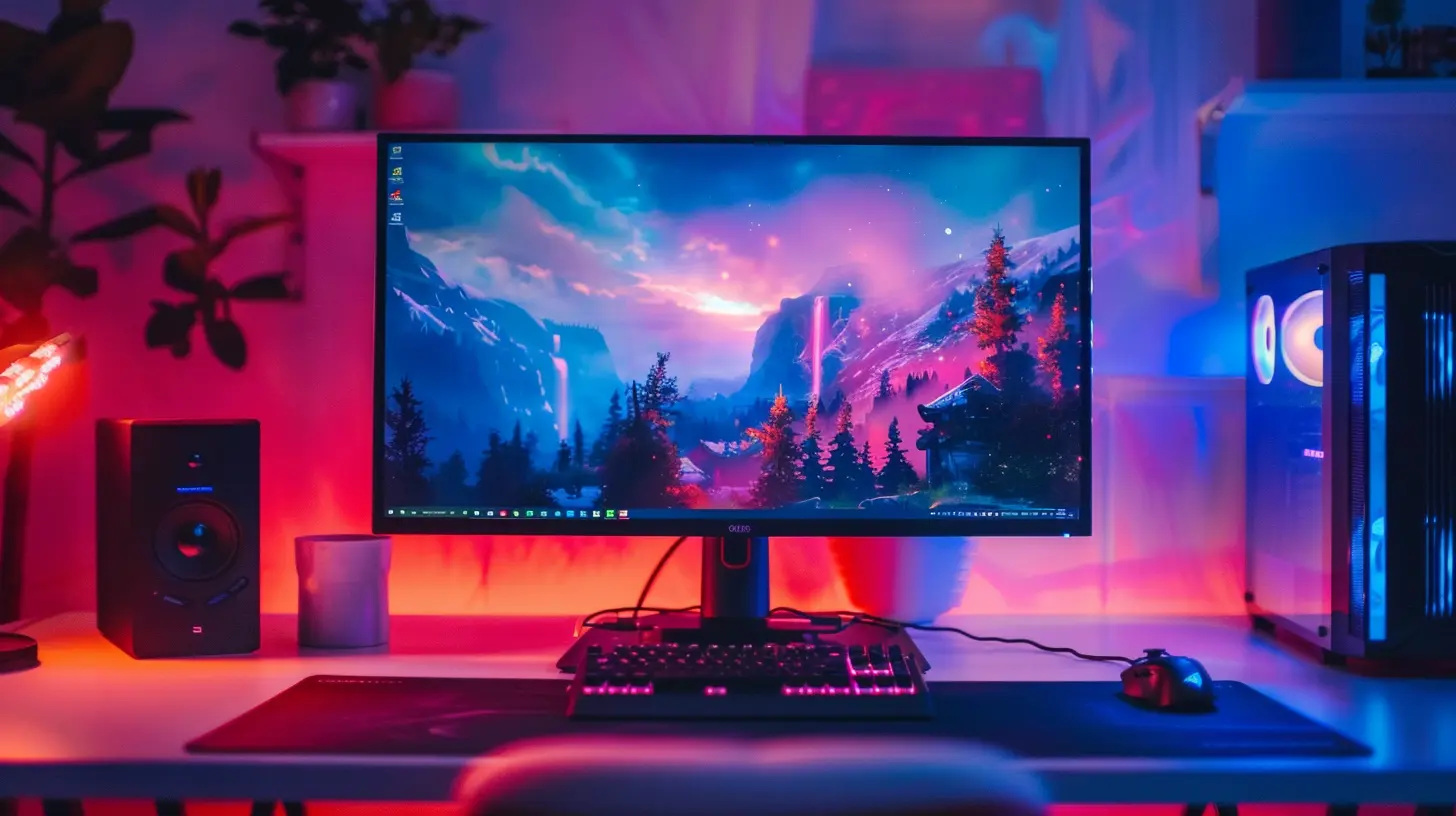
Why Console Gamers Should Care About Monitors
Okay, first off, let’s answer the obvious question: "Isn’t my big-screen TV good enough?"Sure, your TV might be huge and comfy for Netflix binges, but gaming? That’s a whole different beast. TVs are built for movies, sports, and sitcoms — not for the ultra-responsive needs of modern-day gaming.
Monitors, on the other hand, are like sports cars. They're fast, sleek, and built for performance. Here’s what makes them a solid pick for gamers:
- Lower input lag (faster reaction time — clutch for FPS and racing games)
- Better refresh rates and faster response times
- Compact size for desktop setups
- Crisper visuals at closer range
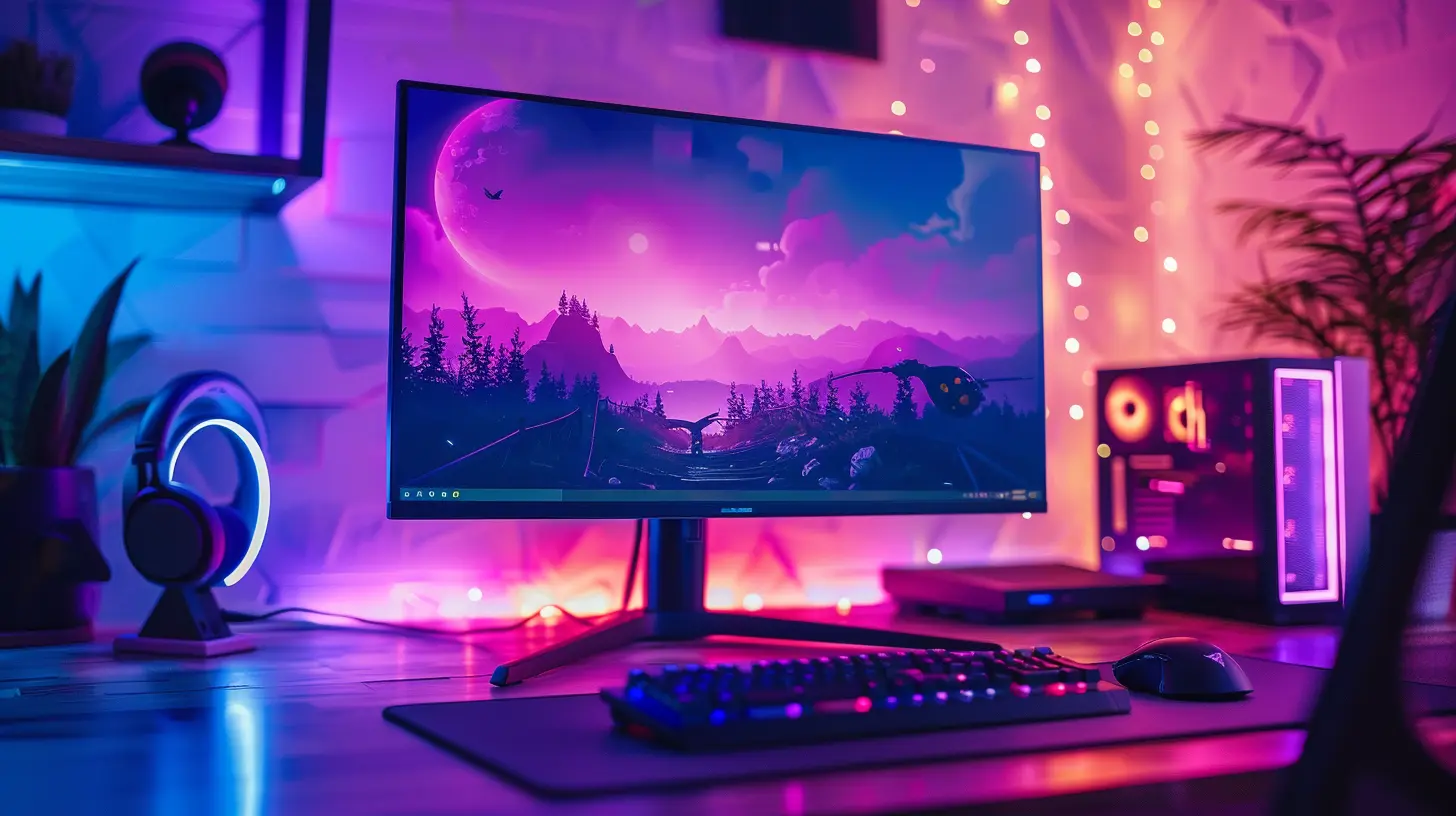
Size Matters... But Not the Way You Think
If you're moving from a 55-inch TV to a 27-inch monitor, prepare for culture shock. But trust me, once you sit at your desk and dive into a match of Call of Duty or roam Hyrule in Zelda, you'll see why smaller can be mightier.Best Sizes for Console Gaming Monitors
For couch gaming:- 32 to 43 inches is the sweet spot. Still big enough to sit back and relax.
For desk setups:
- 24 to 32 inches is ideal. You're closer to the screen, so anything bigger might feel like you're watching a tennis match—turning your head side to side.
Ready to get cozy with your screen? Good. Let’s move on.
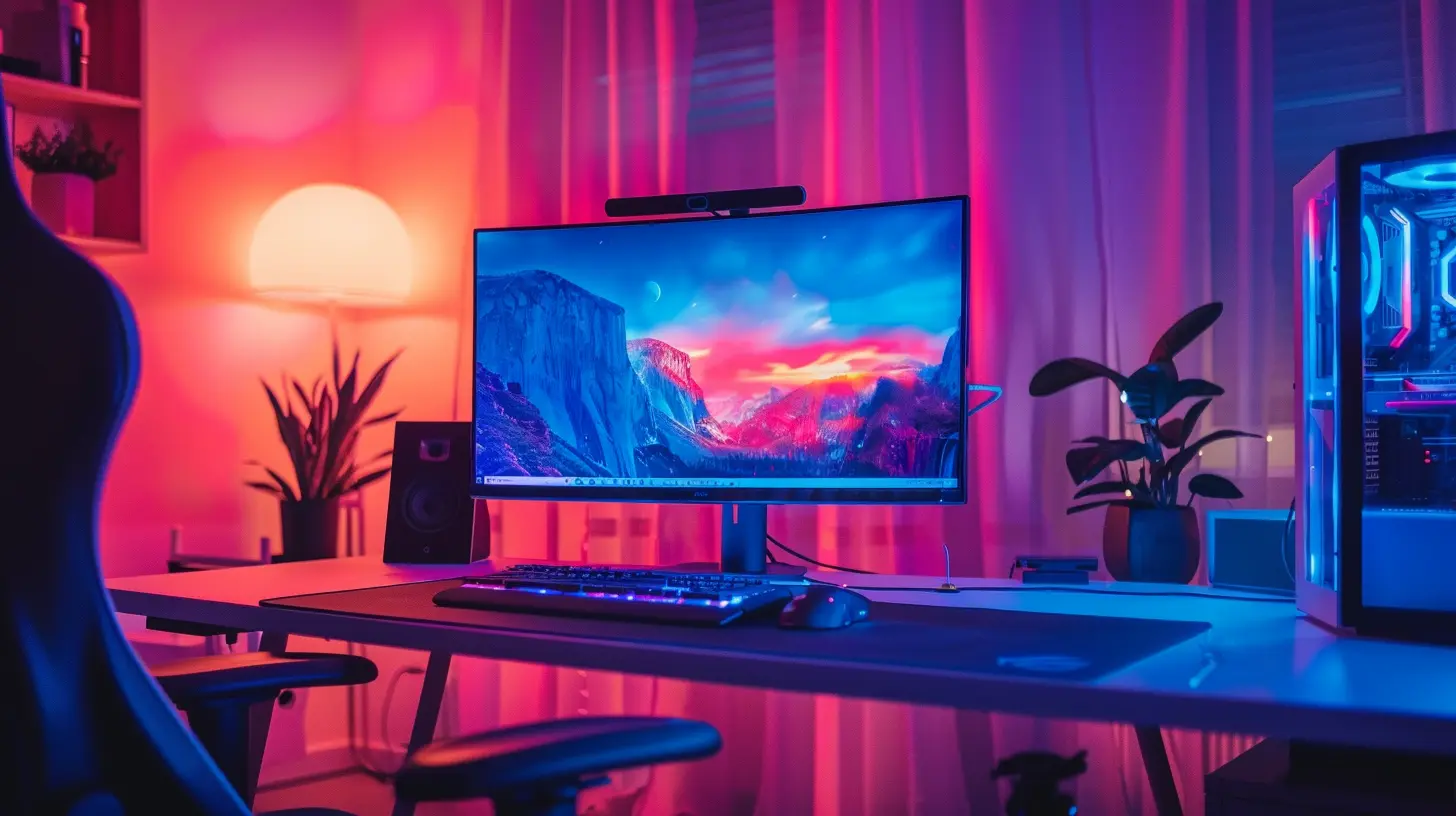
Resolution: 1080p vs 1440p vs 4K
Resolution is like the canvas your game is painted on. The higher the resolution, the more detail you’ll see. But not all consoles (or wallets) handle 4K the same way.1080p (Full HD)
- Your budget-friendly buddy.- Best for older consoles (like the PS4 or Xbox One).
- Easier on your wallet and still looks pretty decent on smaller screens.
1440p (Quad HD)
- The sweet middle ground.- PS5 and Xbox Series X now support 1440p (finally!).
- Offers noticeable sharpness over 1080p without the 4K price tag.
4K (Ultra HD)
- The big leagues.- Perfect match for Xbox Series X and PS5.
- Crisp visuals, gorgeous detail — but they come at a cost.
- Requires HDMI 2.1 for full features (more on that soon).
So what should you go for? If you're all about premium visuals and have the gear to match, 4K is hard to beat. But 1440p is the smartest choice for most gamers — it's the MVP of performance and price.
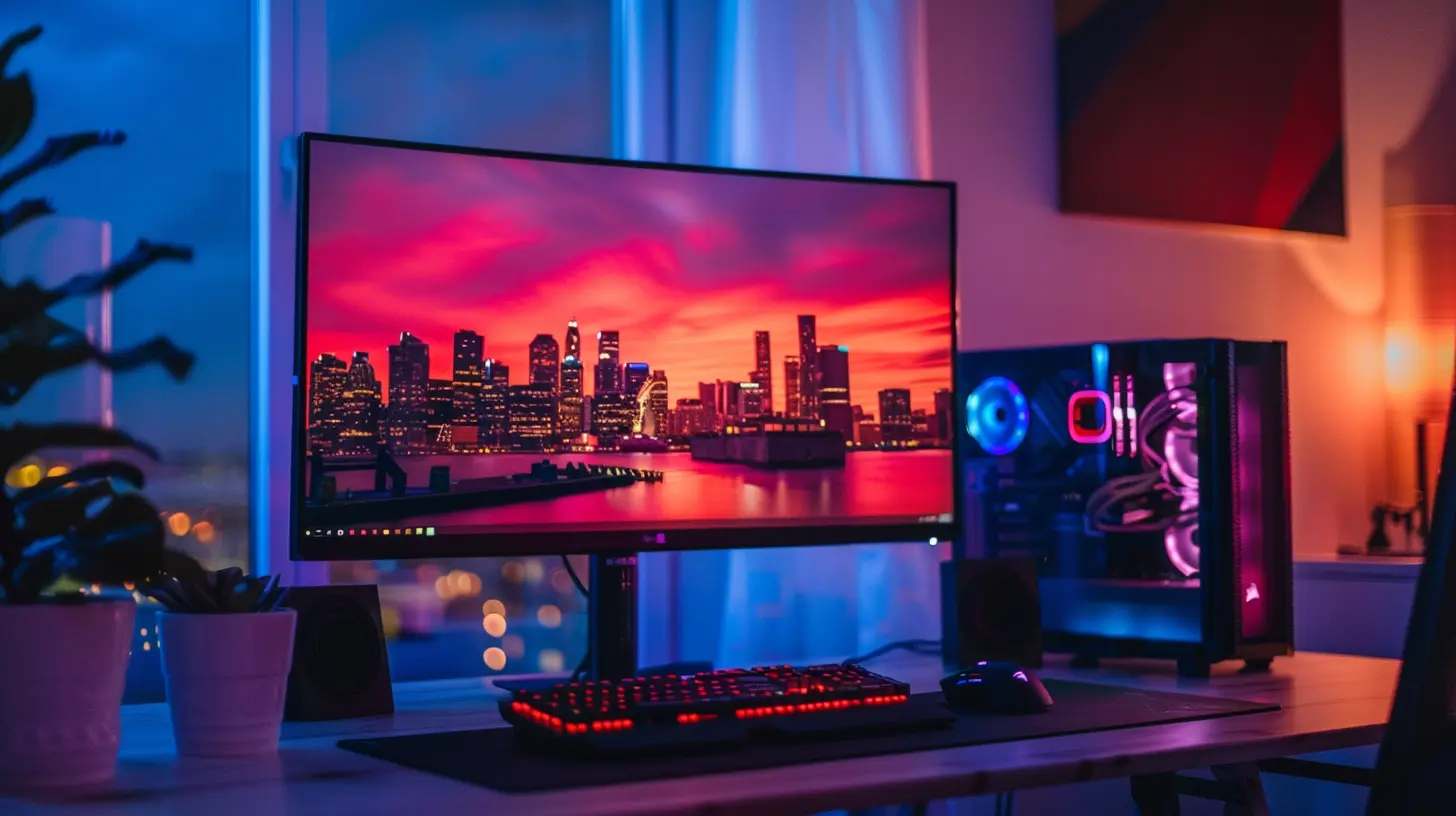
Refresh Rate: How Smooth Do You Want It?
This one’s simple: A refresh rate tells you how many frames per second your monitor can display. It’s measured in hertz (Hz).- 60Hz — Standard. Works great for most console games.
- 120Hz or 144Hz — Smoother than butter. Ideal for competitive shooters or racing games.
Now, here’s the kicker: Not all consoles can take advantage of high refresh rates. The PS5 and Xbox Series X support 120Hz at 1080p or 1440p, depending on the game. But if you’re using a basic console or playing more cinematic games (like RPGs or story-driven adventures), 60Hz is perfectly fine.
TL;DR on Refresh Rates
- Casual gamer? Stick with 60Hz.- Competitive gamer? Go for 120Hz or higher.
Response Time: Blink and You Might Miss It
Response time is how fast a pixel can change from one color to another, usually measured in milliseconds (ms). Lower is better.- 1ms — Lightning fast. Almost no motion blur.
- 4ms or below — Still excellent for most gaming.
- Over 5ms — You might start noticing some ghosting.
If you’re into twitch shooters like Fortnite or Apex Legends, go for quicker response times. But if you're more into chill games like Animal Crossing or indie adventures, it’s not a huge deal.
HDR: The Cherry on Top
HDR (High Dynamic Range) makes your games look chef’s kiss. It adds depth to colors, enhances contrast, and makes the visuals pop like fireworks at midnight.Here’s the catch: Not all HDR is created equal.
Look for:
- HDR10 support (standard for consoles)
- High brightness levels (at least 600 nits)
- Wide color gamut
You’ll also want a monitor with decent panel quality (like an IPS or VA panel) to really enjoy HDR. TN panels? They’re fast, but the colors are...meh.
Bottom line: If you care about visuals and cinematic experiences, go HDR.
HDMI Ports and Version – Don’t Skip This!
This might sound boring, but the HDMI port on your monitor is crucial. It’s the bridge between your console and your glorious new screen.If you have a next-gen console (PS5/Xbox Series X), you’ll want HDMI 2.1. Why? Because it:
- Supports 4K at 120Hz
- Enables Variable Refresh Rate (VRR) for smoother gameplay
- Handles Auto Low Latency Mode (ALLM)
Have an older console? HDMI 2.0 or even 1.4 will do the job just fine.
Pro tip: Always check what HDMI version your monitor supports — don’t get burned by marketing jargon that says “120Hz capable” but only with HDMI 2.0.
Panel Types: IPS vs TN vs VA
Not all display panels are created equal. Here’s the breakdown:IPS (In-Plane Switching)
- Vivid colors, great viewing angles- Slightly slower response time, but who’s counting?
- Best for immersive, cinematic gaming
TN (Twisted Nematic)
- Super fast response and refresh rates- Color and viewing angles? Meh.
- Good for competitive gamers on a budget
VA (Vertical Alignment)
- Deep blacks, good contrast- Middle ground between IPS and TN
- Can suffer from motion blur in fast-paced games
If eye-candy is your thing, go IPS. If esports runs in your veins, TN could be your pick.
Adaptive Sync: Bye-Bye Screen Tearing
Ever had your game screen look like someone sliced it with a knife? That’s screen tearing — and it sucks.Luckily, there’s a fix: adaptive sync technologies like FreeSync (great with Xbox) and G-Sync Compatible (a bit more NVIDIA-focused, but still useful).
They help match your console's frame rate to the monitor’s refresh rate, so everything stays smooth and tear-free.
If your monitor supports FreeSync and your console supports VRR (Xbox Series X|S does, PS5 finally got it too), you’re golden.
Built-in Speakers and Extras
Let’s be honest — monitor speakers kind of suck. They're better than nothing, but don’t expect surround sound magic. If you’re a true audiophile, grab a pair of gaming headphones or some quality external speakers.Some other nice-to-have features:
- USB hubs for plugging in accessories
- Adjustable stands or VESA mount compatibility
- Slim bezels for that sleek gamer look
- Low Blue Light / Flicker-Free tech to help save those precious eyeballs
Budget Breakdown: What Should You Spend?
Let’s talk numbers. Here’s a basic rundown of what you can expect:- Under $200 — 1080p, 60Hz. Good for older consoles or casual gaming.
- $200–$400 — 1440p or 1080p at 120/144Hz. Sweet spot for most gamers.
- $400–$800 — 4K, HDMI 2.1, HDR. Great for next-gen consoles.
- $800+ — Premium features, top-of-the-line performance, and bragging rights.
Spend according to your console, gaming style, and how often you'll use it. No point buying a Ferrari for Sunday strolls, right?
Final Thoughts: Level Up Your Gaming Setup
Alright, let’s wrap this up. Choosing the right monitor for console gaming doesn’t have to be overwhelming. Focus on what matters most to you—whether that’s buttery-smooth frame rates, jaw-dropping graphics, or just getting the most bang for your buck.Still stuck? Answer these quick questions:
- Do I have a PS5 or Xbox Series X? Go for 1440p or 4K with HDMI 2.1.
- Am I competitive or casual? Competitive = 120Hz+ at low response time. Casual = 60Hz is fine.
- Do I play in a bright room? IPS panels shine.
- Do I need massive screen space? Consider a 32”+ monitor or stick with your TV.
At the end of the day, your monitor is your window into the gaming world. Choose wisely, and your eyes (and K/D ratio) will thank you!
all images in this post were generated using AI tools
Category:
Gaming MonitorsAuthor:

Avril McDowney