Are Touchscreen Monitors Practical for Gaming?
20 January 2026
Let’s be real — touchscreen monitors have become a staple in our everyday devices. They’re on our smartphones, tablets, kiosks… even fridges, for crying out loud. But when it comes to gaming — a world where millisecond reactions and pixel-perfect accuracy matter — do touchscreen monitors really have a seat at the high-performance table?
If you've ever wondered whether you can dominate your favorite game with just your fingers on the screen, you're not alone. Let’s dive into the practicality of touchscreen monitors for gaming and see if they make sense — or if it’s just another tech trend chasing clicks.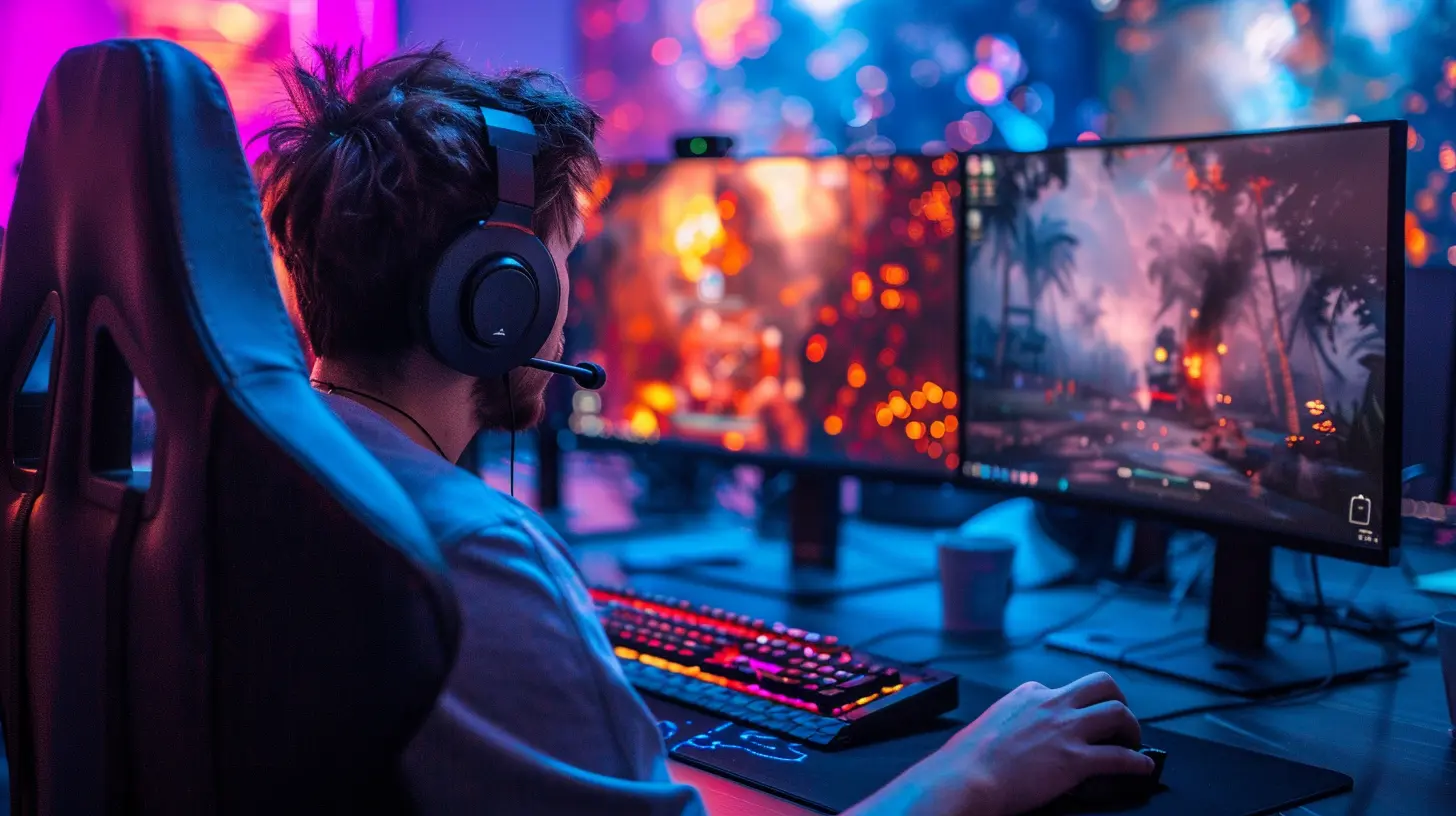
The Appeal of Touchscreens: Is It All Just Cool Factor?
Touchscreen monitors do feel futuristic, right? The idea of dragging, tapping, and zooming with your fingers has an irresistible charm. It’s interactive, intuitive, and just feels more personal somehow. We’ve all watched Tony Stark swipe holograms or Tom Cruise manipulate data in mid-air and gone, “Yeah, that’s the dream.”So naturally, the thought comes — “If I can pinch to zoom in on maps or swipe enemies in Fruit Ninja, why not crank it up to my favorite first-person shooter or MMO?”
But gaming isn't just about being cool — it’s about winning. And here’s where the rose-tinted screen might start smudging.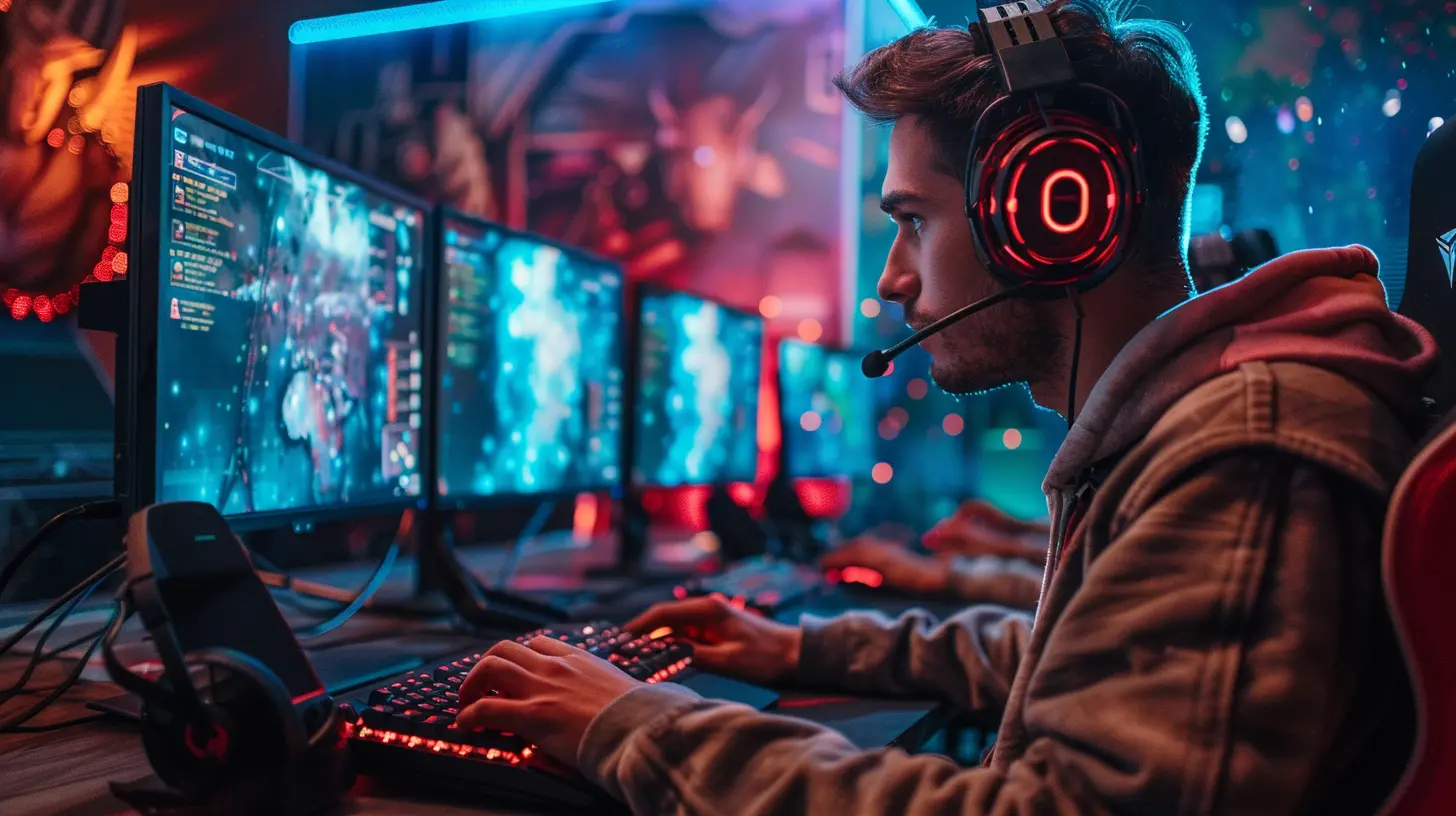
The Pros: Let’s Give Touchscreens Some Love
Before we start pointing fingers (pun very much intended), let's look at where touchscreen monitors actually shine in gaming. It’s not all doom and gloom.1. Casual Mobile Games? Oh Heck Yes.
If your gaming diet leans more toward mobile-style games — think Candy Crush, Angry Birds, or those addictive tower defense games — touchscreens are a no-brainer. Games like these are literally designed with touch in mind. On a touchscreen monitor, they feel natural, responsive, and super engaging.2. Strategy and Simulation Games
Ever played Civilization or The Sims and wanted to just tap a unit instead of dragging your mouse all over the map? Touchscreens can actually enhance the experience with simpler navigation and faster selections. You won’t be speed-running StarCraft tournaments, but for slow-paced, decision-heavy titles, it’s oddly satisfying.3. Creative and Sandbox Games
Minecraft in touchscreen mode? Surprisingly fun. Especially in Creative mode, where you’re building rather than battling. Games that focus on creation over competition can really benefit from the tactile interaction a touchscreen offers.
The Harsh Reality: Where Touchscreens Fall Flat
Now for the not-so-fun part. As tempting as touchscreens are, they do come with a laundry list of limitations when used for gaming — especially competitive or fast-paced gaming.1. Precision? Yeah, Not Really.
Try landing a headshot in Call of Duty with your finger. Oof. Not happening. Our fingers are basically big, clumsy sausages compared to the precision of a mouse or a joystick. Touchscreens lack the pinpoint accuracy needed for genres like FPS, MOBAs, or even fast-paced platformers.And let’s not forget — your hand is literally covering part of the screen when you play. Imagine trying to dodge an enemy while also being your own biggest visual obstacle. Not ideal.
2. No Tactile Feedback
Gamers love feedback. There’s something satisfying about the ‘click’ of a mouse, the tension of a gamepad’s trigger, or even the resistance of a mechanical keyboard. Touchscreen? It’s all flat. You’re tapping smooth glass hoping your brain registers a button press.Without tactile feedback, it’s hard to react instinctively — especially in high-stakes situations where one wrong move means “Game Over.”
3. It’s All About Ergonomics
Let’s be honest — reaching out to jab at a screen for hours? That’s not comfy. It may work in short bursts, but prolonged gaming sessions with a touchscreen can be downright fatiguing. It's called "gorilla arm syndrome" for a reason. Your hands and arms will start complaining pretty quickly.Mouse and keyboard setups let your hands rest. Controllers fit your grip. Touchscreens? They turn you into an air-typing pianist with shoulder strain.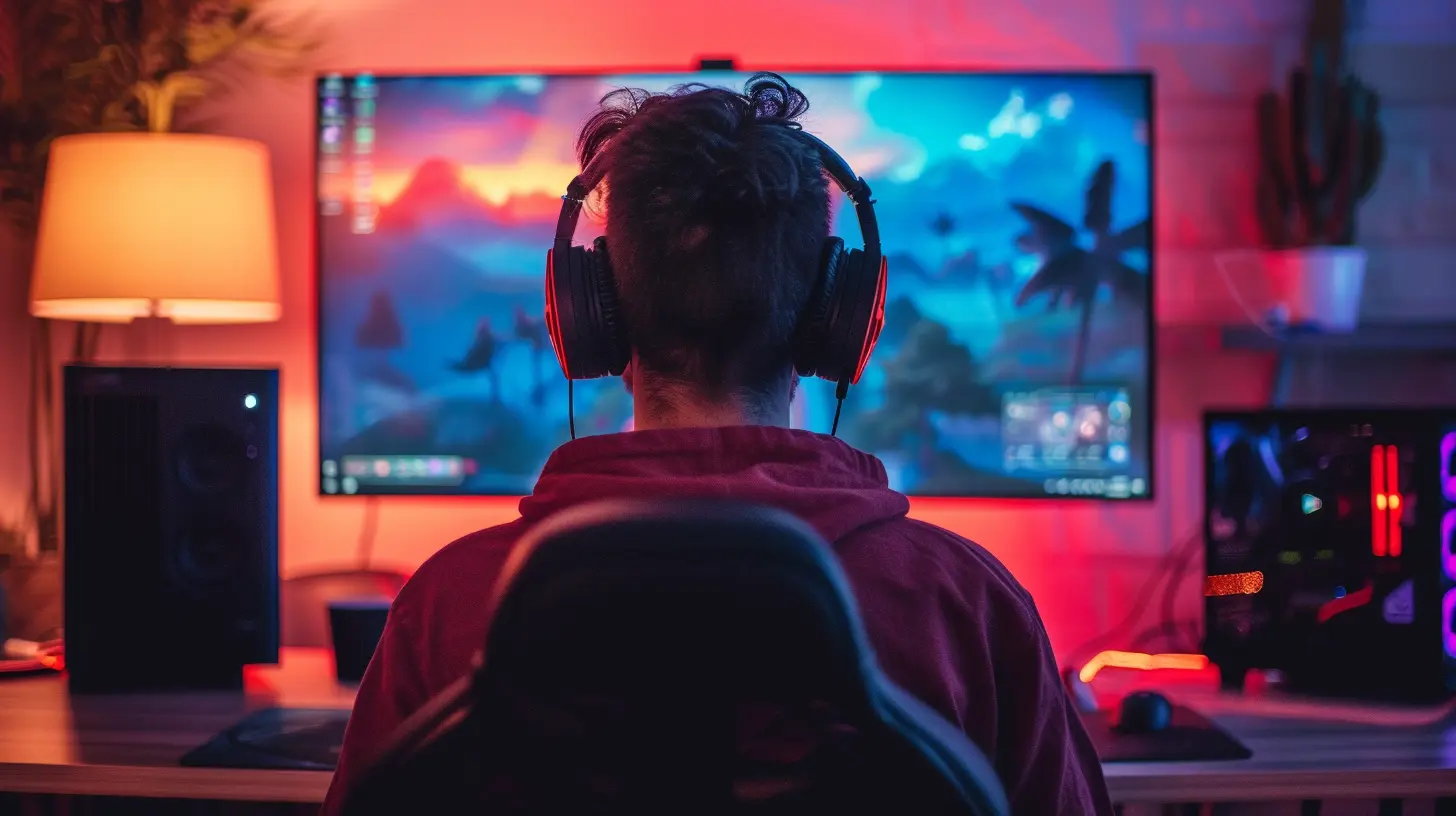
The Use Cases: When It Might Actually Make Sense
Okay, so we’ve roasted touchscreen gaming a bit. But there are a few scenarios where it’s not only practical — it’s kind of awesome.1. Companion Display with Touch Functions
This might be the best use of a touchscreen in gaming. Imagine having a dual-monitor setup where your primary monitor shows the game, and your touchscreen acts as a secondary panel. You can tap shortcuts, manage stream overlays, control Spotify, or switch scenes in OBS — all without interrupting the main action.For streamers and multitaskers, this kind of setup can be a game-changer (pun again intended).
2. Emulation and Retro Games
Some classic games don’t require super-fast reactions or pinpoint precision. Emulators for Nintendo DS, for instance, work beautifully with touchscreen monitors because the original console was touch-based. You get closer to that nostalgic feel without needing extra hardware.3. Educational or Kids Gaming
If you’re setting up a gaming station for younger players or educational games, touchscreens are intuitive and easy to use. They remove the learning curve of controllers or keyboard shortcuts and let kids jump straight into the fun stuff.The Verdict: Should You Game on a Touchscreen Monitor?
Here’s the deal — touchscreen monitors aren’t built for hardcore gaming, and that’s totally okay. They’re not trying to dethrone the mouse and keyboard; they’re just... doing their own thing.Think of them like a Swiss Army knife. Handy in the right situation, versatile in casual tasks, and kind of cool to show off — but no one’s using it to carve a Thanksgiving turkey. If you’re into casual or touch-optimized games, a touchscreen monitor might just be your favorite new gadget. But if you’re serious about competitive or fast-paced gaming? Stick to the tried-and-true peripherals.
Still, there’s no denying that tech is evolving. Maybe one day we’ll have hybrid gaming rigs that make full use of touchscreen interfaces in a way that's both fun and functional. Until then, keep your touchscreen monitor in your arsenal — just don’t make it your main weapon.
Bonus Tips: Combining Touch with Traditional Setups
Touch doesn’t have to live on an island. Many modern games and creative tools benefit from hybrid input methods. Here are a few ways to blend touch and traditional controls:- Stream Deck Alternative: Use your touchscreen as a budget-friendly stream deck. Launch apps, control music, or toggle in-game settings with a tap.
- Map Navigation: Games with large maps (like RPGs or strategy games) are easier to zoom and pan using touch.
- Inventory Management: Drag, drop, and organize items in inventory-heavy games like Skyrim or Diablo? Super satisfying by touch.
Experiment a little. You might find a nice balance that fits your playstyle.
Final Thoughts
Touchscreen monitors are a bit like pineapple on pizza. Some people love them. Some people don’t get the hype. And some just straight-up want a refund. But they do have their place — even if it's not front and center in your main gaming loadout.If you’ve got one, don’t dismiss it outright. There’s fun to be found, especially if you’re creative with how you use it. Just don’t expect to top the leaderboards in Apex or Valorant anytime soon with your fingers alone.
So, are touchscreen monitors practical for gaming? Not universally. But in the right hands — and for the right games — they might just be a hidden gem.
all images in this post were generated using AI tools
Category:
Gaming MonitorsAuthor:

Avril McDowney
Discussion
rate this article
2 comments
Kenna Fry
Touchscreen monitors for gaming? It's like trying to dodge raindrops while juggling! Fun idea, but let’s stick to the classic controls—unless you’re ready for a finger workout and some epic smudges!
January 26, 2026 at 5:21 PM
Avril McDowney
Touchscreen monitors offer a unique experience, but traditional controls still excel in precision and comfort for gaming. Your analogy is spot on!
Garrett McAndrews
While touchscreen monitors offer intuitive interaction, their practicality for gaming hinges on balancing tactile feedback and precision. Can convenience truly enhance the immersive experience we crave?
January 22, 2026 at 3:28 PM
Avril McDowney
Touchscreen monitors can enhance convenience, but achieving the tactile feedback and precision needed for an immersive gaming experience remains a challenge.